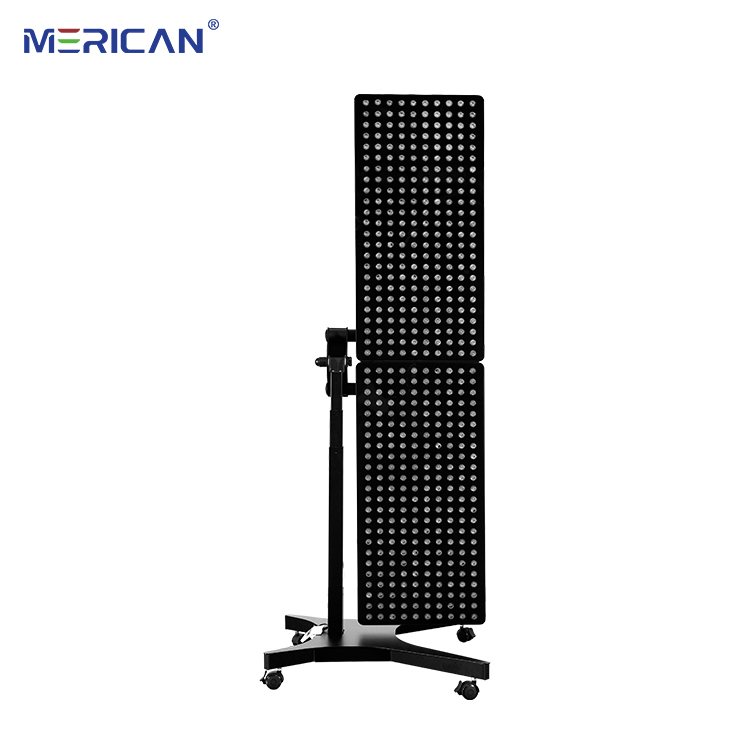
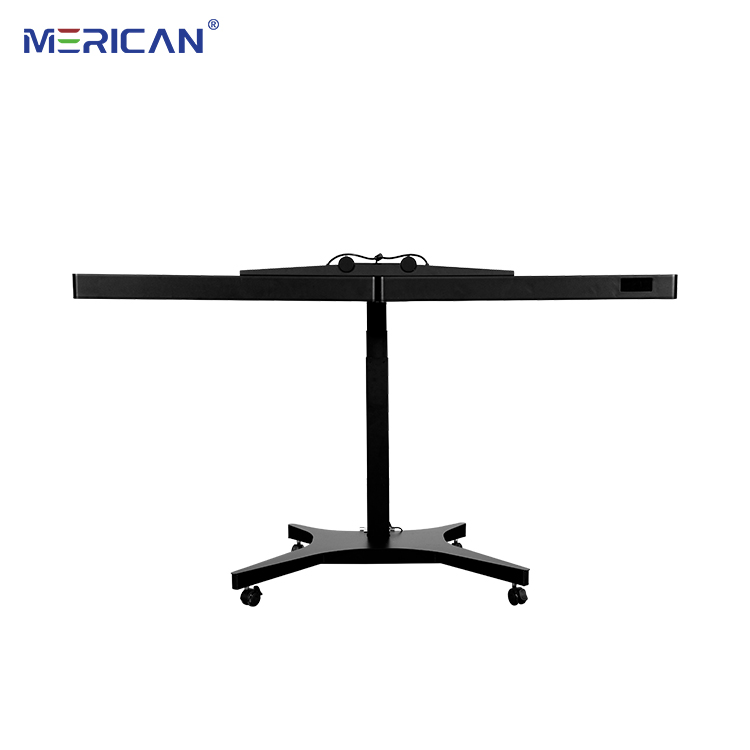
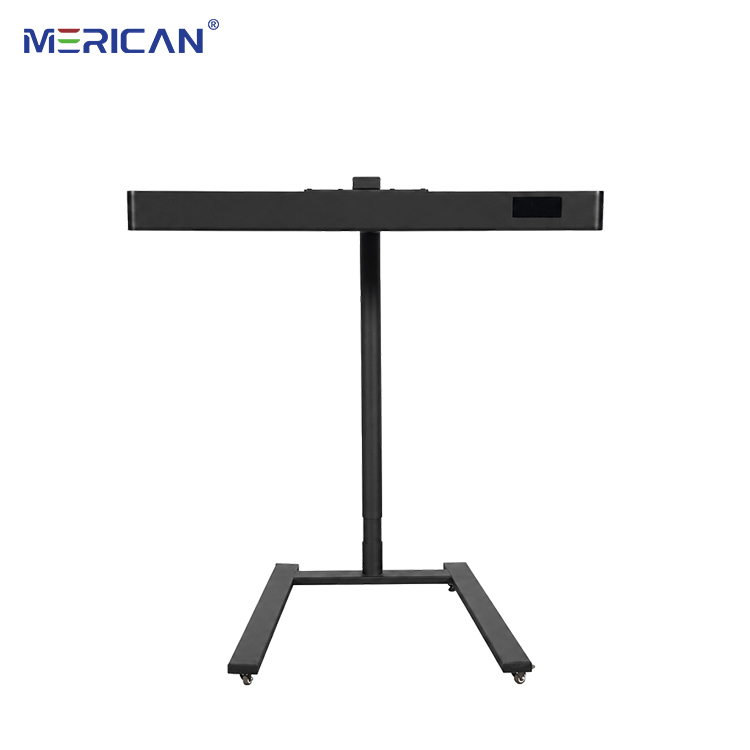
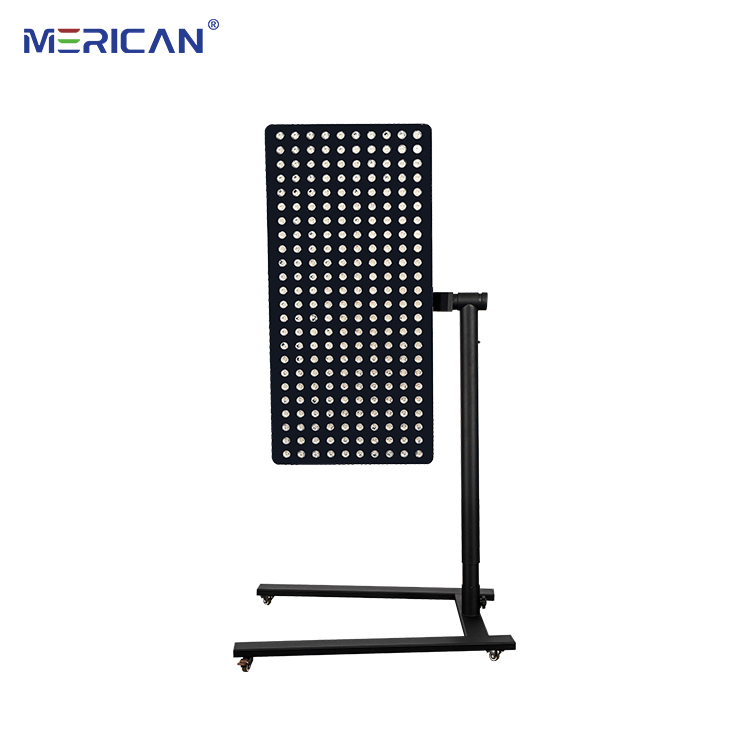
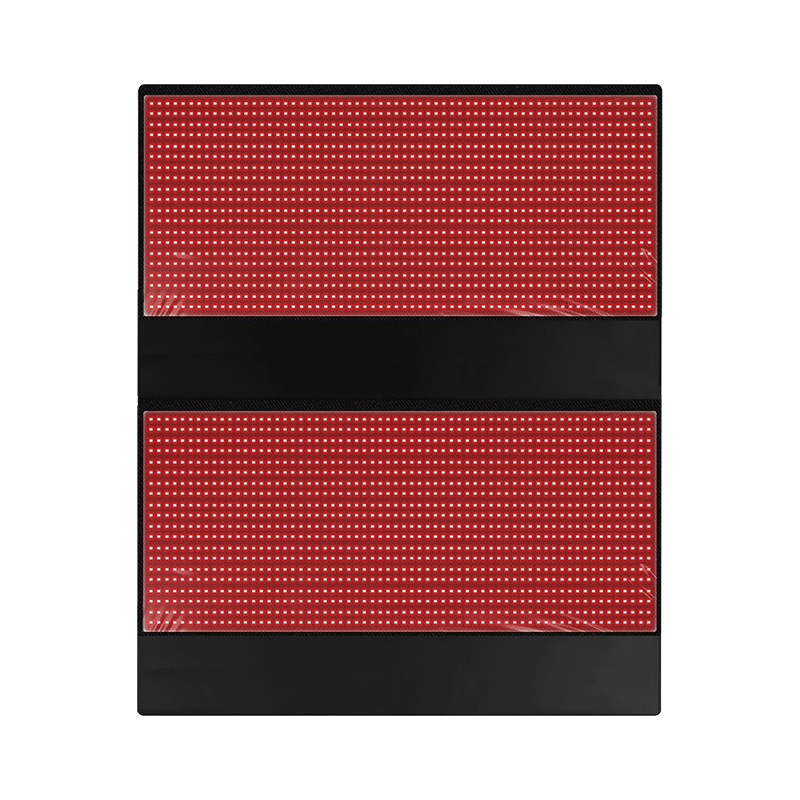
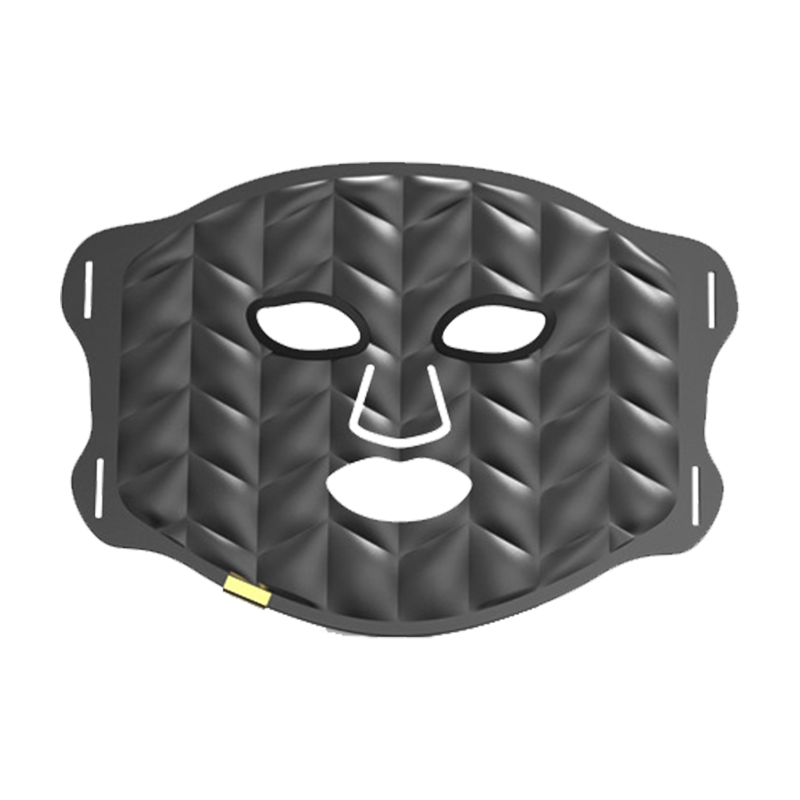
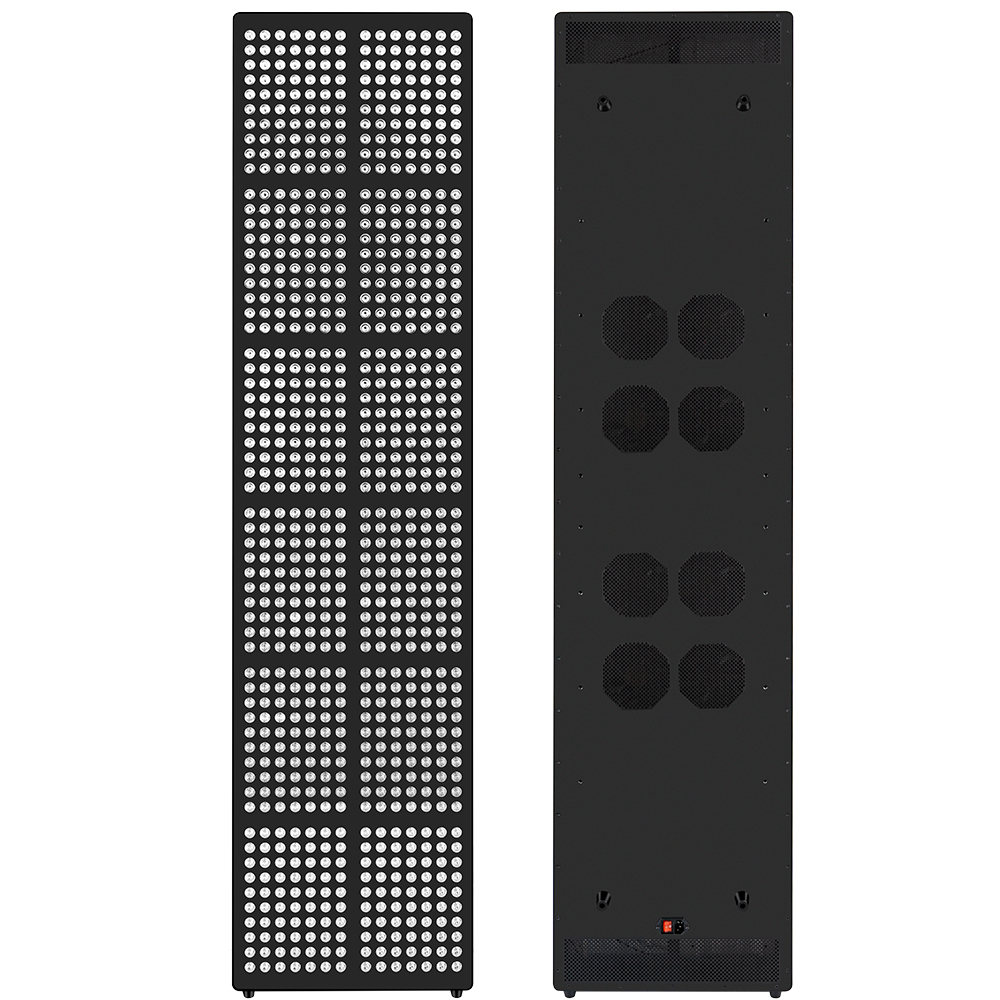
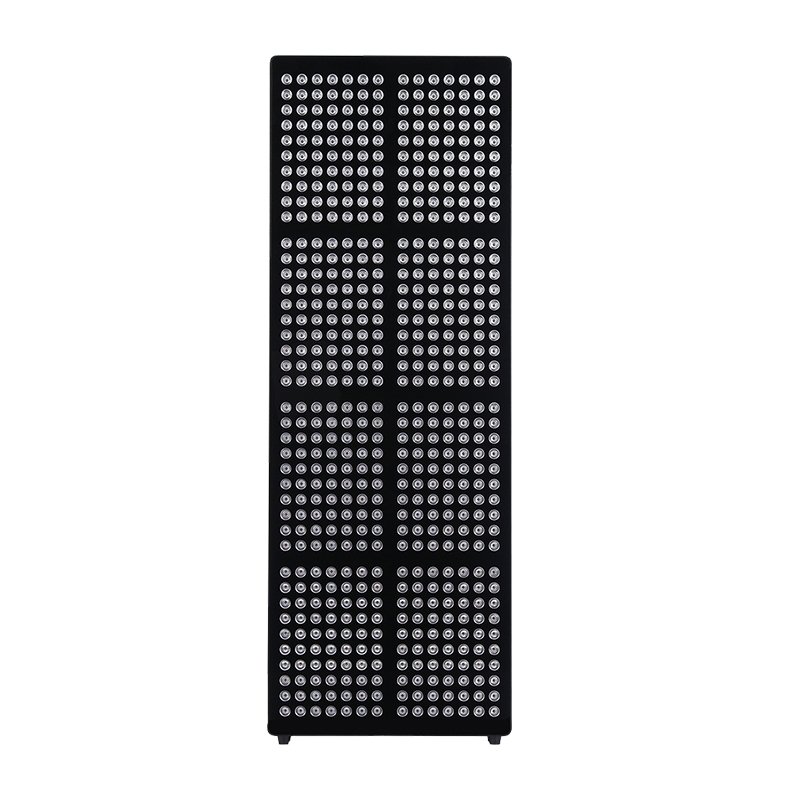
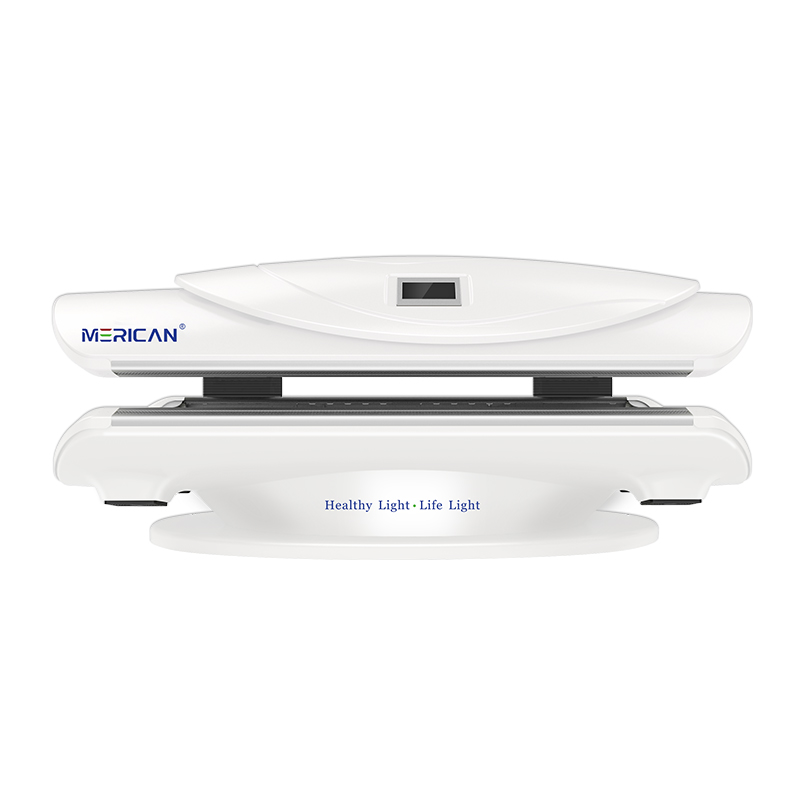
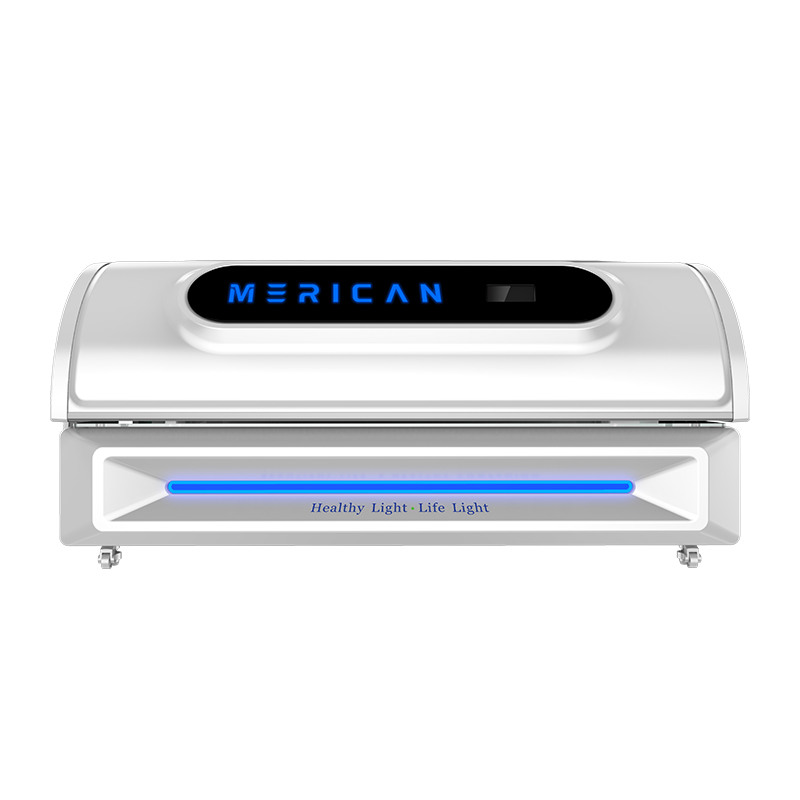
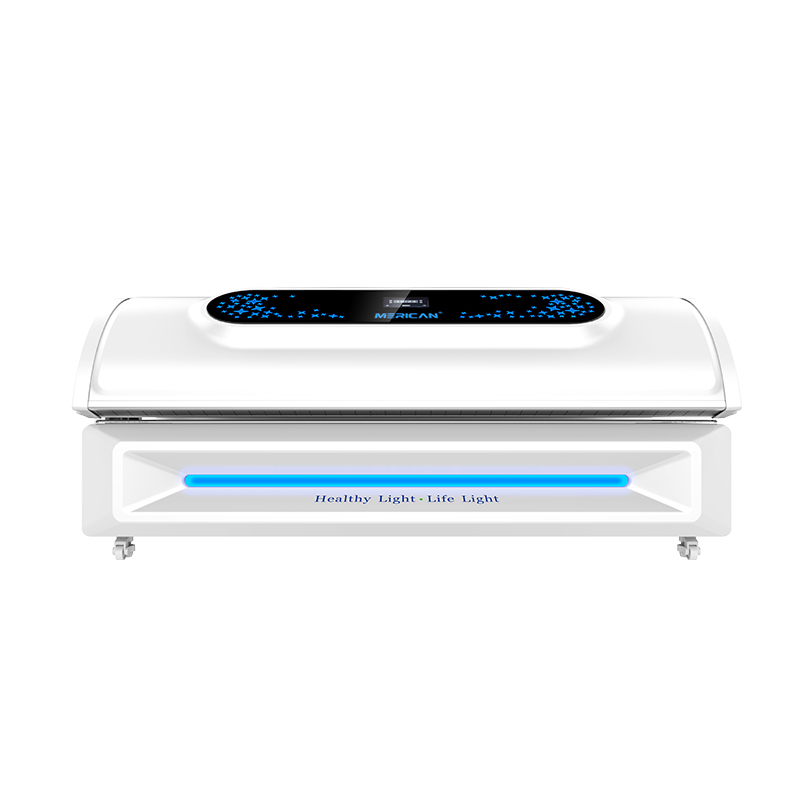
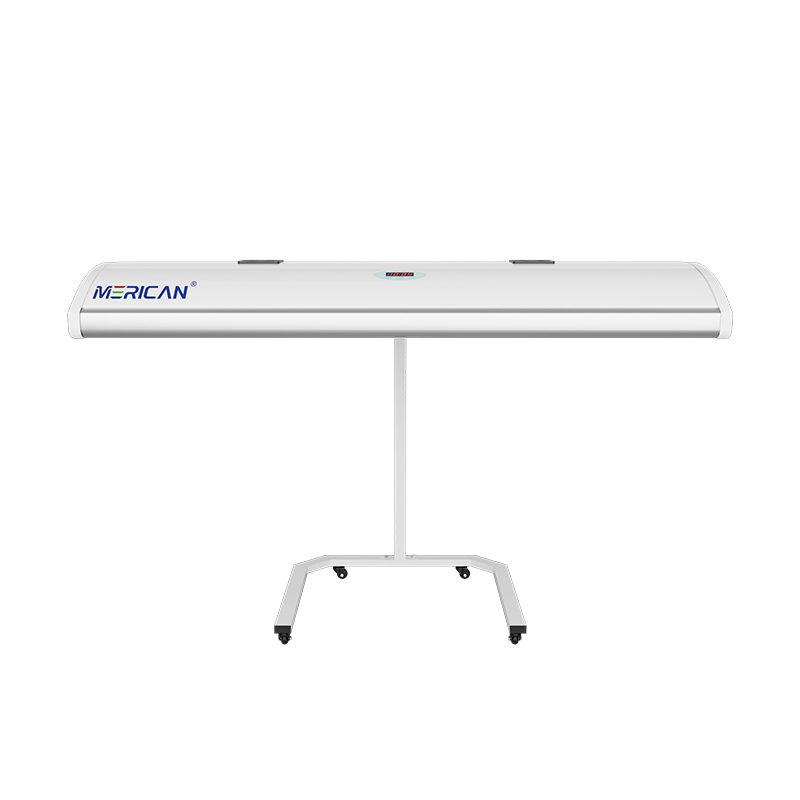
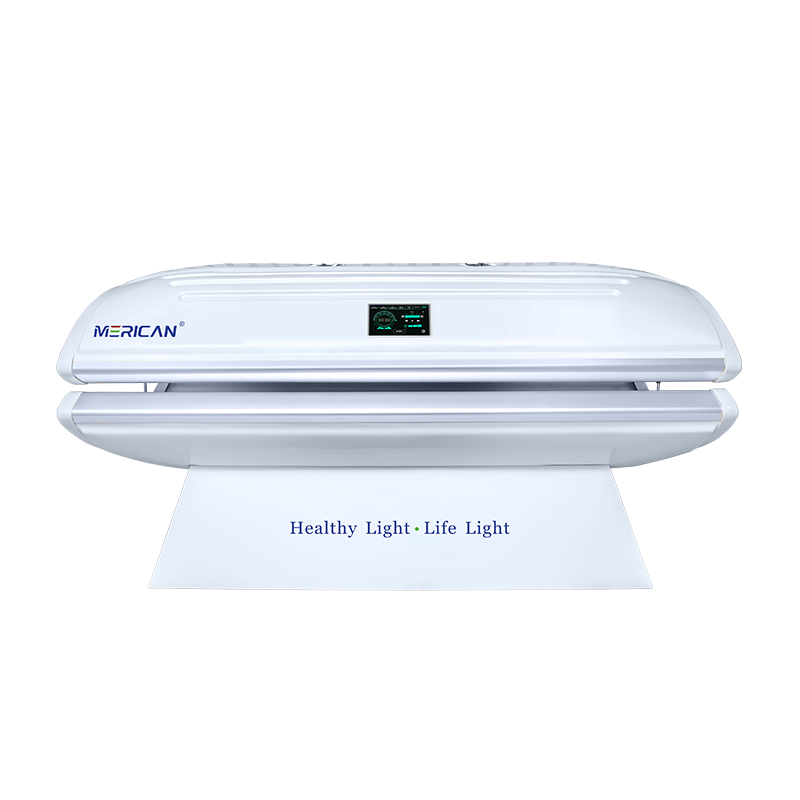
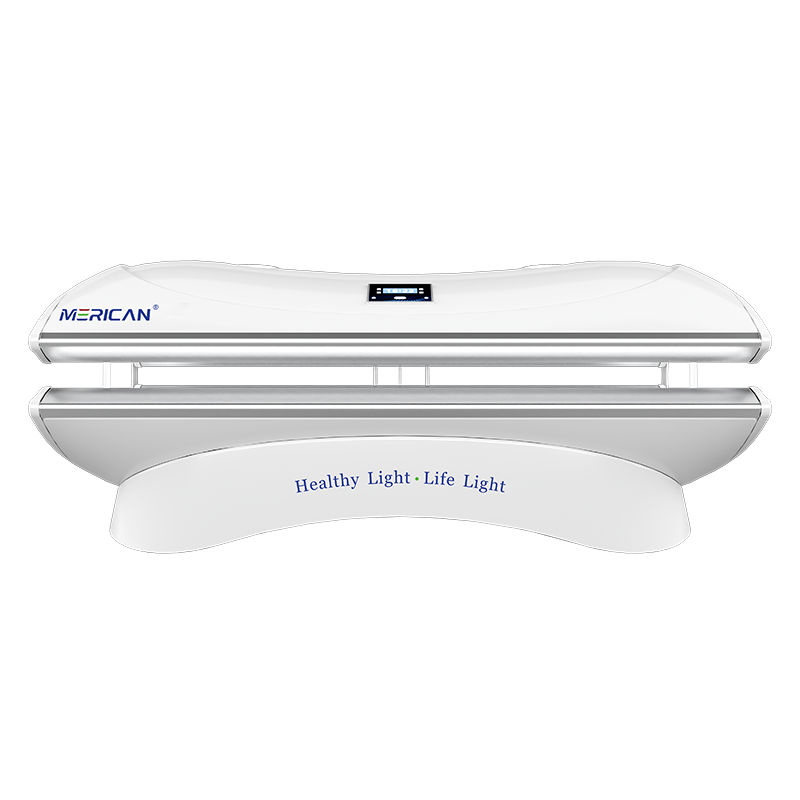
You may be able to use a phone during a red light therapy bed session if the facility and device instructions allow it, but the phone should never block the treatment light, interfere with eye protection, distract you from warning signals, or change your position. A phone is an accessory, not part of the treatment protocol. Keep it outside the light path, protect it from heat and moisture, use it only when you can remain safely positioned, and follow the operator’s rules. If the manufacturer or clinic prohibits personal electronics, that rule takes priority. The safest approach is to complete the session without a phone when using one would make it harder to stop, monitor symptoms, or follow the bed’s instructions.
Does a phone block the treatment light?
Het kan. A phone, case, hand, towel, or other object placed between a panel and the body can create a small shadow or change the light reaching the covered area. The effect may be limited to one spot, but it can make whole-body exposure less even and make the session harder to reproduce. If the treatment goal includes a particular area, covering that area with a phone defeats the purpose of the planned position.
Do not hold the phone against the skin or rest it across the torso, gezicht, or another treatment surface unless the equipment instructions explicitly describe that arrangement. Do not use the phone as a stand inside the bed if it blocks a panel, sensor, ontluchten, noodcontrole, or eye-protection position.
If you need the phone for a timer, music, or communication, place it where the operator permits and where it cannot interrupt the light path. A phone that remains outside the treatment area is less likely to change the exposure than one held over the body.
Can phone use change your position?
Ja. Looking down at a screen can cause the head, nek, schouders, or body to move away from the position specified by the manufacturer. In a bed with directional panels, even a small change in angle or distance may change the light received by a body area. Repeatedly turning the phone, reaching for it, or sitting up can also make one session different from the next.
Voordat u begint, choose a position that lets you see or hear what you need without moving out of alignment. If the instructions require the user to remain flat, face a particular direction, or keep a defined distance from a panel, follow that requirement rather than adjusting the body for screen comfort.
If using a phone makes it difficult to stay still, put it away. Consistent positioning is more important than entertainment, and a shorter session without a phone is preferable to a longer session performed inconsistently.
Is it safe to look at a phone under the lights?
Do not assume that looking at a phone makes bright light exposure safe for the eyes. The phone screen does not protect the eyes from the treatment source, and viewing a screen may encourage you to remove, loosen, or reposition the protective eyewear required by the bed. Follow the equipment’s eye-safety instructions even when the phone is the only object you are looking at.
Ask whether the phone can be used while the approved eye protection remains correctly positioned. Do not hold the phone close to the eyes, look directly at bright panels to check their output, or use the camera to inspect the light. A camera image is not a safety measurement and should not replace the required protection.
Stop de sessie vanwege oogpijn, unusual sensitivity, aanhoudende visuele veranderingen, of een ander symptoom. Put the phone away and report the response. People with significant eye disease or recent eye surgery should obtain individualized guidance before using the bed, whether or not they plan to use a phone.
Can a phone overheat in a red light therapy bed?
Het mag. A red light therapy bed can create a warm environment, and the phone may also generate heat while streaming video, using a bright display, recording, charging, or operating with a weak signal. A case can retain additional heat. The device may work normally in a room but become warmer when exposed to a warm, enclosed treatment space.
Do not place the phone on a vent, control panel, light panel, heating surface, or under a covering. Do not charge it during the session unless the facility and equipment instructions specifically permit that arrangement. Keep the phone away from liquids, disinfectant residue, zweet, and locations where it could fall into a mechanism.
If the phone becomes unusually hot, displays a temperature warning, shuts down, smells unusual, swells, or behaves erratically, stop using it and move it only when it is safe to do so. The phone’s condition is separate from the bed’s operating status, so do not ignore a bed warning while troubleshooting the phone.
Can phone use interfere with bed controls?
It can if the phone is placed near the controls or held in a way that makes the user reach across a panel. Do not cover the timer, noodstop, waarschuwingsindicatoren, ventilation controls, or communication button. The user should be able to stop the session immediately without searching for a phone first.
Do not use a phone to bypass a bed’s timer, override a warning, or restart an interrupted cycle. A personal timer cannot replace the equipment’s programmed exposure, and a remote application cannot confirm that the panels, koelsysteem, or safety interlocks are working correctly.
Voordat u begint, ask the operator where the phone may be placed and which controls must remain visible. If a warning appears, put the phone down and follow the manufacturer’s stop procedure. Record the program and warning rather than trying to solve the issue through an app or online search during exposure.
What do commercial facilities usually need to decide?
A clinic, gym, spa, or wellness facility may restrict personal electronics for reasons that are separate from the light itself. Staff may need to keep surfaces clean, prevent dropped objects, protect privacy, reduce distractions, avoid interference with emergency communication, or maintain a consistent customer experience. The facility’s policy may therefore be stricter than a general statement that a phone can function under bright light.
Ask before bringing the phone into the treatment area. Follow instructions about cleaning, storage, silent mode, photography, charging, and emergency contact. Do not photograph another customer, staff member, or the facility without permission. Privacy and infection-control rules apply even when the phone is technically compatible with the environment.
For operators, a clear policy should state where phones may be placed, whether streaming is allowed, how surfaces are protected, and what users must do when a warning or symptom occurs. Staff should apply the rule consistently and keep the emergency stop accessible.
Does using a phone affect the therapy result?
The phone itself does not establish whether a red light therapy bed is effective. The important issue is whether phone use changes exposure conditions, positionering, timing, attention, or the user’s ability to follow the protocol. If the phone blocks light or causes movement, it can make the session less consistent. If it simply remains in an approved location without affecting the routine, the main concern may be facility policy rather than the phone’s presence. Record any position or timing change before comparing that session with normal sessions.
Do not treat phone activity as evidence of a better or worse result. Watching a video, answering messages, or reading may change posture, facial expression, spanning, or the time you notice a symptom, but none of these proves a treatment response. Keep the device protocol stable and evaluate the intended outcome separately.
If comparing sessions with and without a phone, change only that variable and record whether the phone altered position, dekking, warmte, or attention. In de meeste gevallen, removing the phone produces the cleaner baseline.
What should you do before using a phone?
Read the manual and ask the operator whether phones are allowed. Identify a safe storage location that does not cover the skin, panelen, controles, vents, sensors, or emergency stop. Set the phone to the necessary function before the session begins so you do not spend the exposure adjusting settings.
Use a clean phone surface when the facility requires it, and keep the device away from products that may transfer onto the bed. Do not bring loose chargers, power banks, drinks, cosmetics, or accessories into the treatment space unless the rules allow them. A simple setup reduces the chance of dropping something or interrupting the session. Keep the phone accessible only if doing so does not interfere with the approved stop procedure.
Decide in advance how you will stop the session if you feel unwell. The phone should not be the only way to contact staff. Confirm the emergency procedure and keep your attention available for the bed’s timer, warning lights, cooling changes, and physical response.
Should you use headphones or make calls?
Headphones and calls may be permitted, but they can reduce your awareness of alarms, staff instructions, cooling changes, or a change in the bed’s sound. Wireless accessories can also become warm, fall into a gap, or interfere with eye protection if they are bulky. Ask the facility whether audio devices are allowed and whether the user must remain able to hear the room. Keep the volume low enough to notice the operator and any change in the equipment.
Do not take a call if it requires sitting up, het hoofd draaien, removing protective eyewear, holding the phone across the treatment area, or reaching toward controls. Do not use a call to delay reporting pain, duizeligheid, oog symptomen, or a warning. End the session first when the instructions require it. If the caller needs an immediate response, stop safely before continuing the conversation.
For a repeatable evaluation, consider leaving calls and entertainment for after the session. Quiet use reduces movement and makes it easier to notice changes in comfort. If audio is allowed, keep the volume low enough to hear the operator and the equipment.
Can you take photos or videos during a session?
Photography can be useful for documenting equipment labels or a controlled skin-comparison process, but it should not be done casually during exposure. A phone held up to the light can block a treatment area, change posture, expose the eyes to bright panels, or create reflections. The camera’s automatic exposure also makes the light look different from one image to another.
Ask the facility for permission before taking any photograph or video. Do not capture other people, private information, or a facility interior without consent. If the goal is to track skin, take the baseline and follow-up images outside the session under consistent lighting rather than relying on a post-treatment image taken inside the bed.
Never use a phone camera to verify wavelength, bestraling, eye safety, or treatment effectiveness. Technical measurements require appropriate equipment and conditions. Keep documentation separate from the treatment itself.
When should the phone be left outside?
Leave the phone outside when the manufacturer or facility prohibits electronics, when the space is unusually hot or humid, when the bed has exposed electrical or moving components, or when the user cannot remain safely positioned while handling it. Leave it outside when the session requires full attention to breathing, monitoring, mededeling, or a professional’s instructions.
Also leave it outside if the user has a history of dizziness, panic, oogongemak, distraction-related movement, or difficulty following the stop procedure. A phone can be useful for communication, but it can also create a reason to continue when the correct response is to stop.
There is no disadvantage to completing a session without a phone. If entertainment is not essential, removing the device simplifies cleaning, positionering, privacy, en veiligheid. Ask staff where it can be stored securely and retrieve it after the bed is fully stopped.
What should suppliers and operators explain?
Suppliers should state whether personal electronics are compatible with the bed’s environment and whether heat, humidity, electromagnetic conditions, charging, or cleaning restrictions apply. They should not make unsupported claims that a phone is always safe simply because the device does not emit ultraviolet light. The bed’s own operating conditions and facility rules still matter.
Operators should explain where phones may be placed, what must remain unobstructed, whether audio and photography are permitted, how to report a warning, and how to stop the cycle. These instructions should be consistent with the manual and accessible to every staff member.
Ask for the rule in writing when the facility serves many users or operates several models. If the bed is replaced, moved, repaired, or fitted with new controls, review the phone policy again. A clear rule prevents staff from giving conflicting instructions.
Red light therapy bed phone-use checklist
| Wat te controleren | Wat te vermijden | Waarom het ertoe doet |
|---|---|---|
| Permission | Assuming every facility allows phones | Policies may address safety, privacy, and cleaning |
| Placement | Covering the skin, panelen, vents, or controls | Preserves light exposure and access to safety features |
| Bescherming van de ogen | Removing eyewear to read the screen | Follows the bed’s eye-safety instructions |
| Positie | Leaning, turning, or reaching repeatedly | Keeps exposure conditions consistent |
| Warmte | Charging or covering a hot phone | Reduces device overheating risk |
| Waarschuwingen | Using the phone to bypass or dismiss an alert | Keeps the manufacturer’s stop procedure in control |
| Privacy | Photographing people or spaces without permission | Protects users and facility privacy |
| Attention | Ignoring symptoms or staff instructions | Preserves the ability to stop promptly |
Praktische regel: A phone may be used only when the device instructions and facility policy permit it, and only when it remains outside the light path, does not affect positioning, and does not distract from safety signals.
Laatste afhaalmaaltijd
You may be able to use your phone in a red light therapy bed, but permission and placement matter more than the phone’s basic ability to function under bright light. Keep it away from the skin, panelen, vents, controles, en noodstop. Keep the required eye protection in place, remain in the recommended position, and stop using the phone if it causes movement, warmte, distraction, or missed warnings.
Follow the manufacturer’s instructions and the facility’s rules before bringing a phone into the treatment area. Do not use it to override a timer, inspect bright panels, document strangers, or justify continuing through pain, visuele symptomen, duizeligheid, warmte, of apparatuurwaarschuwingen. Bij twijfel, leave the phone outside and complete the session with full attention to the approved protocol. A phone-free session is the clearest option when the facility’s rules or the device’s instructions are unclear.