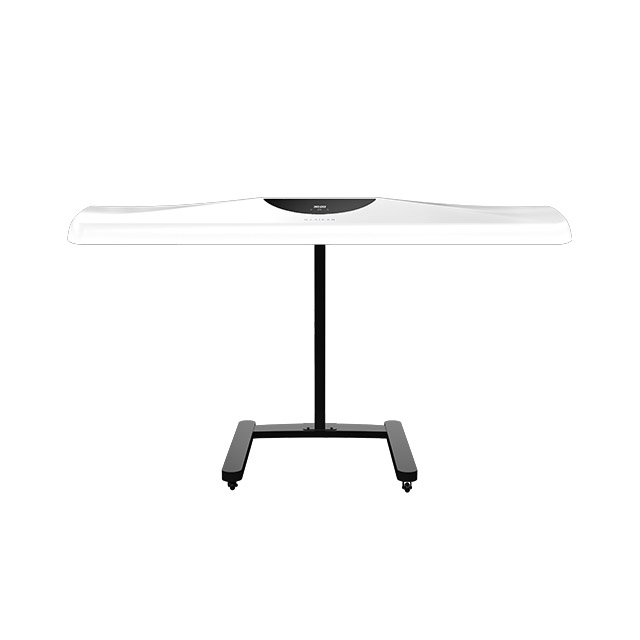
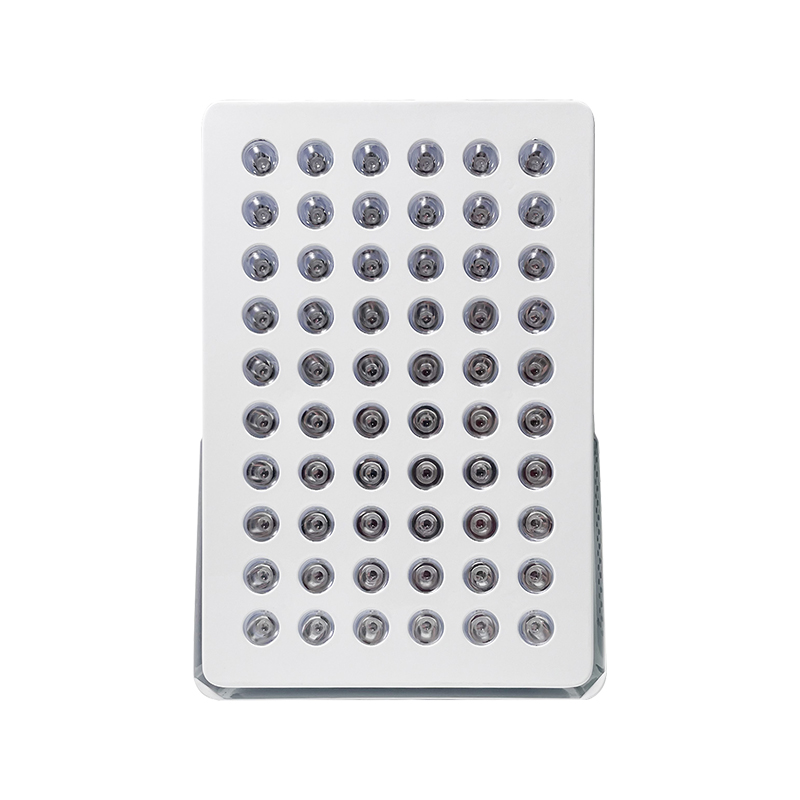
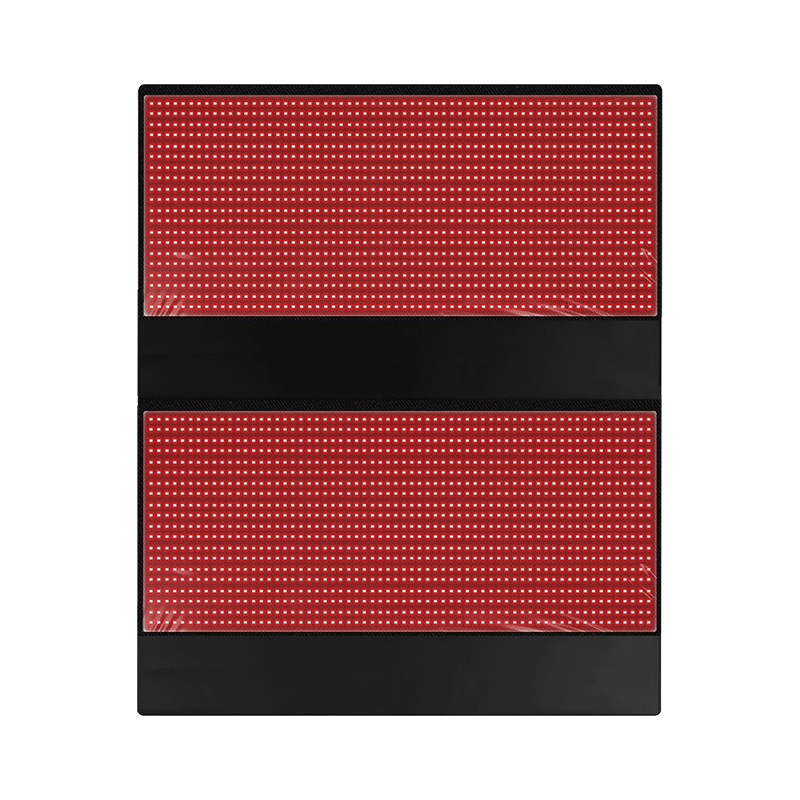
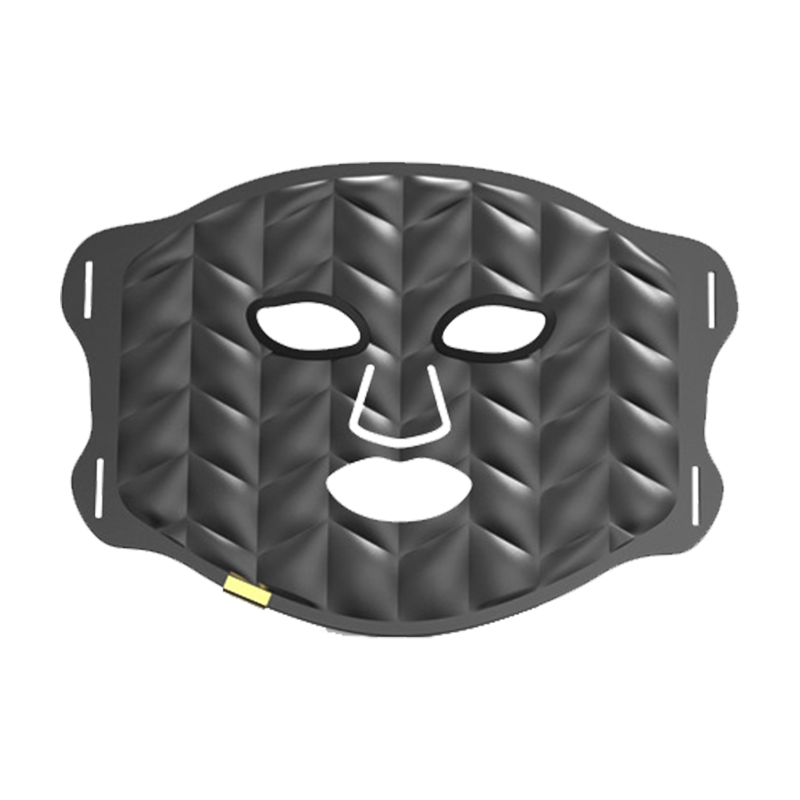
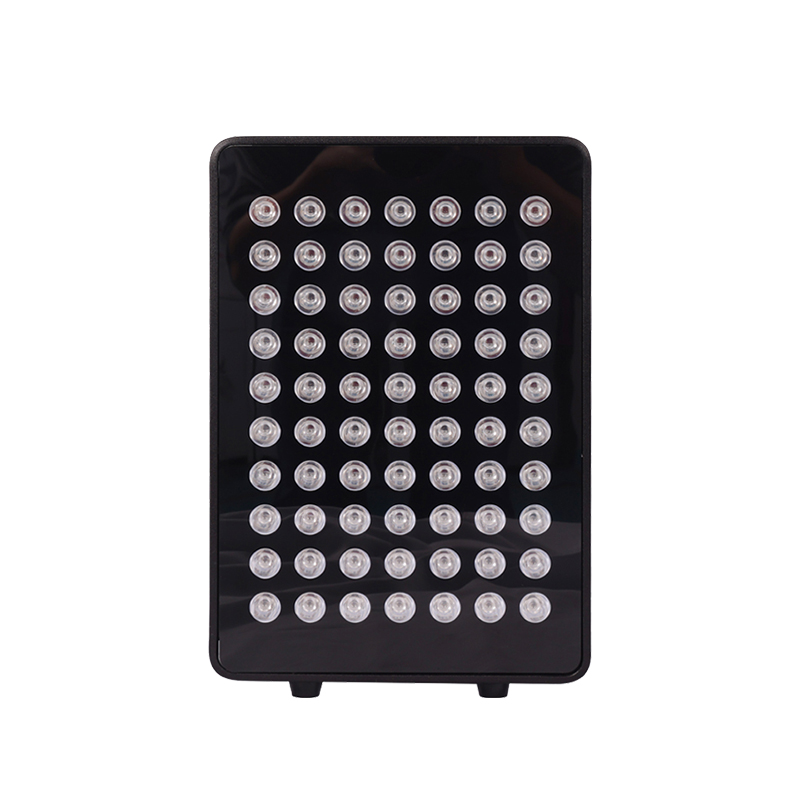
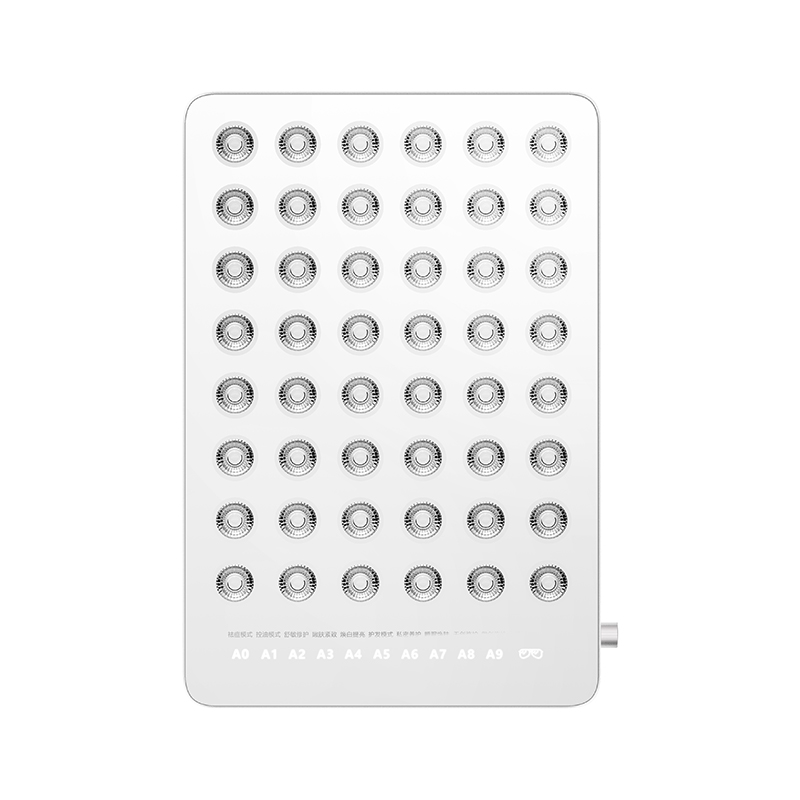
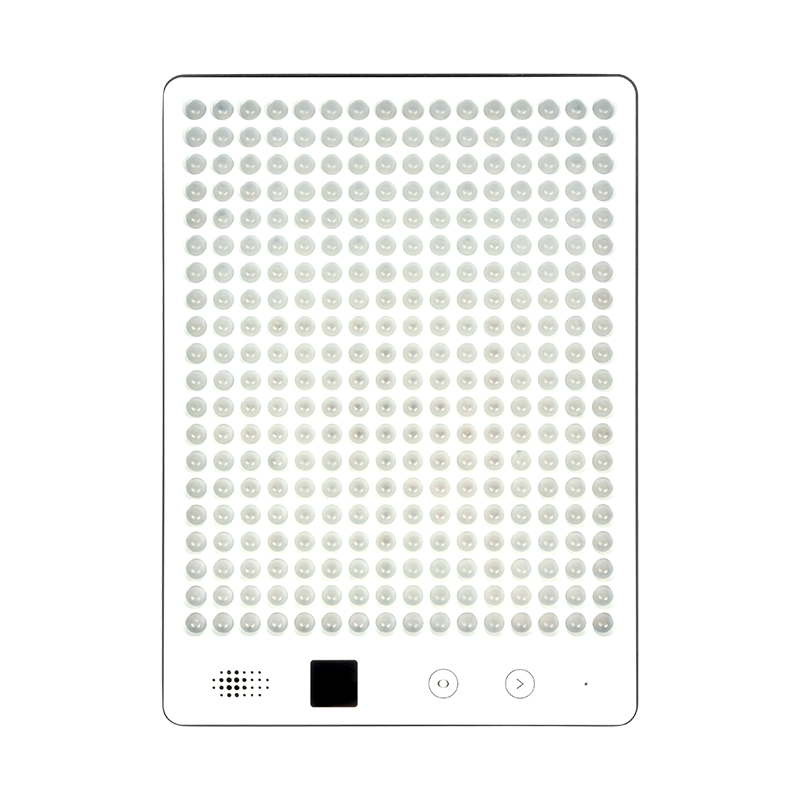
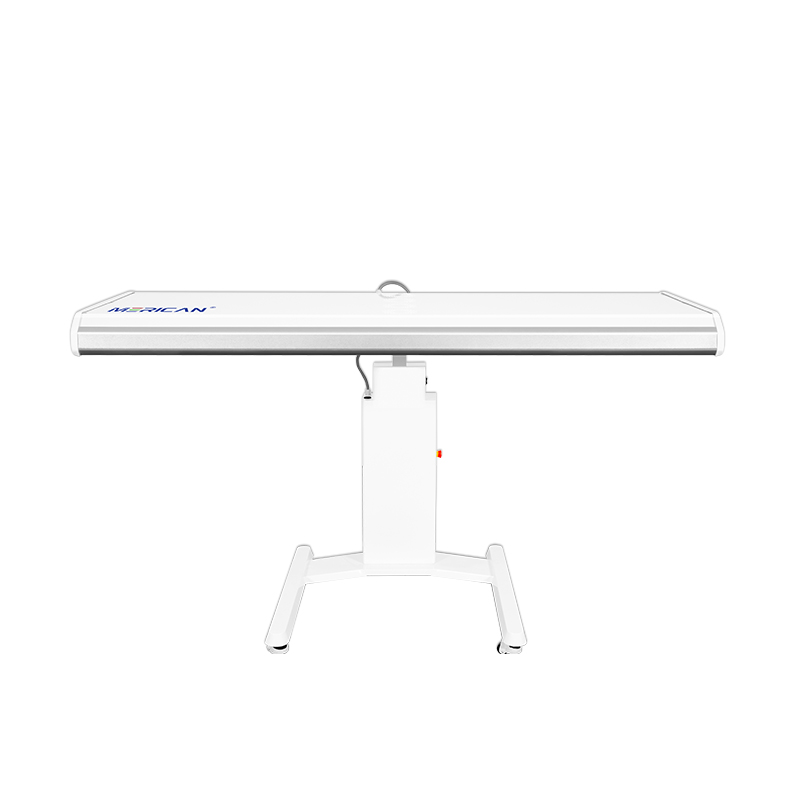
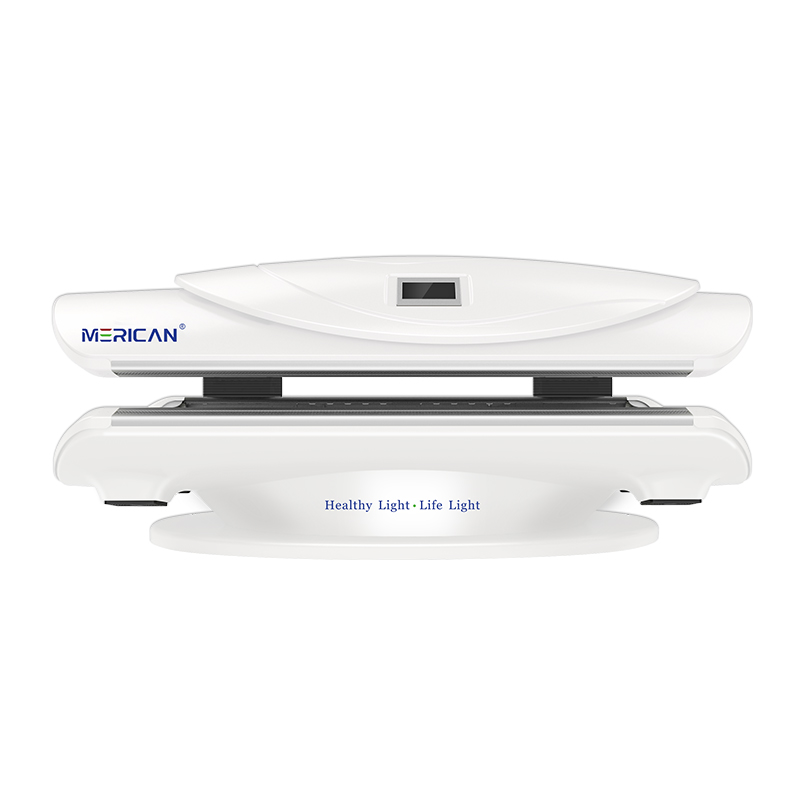
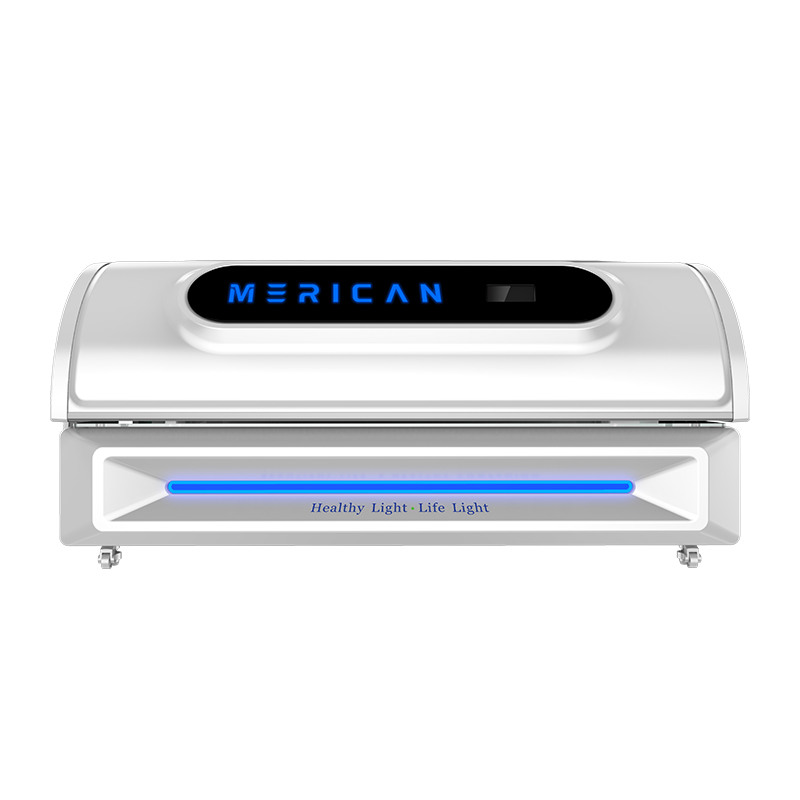
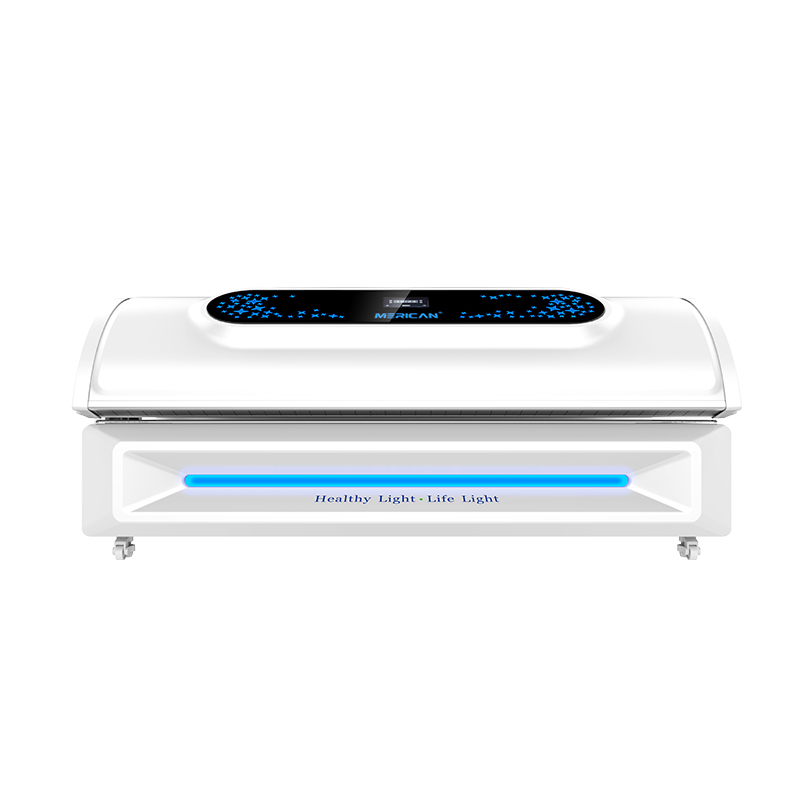
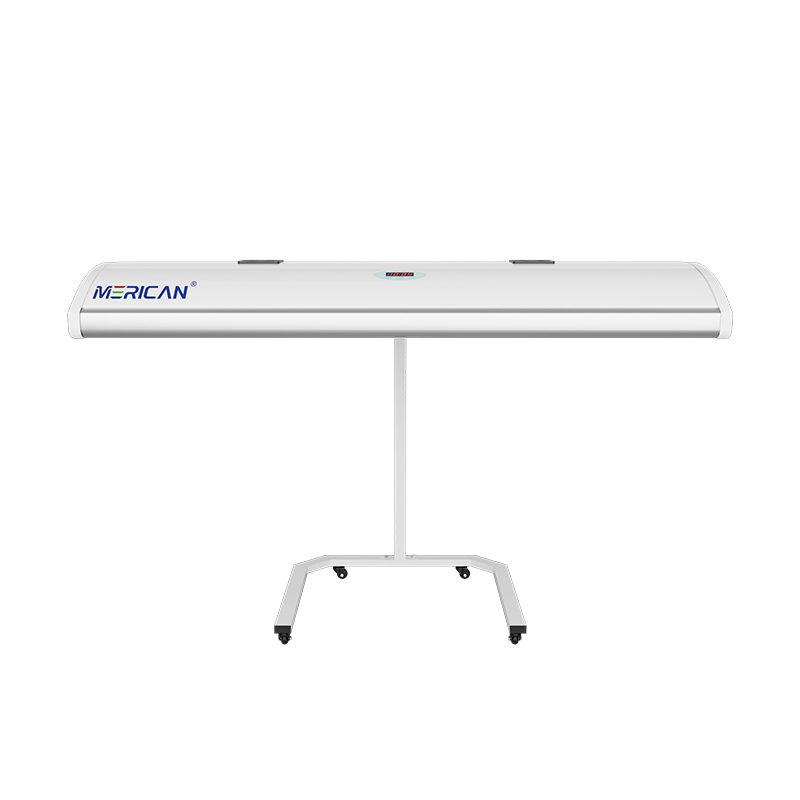
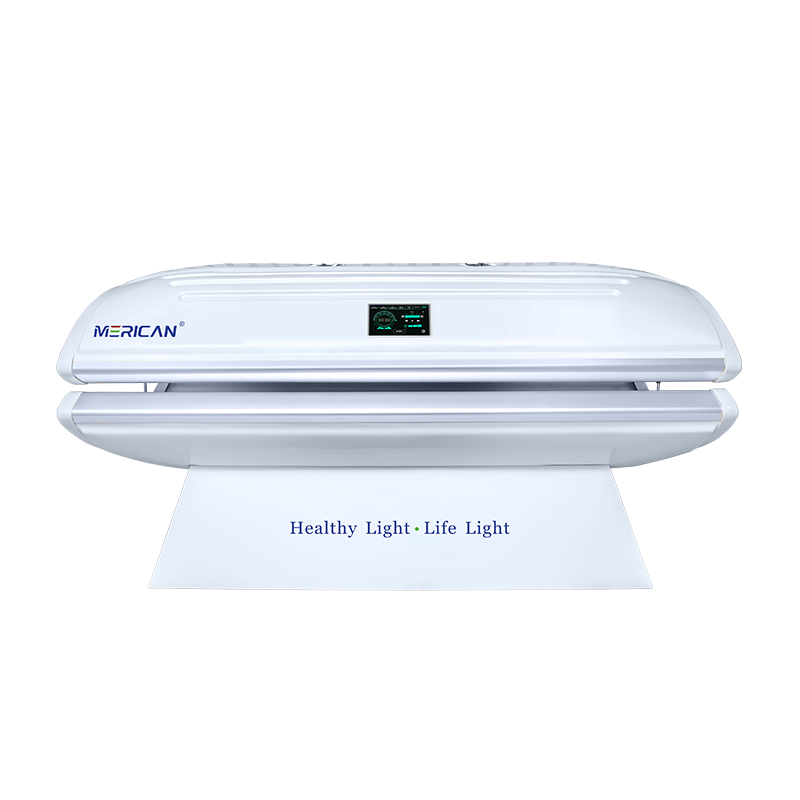
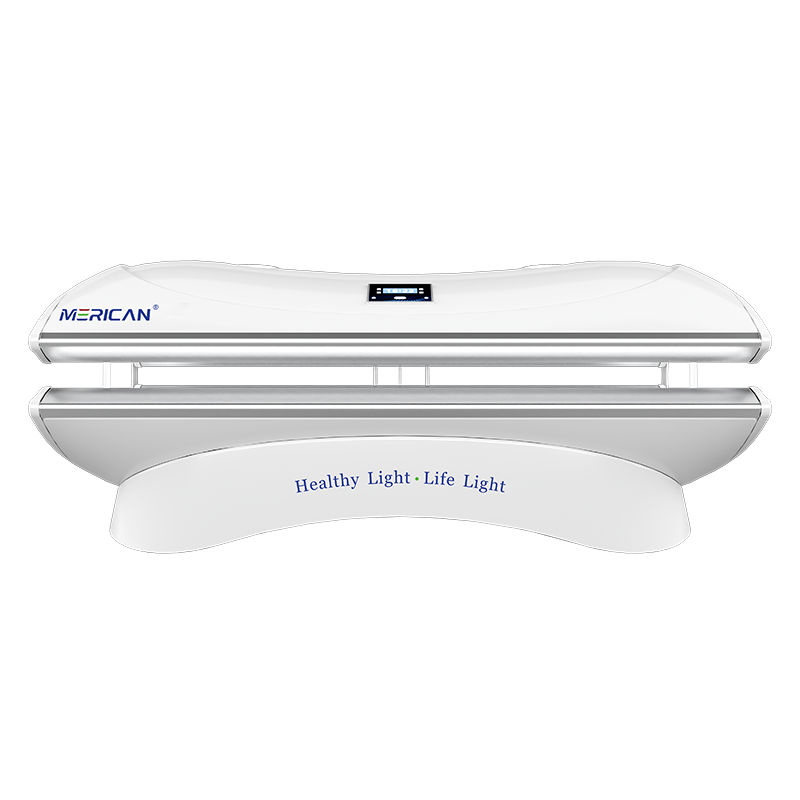
Before using or purchasing a red light therapy bed, ask the supplier to explain exactly what the equipment’s ready status means. A ready message may confirm that certain startup checks have passed, but it may not confirm the user’s position, the selected program, the room conditions, or every accessory required for safe operation. The most useful discussion covers the meaning of each startup message, which checks happen automatically, which remain the operator’s responsibility, and what to do when the display says ready while the physical setup appears incorrect. Clear answers make staff training easier, improve session records, and reduce the risk of treating a familiar icon as proof that the bed is ready for every situation.
Why should readiness be discussed with the supplier?
A supplier knows how the equipment’s controller, sensors, interlocks, programs, and displays are intended to work together. General advice from another device or an online discussion cannot establish what a particular red light therapy bed has actually checked. Two beds may use similar words while applying different conditions to the same message. One system may display ready when power and communication are available; another may require a closed panel or a completed sensor check.
Readiness also connects equipment information with the real operating environment. A bed may monitor a canopy position but not the room’s ventilation clearance. It may confirm a timer setting but not whether the user has the required eye protection. It may show a program code without confirming that the operator selected the intended mode. Asking precise questions helps separate what the bed detects from what staff must verify.
For a commercial facility, this conversation should happen before installation acceptance and again after a major software or control-panel update. For a home user, the same questions help reveal whether the manual is complete and whether the supplier can support normal operation. A supplier that explains readiness clearly gives the buyer a practical basis for training and troubleshooting.
What does the supplier’s ready message actually confirm?
Start by asking: “What conditions must be true before this red light therapy bed displays ready?” Request a written answer using the exact model name, control-panel version, and software version where applicable. The response should identify the checks performed during startup and distinguish between a ready-to-select state and a ready-to-run state.
Ask whether the message confirms power, controller communication, panel position, access-cover closure, sensor status, cooling availability, or another condition. Find out whether the bed checks all light modules or only the control system. If the equipment uses a preset sequence, ask whether ready confirms the complete sequence or only the first stage. This distinction matters when a program changes settings after it starts.
Also ask what ready does not confirm. The supplier should state which items remain manual, including room clearance, visible damage, cleaning, user position, required protective items, and suitability for the intended user. A short written list of excluded checks is valuable because it prevents staff from assuming that automation covers the entire pre-use procedure.
Which startup checks are automatic and which are manual?
Ask the supplier to divide the startup procedure into two lists: automatic checks performed by the bed and manual checks completed by the operator. Automatic checks might include controller communication, a sensor state, a panel interlock, or a system self-test. Manual checks may include ventilation clearance, cable condition, accessories, room temperature, cleaning, and user communication.
For each automatic check, ask what the display shows when it passes and what message appears when it fails. Find out whether the system prevents a program from starting or merely records the condition. A warning that does not create a lockout still requires a documented response. Do not assume that an equipment message is a complete safety decision simply because it appears before the session.
For manual checks, ask whether the supplier provides a checklist and how often each item should be reviewed. Some checks belong before every session, while others may be part of daily, weekly, or scheduled maintenance. The answer should be incorporated into local training without changing the manufacturer’s procedure. If the supplier cannot state which tasks are manual, request clarification before assigning operating responsibility to staff.
What should you ask about startup messages and symbols?
Request a complete list of startup messages, icons, colours, and sounds. Ask the supplier to demonstrate the normal sequence from power-on to ready, including the display before a program is selected, after a program is accepted, and immediately before light output begins. Record the exact wording rather than replacing it with an informal description such as “the green light.”
Ask whether a steady symbol means something different from a flashing symbol. Find out whether a message disappears automatically, requires acknowledgement, or remains stored in an event log. Clarify whether the display shows a fault code, a general warning, or a simple status. These details affect how operators should document and escalate an event.
The supplier should also explain what happens after power is interrupted. Does the bed return to a safe standby state, preserve the last program, clear the timer, or require a new startup check? Ask what appears when the controller restarts and whether staff must verify the complete setup again. A power recovery sequence should be part of training, especially when an interruption occurs during a user’s session.
How should program and timer states be explained?
A ready message is not meaningful if the operator cannot tell which program will run. Ask the supplier how the selected mode is displayed, whether programs have names or codes, and how the operator confirms a choice. If the red light therapy bed combines several light settings or uses different phases, ask whether the screen identifies the current phase or only the overall program.
Clarify what the timer measures. It may show the total program duration, active light time, a countdown to start, or the remaining time in one phase. Ask when the timer begins and whether it pauses when a user calls for assistance, a panel is opened, or the system detects an interruption. Confirm whether a resumed session continues from the previous point or requires a new program.
Ask how an operator should record a session that is paused or interrupted. If a user exits before completion, the record should distinguish a completed cycle from a partial cycle. If the interface resets the timer after a stop, staff need another way to preserve the original setting and event sequence. Clear timer rules reduce accidental duplicate exposure and make the equipment history easier to understand.
What should the supplier say about a ready display with an incorrect physical setup?
Ask directly: “What should we do if the red light therapy bed says ready but a panel is open, a vent is blocked, an accessory is missing, or the user is not in the recommended position?” The answer should not be “restart the bed” unless the manual identifies a specific, safe restart procedure for that condition.
A physical mismatch should be treated as a reason to pause before exposure. The operator should compare the situation with the manual, use only the visible checks that are authorized, and contact the responsible support channel if the discrepancy remains. The supplier should explain whether the bed can be reset, whether it must be isolated, and what information should be recorded.
Ask whether the equipment has known conditions that it cannot detect. For example, a sensor may confirm that a panel is closed without confirming that the user is positioned correctly. A controller may identify a program without checking that the room has adequate clearance. Knowing these limits helps staff understand that a ready signal supports the procedure but does not replace it.
How should pause and resume behaviour be documented?
Ask the supplier to demonstrate the difference between a user-requested pause, an operator stop, an automatic interruption, and an equipment fault. These events may look similar on the display while requiring different responses. Find out whether light output stops immediately, whether cooling continues, and whether the timer freezes or keeps counting.
Ask who is authorized to resume a paused cycle. The procedure should state whether the operator must reassess the user, confirm the panel position, repeat a startup check, or start a new program. It should also explain what happens if the bed is paused for longer than a defined period. Do not create a local shortcut that changes the intended exposure without supplier approval.
Request an example of the correct session record after each type of interruption. Staff should be able to note the program, time, displayed message, reason for the pause, and final outcome. A clear record helps the supplier diagnose a fault and helps the facility distinguish a normal user request from a repeat equipment problem.
Which documents should the supplier provide?
Request the current user manual, startup procedure, operator checklist, maintenance instructions, warning-code guide, and any relevant installation or acceptance documents. The material should correspond to the exact red light therapy bed model and control version. If documents are generic, ask the supplier to identify which sections apply to the delivered configuration.
Ask for a change history or update notice when the control software, display, or program library changes. A software update may alter a symbol, colour, timer behaviour, or definition of ready. Staff should not continue using old training cards when the interface has changed. Confirm who receives revised documents and how the facility should retire outdated copies.
Clarify which documents are intended for operators and which are restricted to qualified service personnel. Staff should not be asked to open an enclosure, modify a sensor, or clear a technical fault without authorization. A clear division protects the equipment and ensures that the response to a readiness problem is appropriate.
What support questions reveal supplier quality?
Ask who should be contacted when the ready state is unclear, what information support needs, and how the supplier determines whether remote guidance is enough. Find out whether support requires the equipment serial number, software version, display photograph, event log, program name, or description of the physical setup. A precise intake process can shorten troubleshooting and reduce repeated restarts.
Ask about response times, technician availability, replacement parts, and the process for returning a bed to service after a fault. The supplier should explain who approves the return-to-use decision and what evidence is retained. If a service message can be cleared remotely, ask what confirms that the underlying issue has been addressed.
Ask how the supplier handles recurring readiness problems. A warning that repeatedly disappears after reset should still be documented and reviewed. The supplier should be able to identify when a technician visit, sensor test, software correction, or equipment isolation is required. Support that consists only of “turn it off and on again” is not enough when the cause remains unknown.
What should staff training include?
Training should use the actual delivered equipment and cover the complete startup sequence. Each operator should know how to identify the current software or model version, select and verify a program, read the timer, confirm the physical setup, check accessories, communicate with the user, and locate the approved stop control. Staff should also know the limits of the ready signal.
Use practical scenarios rather than a single demonstration. Ask what an operator would do if the bed says ready but the canopy is not correctly positioned, if the program code is unfamiliar, if the timer resets after power loss, or if a warning disappears after a restart. The correct response should follow the manual and the supplier’s escalation path.
Keep a training record with the date, equipment identifier, documents used, and operator name. Repeat training after a software update, equipment replacement, revised procedure, recurring warning, or incident. If multiple beds have different control systems, train and label them separately. Similar colours do not guarantee similar meanings.
Red light therapy bed supplier-question checklist
| Topic | Question to ask | Evidence to request |
|---|---|---|
| Ready definition | What exact conditions produce the ready message? | Model-specific written explanation |
| Automatic checks | Which sensors and interlocks are tested during startup? | Startup sequence and warning guide |
| Manual checks | What must the operator verify separately? | Current pre-use checklist |
| Display meanings | What do each colour, symbol, code, and sound mean? | Indicator reference or demonstration |
| Program selection | How is the active mode confirmed? | Program list and screen examples |
| Timer behaviour | When does timing begin, pause, resume, and end? | Timer procedure and sample records |
| Power interruption | What happens after an outage or restart? | Recovery procedure |
| Physical mismatch | What if the display says ready but setup is incorrect? | Model-specific escalation steps |
| Documentation | Which manuals and updates apply to this model? | Current controlled documents |
| Technical support | What evidence does support need? | Contact and troubleshooting process |
| Return to service | Who confirms that the bed can be used again? | Repair or inspection record |
Use this table to structure a supplier discussion, not as a replacement for the manufacturer’s documentation. Keep the answers with the equipment file and review them whenever the control system or operating procedure changes.
Final takeaway
The best supplier questions about red light therapy bed readiness are specific: What does the ready message confirm? Which checks are automatic? Which remain manual? How are programs and timer states displayed? What happens after a pause, power interruption, warning, or incorrect physical setup? Which documents, support steps, and return-to-service records apply to this exact model?
The direct answer to the title question is to ask for a model-specific definition of ready, a demonstrated startup sequence, written limits of the system, and clear action steps for every mismatch. A reliable supplier should explain the equipment without relying on colour assumptions or repeated resets. When the display and the physical setup disagree, protect the user, stop before exposure, record the details, and obtain authorized guidance before using the red light therapy bed again. Keep the supplier’s answers with the equipment records, make sure every operator can find the current procedure, and review the information after updates, repairs, or recurring readiness warnings.