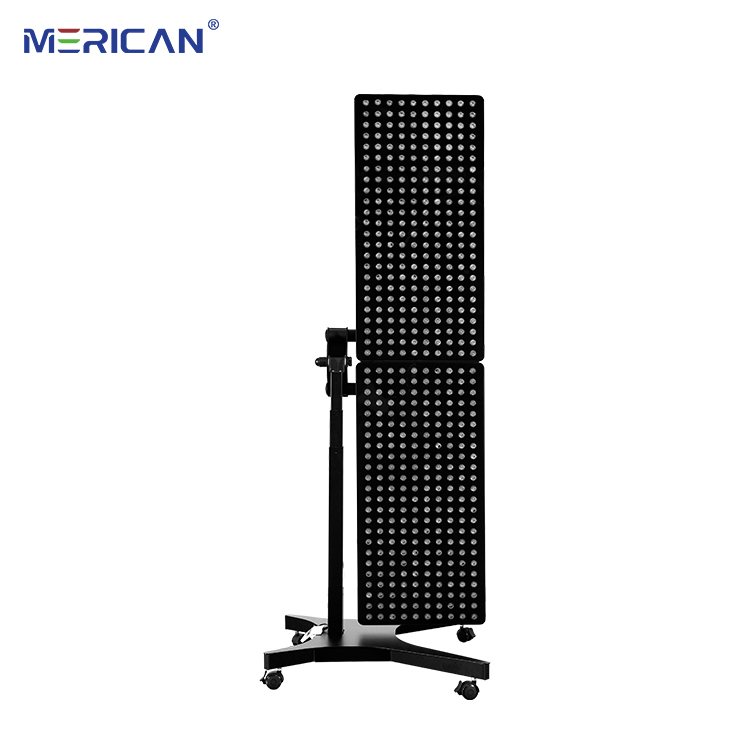
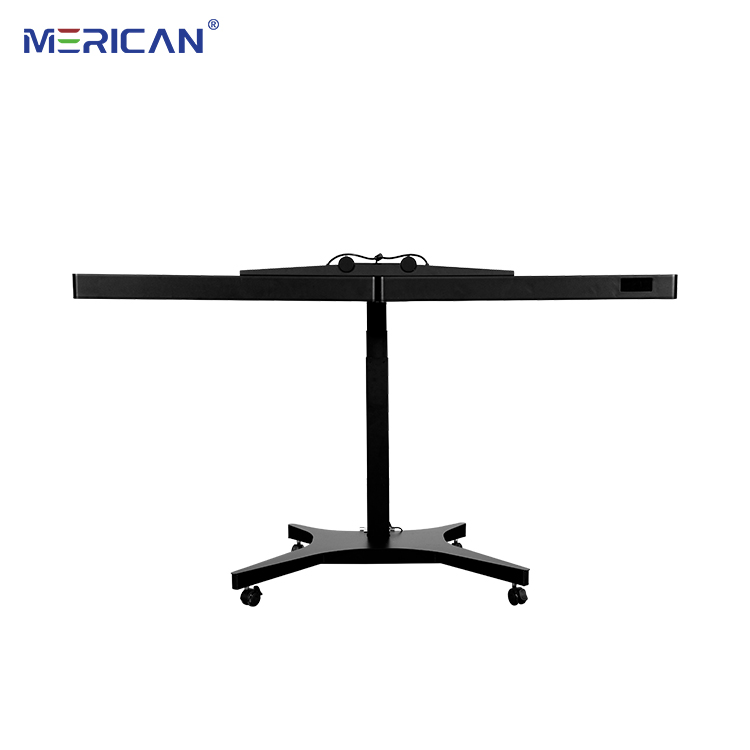
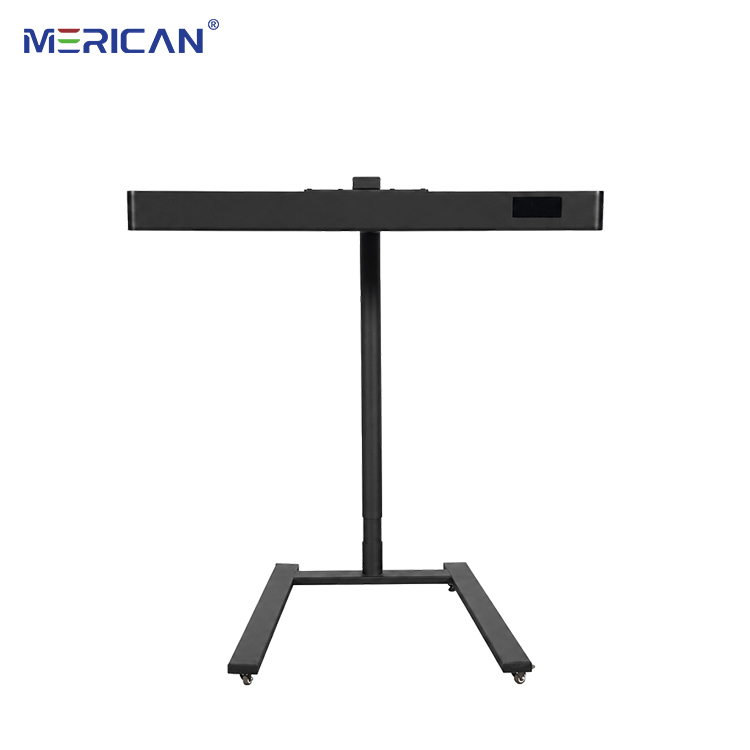
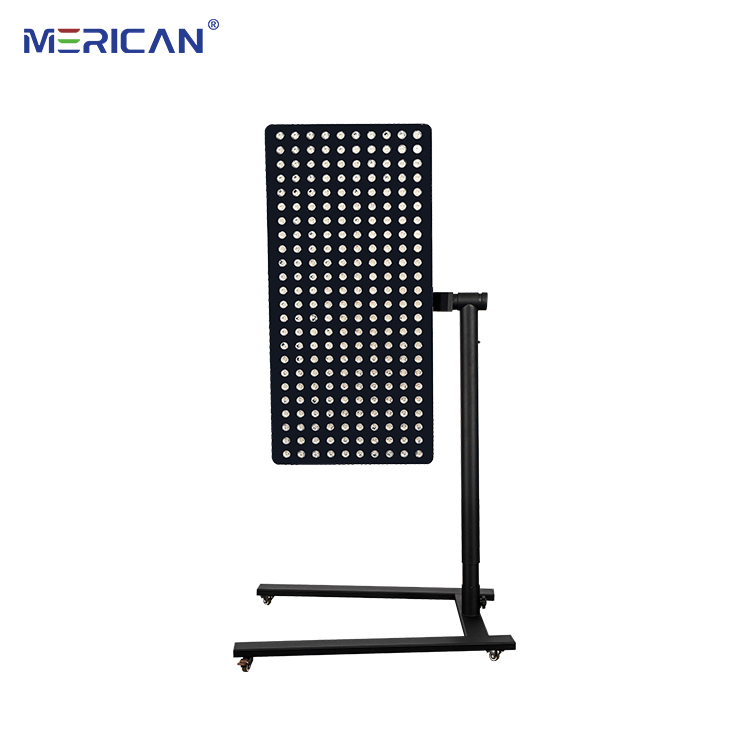
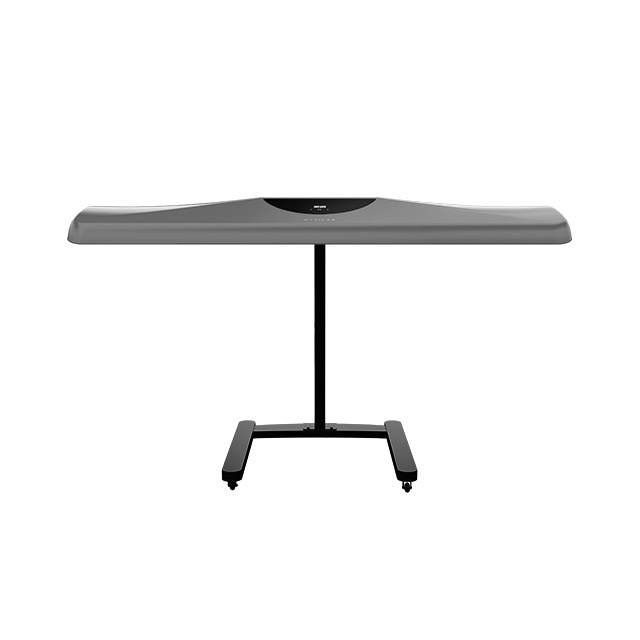
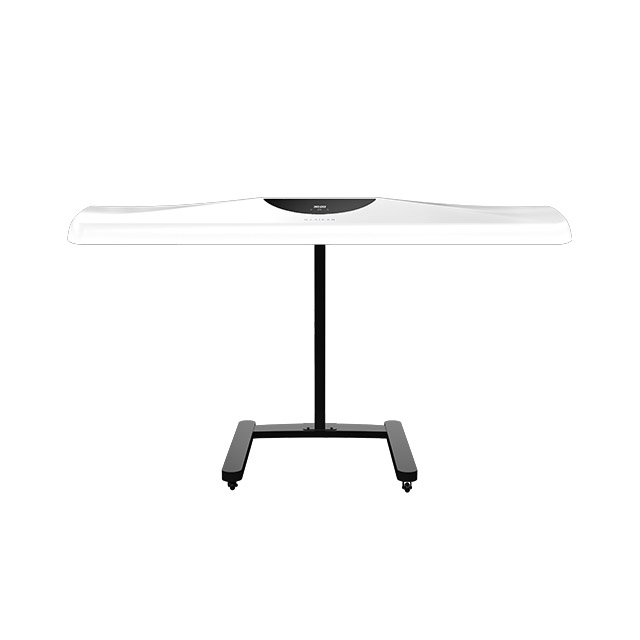
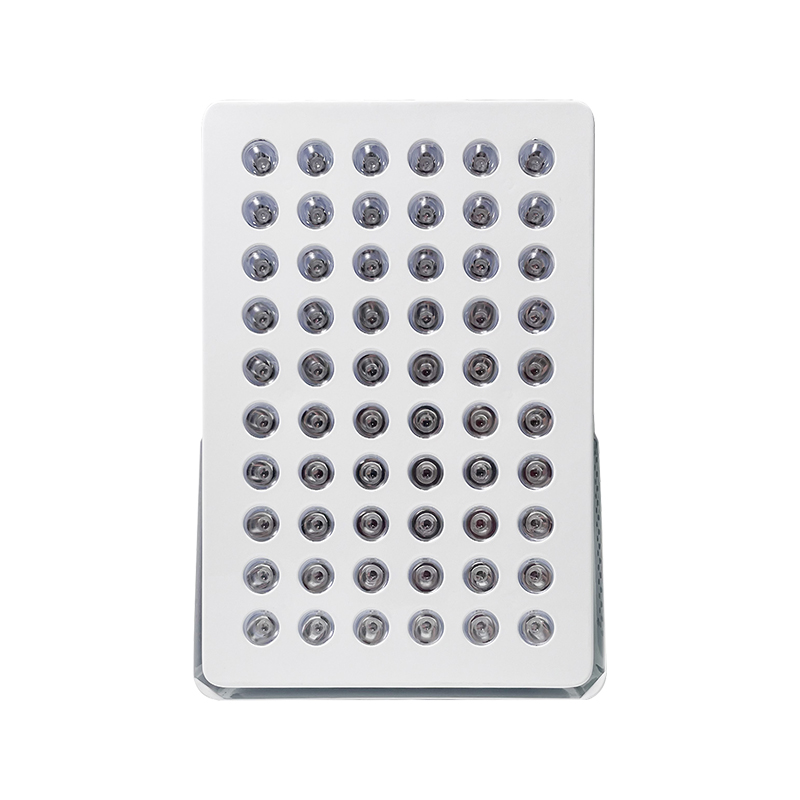
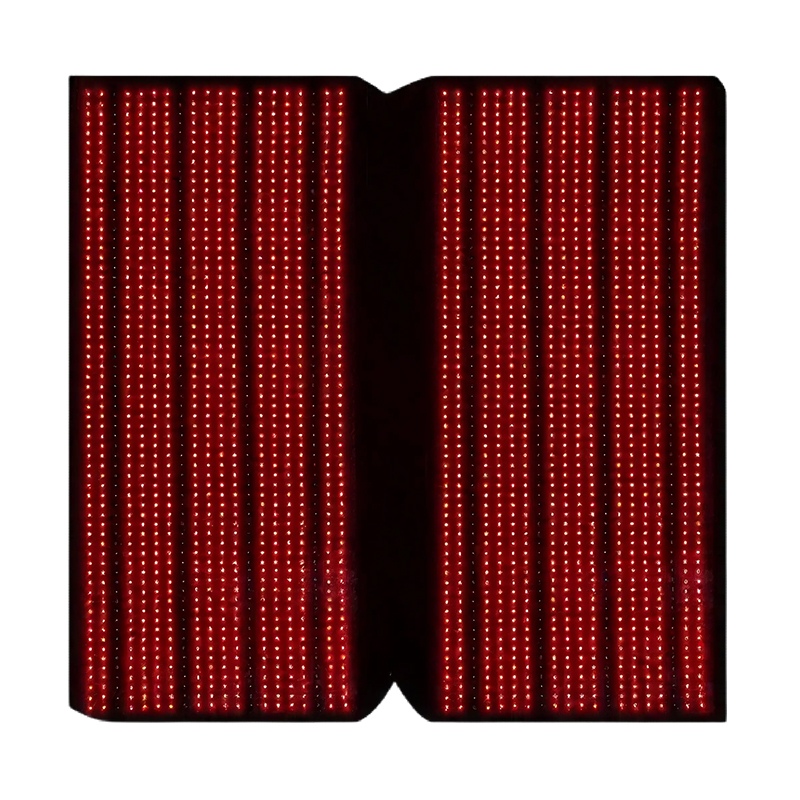
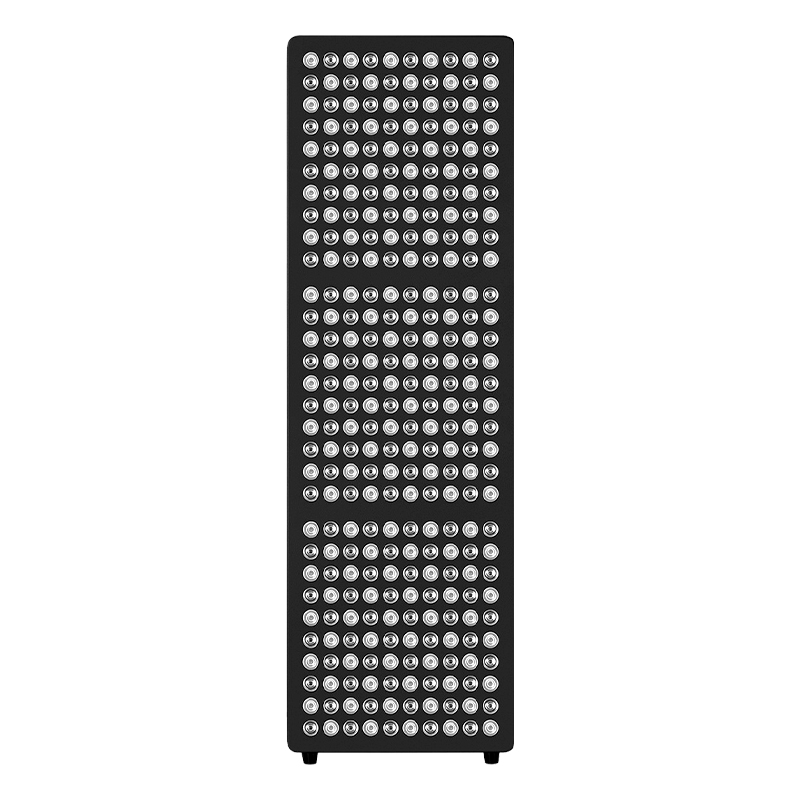
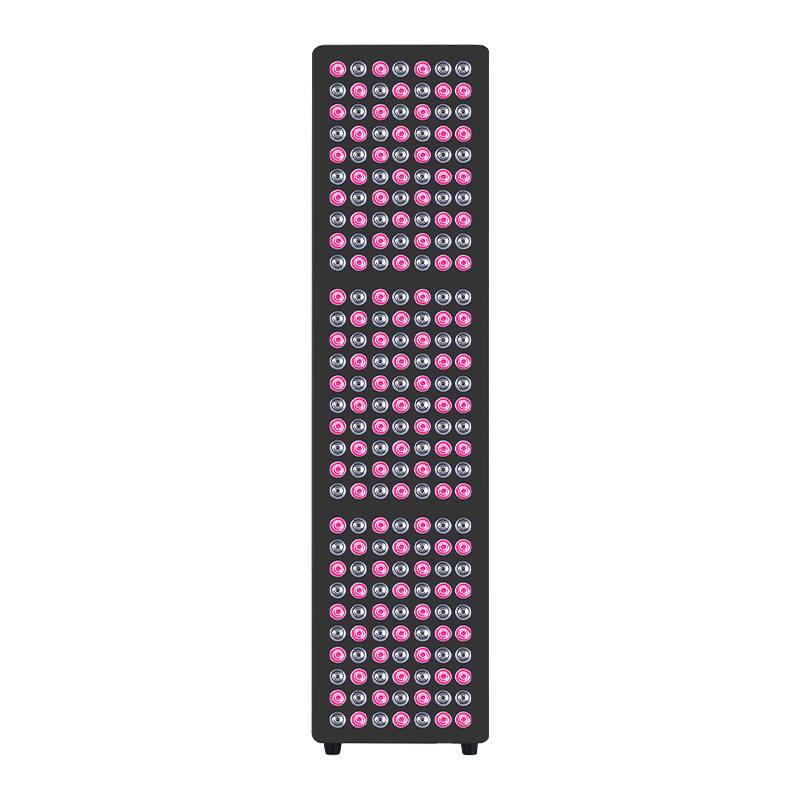
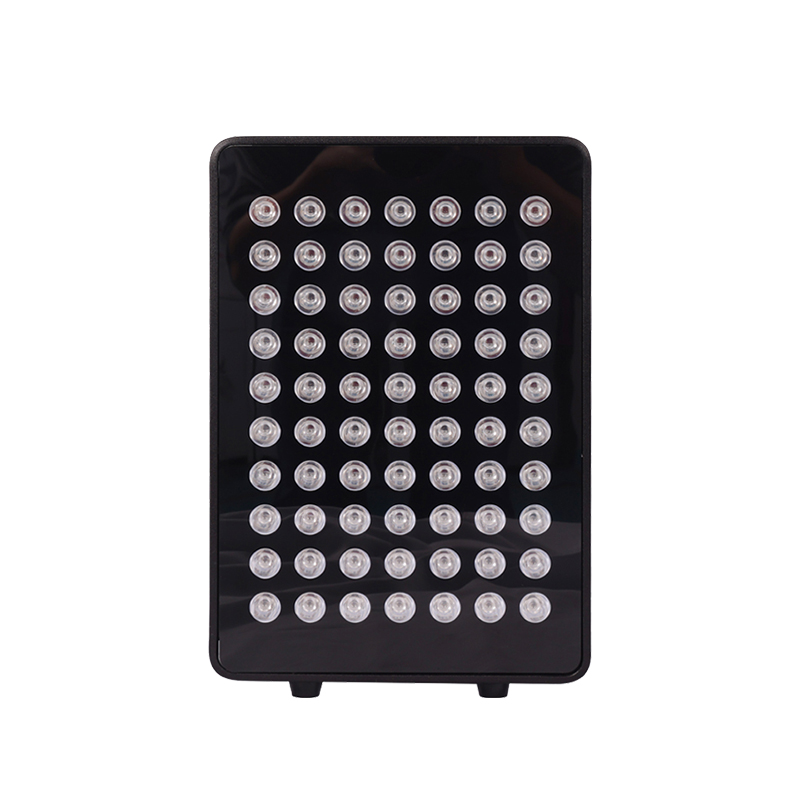
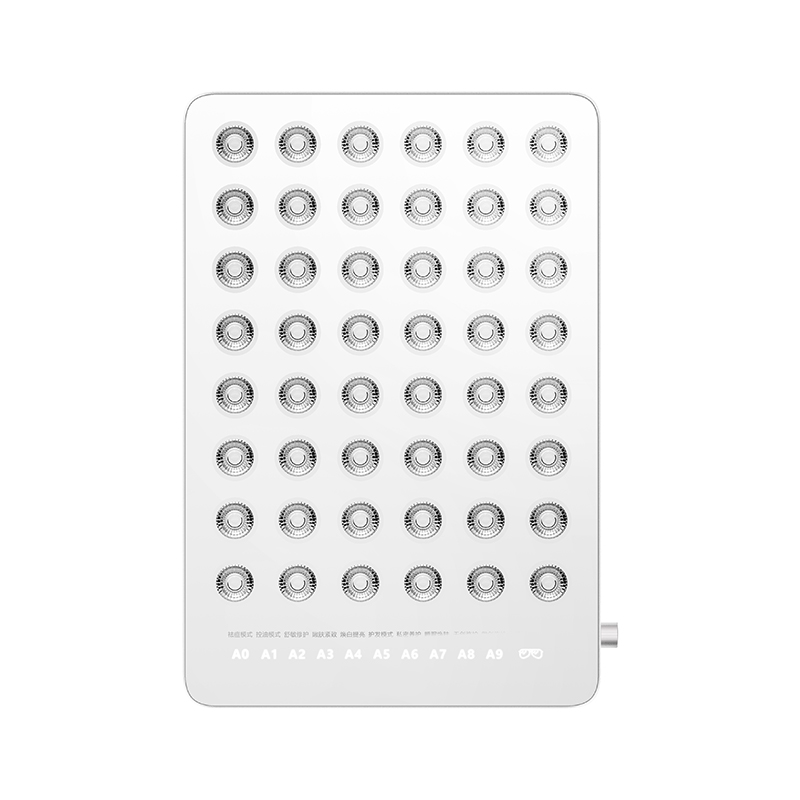
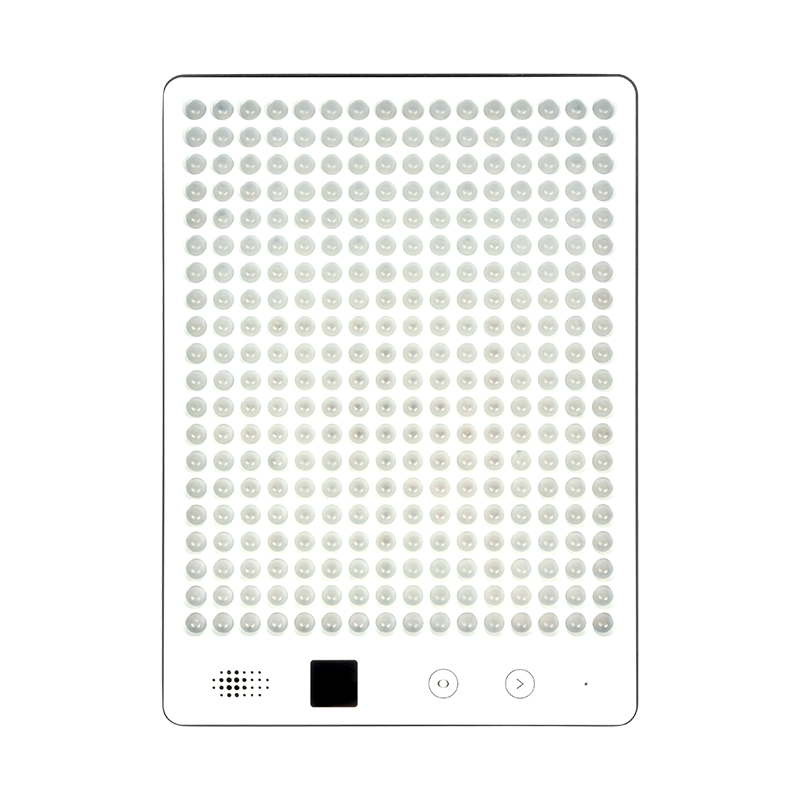
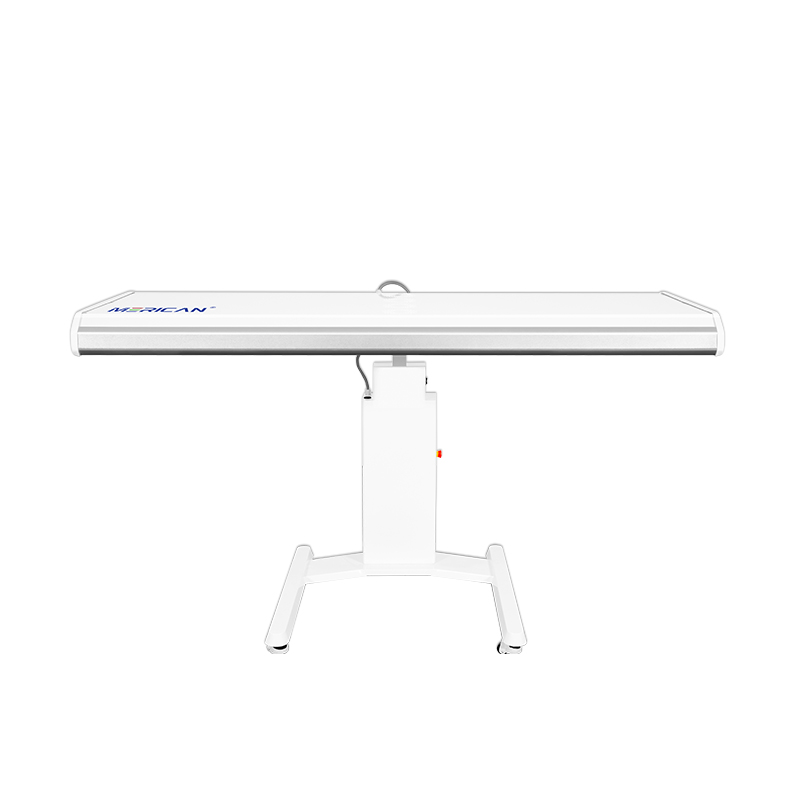
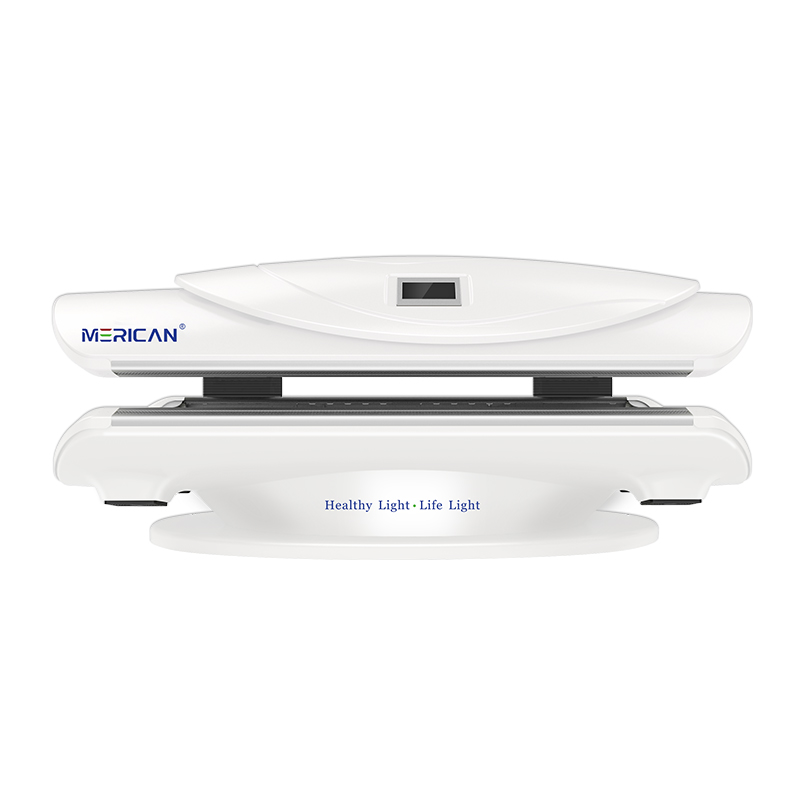
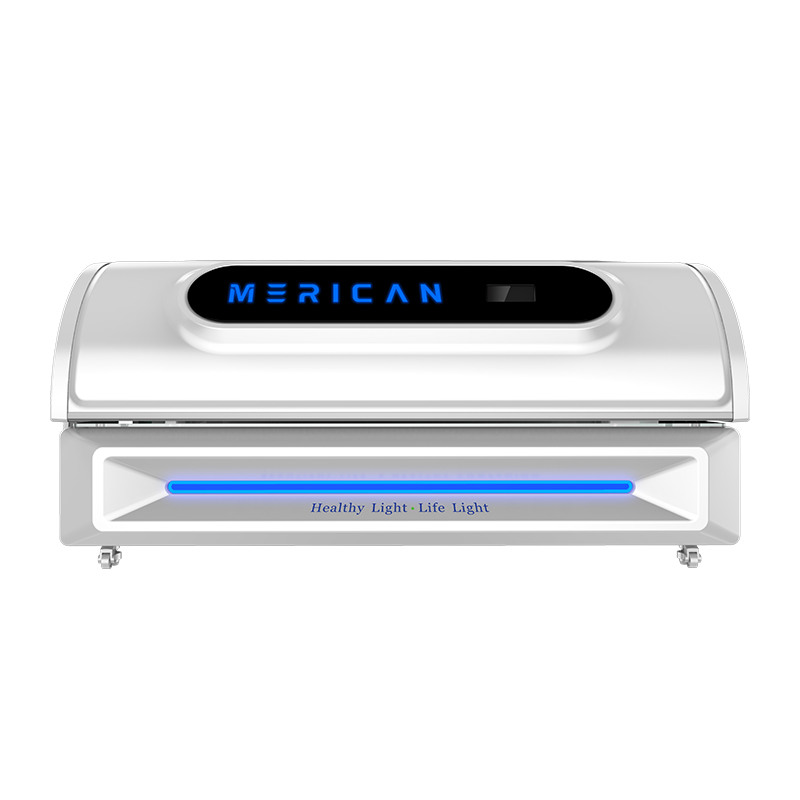
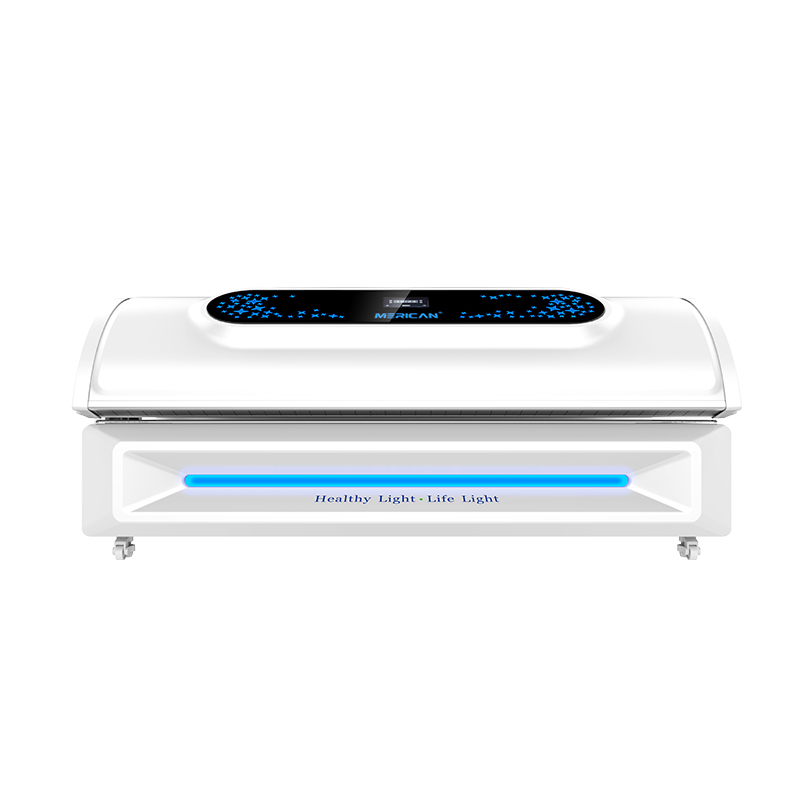
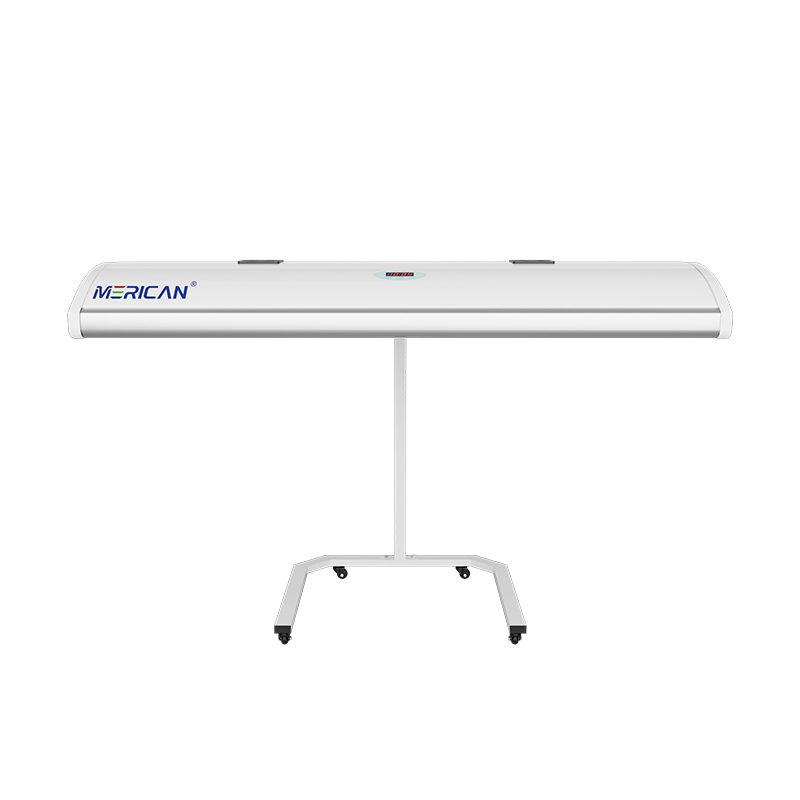
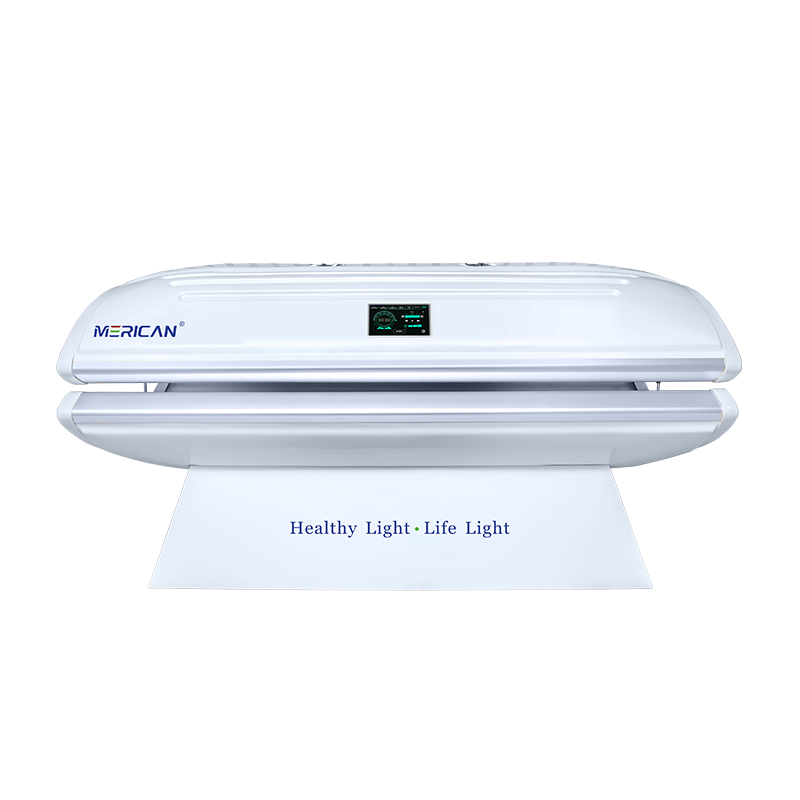
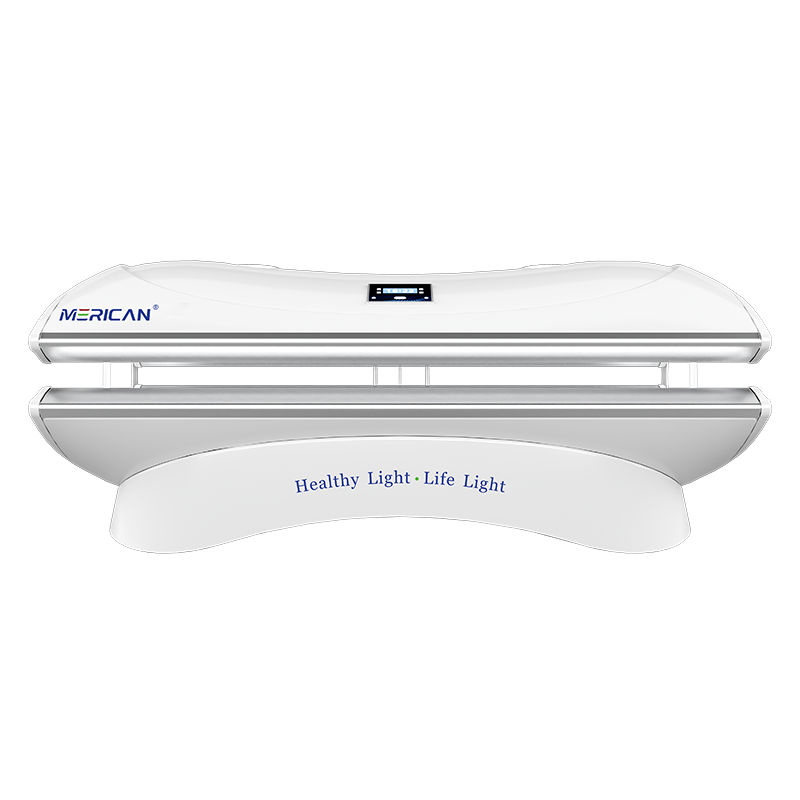
I controlli del letto per la terapia con luce rossa influiscono sull'uso quotidiano determinando la facilità con cui un operatore può selezionare un programma, verificare le impostazioni attive, rispondere al disagio, e ripetere la stessa procedura tra le sessioni. Il sistema di controllo più utile non è necessariamente quello con il maggior numero di pulsanti. È quello che rende visibili le impostazioni previste, limita gli errori evitabili, e fornisce all'utente e all'operatore un modo chiaro per interrompere la sessione. Prima di acquistare un letto, rivedere il flusso di lavoro di controllo completo dall'installazione allo spegnimento, quindi abbinalo alle persone, camera, e il livello di supervisione del sito previsto.
Perché i controlli del letto per la terapia con luce rossa sono importanti oltre la comodità?
I controlli sono il punto in cui le specifiche del prodotto diventano comportamenti operativi reali. Un letto può avere un sofisticato sistema di illuminazione, ma tali funzionalità sono difficili da utilizzare in modo coerente se l'operatore non è in grado di stabilire quali canali sono attivi o se una preimpostazione ha modificato il timer. In un ambiente domestico, controlli poco chiari possono portare a ripetuti tentativi ed errori. In un'impresa, possono creare routine diverse tra i dipendenti, rendere le istruzioni per l'utente e i registri di servizio meno coerenti.
Una buona interfaccia riduce il numero di decisioni da ricordare. Dovrebbe mostrare il programma selezionato, tempo rimanente, modalità attiva, e qualsiasi avvertenza rilevante in un modo che possa essere compreso a colpo d'occhio. Ciò è particolarmente importante quando l'operatore sta preparando la stanza, spiegare la sessione, e monitorare più di un'attività contemporaneamente. Informazioni chiare sono più preziose degli effetti decorativi dello schermo o di un lungo menu di opzioni inspiegabili.
I controlli influenzano anche la fiducia. È più probabile che gli utenti seguano una procedura scritta quando il display conferma che l'impostazione desiderata è effettivamente in esecuzione. Gli operatori possono documentare una sessione in modo più accurato quando il nome del programma e il timer sono visibili. Questi piccoli dettagli supportano la ripetibilità, formazione, and accountability without turning a general light-based routine into an unsupported medical prescription.
Which interface features should buyers inspect first?
Begin with the normal start sequence. Ask the supplier to show how the operator powers on the bed, selects a program, checks the mode, sets the timer, and begins exposure. The sequence should be logical enough for a trained user to follow without consulting a sales representative each time. Labels should describe functions plainly, and the display should not hide essential information behind several nested screens.
Check whether the bed distinguishes between preset programs and manually adjustable settings. If a program controls more than one light channel or changes intensity during its cycle, the interface should explain that relationship. A user should not have to infer the active state from brightness, calore, or a generic “ready” message. Ask whether changes can be made after the timer starts and which settings are locked for safety or consistency.
Physical controls deserve attention too. Buttons should be easy to press, durable, and identifiable in the room’s actual lighting. Touchscreens should respond reliably without requiring repeated taps. If the controls are mounted on a movable canopy or side panel, make sure they remain reachable when the user is in the prescribed position. A feature that exists but cannot be accessed at the relevant moment is not a practical feature.
How should a timer support consistent sessions?
A timer should make the planned exposure visible before and during the session. Confirm whether the displayed time represents the complete program, the active-light period, or a sequence that includes pauses. If the bed has separate channels or staged programs, ask how the countdown behaves when the mode changes. This information prevents staff from recording a number that does not describe what the user actually experienced.
Look for a clear start state and a clear end state. The operator should know whether the bed stops automatically, enters a standby mode, or requires a manual reset before the next user. If the timer can be extended while running, determine who is authorized to change it and whether the display records the change. Unrestricted adjustments may be convenient, but they can undermine a facility’s attempt to follow a documented routine.
A timer should not encourage users to chase a stronger sensation. The display can support a measured process by showing the selected program and remaining duration without implying that a longer session is automatically better. When the manufacturer provides a protocol, the interface should make that protocol easy to follow rather than inviting spontaneous changes. This is a design issue as much as a training issue.
What safety controls should a red light therapy bed include?
Every bed should provide a clear way to stop the session immediately. Ask whether the stop control is available to the user, the operator, or both, and whether activating it ends the light output without delay. The control should be visually distinct from ordinary program buttons and easy to find before the session starts. Demonstrate it during acceptance testing instead of assuming that a label alone proves it works.
A communication method is also important when the user is inside an enclosed or partially enclosed system. An intercom, call button, visible signal, or another reliable arrangement can help the user report discomfort or ask for assistance. Confirm where the microphone or speaker is located and whether it remains usable when fans are operating. A communication feature should be tested from the normal treatment position, not only at the control panel.
Review warnings and fault states. The display should distinguish a completed cycle from an error, overheating alert, blocked-airflow warning, or service message. Ask what the operator should do after each type of warning and whether the bed should be removed from service. Avoid relying on a generic alarm that does not explain the required response. A useful control system gives the next action, or at least points the operator to the correct procedure.
How do user controls and staff controls differ?
Some environments allow users to start or stop a program independently; others require a trained operator to control every setting. The right arrangement depends on the bed design, la stanza, the user’s needs, and the level of supervision available. Before purchase, map the responsibilities: who selects the program, who checks the position, who starts the timer, who can stop it, and who resets the unit afterward.
User-accessible stop controls are generally different from user-accessible treatment adjustments. A person may need to end a session quickly without being allowed to increase intensity or add another mode. Ask the supplier which controls can be locked, which require a staff code, and whether the permissions are visible in the manual. This distinction can help a business preserve a consistent procedure while still giving the user a direct response option.
Per uso domestico, simplicity may be more important than role-based permissions. The owner should be able to understand the selected setting, operate the stop function, and complete the reset without technical training. For a commercial site, staff permissions, operator identification, and a repeatable handover may matter more. Choose the control model that fits actual supervision rather than assuming that more access is always better.
How can operators test controls before regular use?
Test the bed in stages before allowing routine sessions. Primo, verify that the display, buttons, touchscreen, timer, mode indicators, call system, and stop function respond as described. Prossimo, run each approved program according to the manual and confirm that the screen reflects the selected mode. If the supplier provides a commissioning checklist, complete it and retain the record with the equipment documents.
Test interruption scenarios deliberately. Start a short demonstration cycle, activate the stop control, confirm that output ends, and check whether the system displays a stopped or fault state. Test the user communication method from the treatment position. If the bed includes a canopy, movable panel, fan, or interlock, confirm that the related indication appears when the component changes state. Do not defeat a safety interlock merely to see what happens; ask the supplier or technician to explain the correct test method.
Record any difference between the demonstration and the manual. A control that behaves unexpectedly should be reviewed before the bed enters regular service. This is not a request to diagnose or repair internal electronics. It is a way to prevent operators from building a routine around an incorrect assumption. Acceptance testing is strongest when it confirms observable functions and assigns unresolved issues to the responsible supplier.
What control-related questions should you ask a supplier?
Ask the supplier to show the entire workflow rather than describing isolated features. Request a demonstration of selecting a program, changing an allowed setting, starting the session, monitoring the display, communicating with the user, stopping early, and preparing the bed for the next session. Ask for the written manual or quick-start guide so the demonstration can be compared with the supplied instructions.
Clarify how updates affect the interface. If the bed uses software, ask whether a firmware update can change program names, comportamento del timer, autorizzazioni, avvertimenti, or data records. Confirm who authorizes an update, how the previous configuration is preserved, and where the updated manual is stored. A change that seems minor to a developer may alter staff training or the wording of a user instruction.
Ask about support when a control problem occurs. Find out whether the supplier can provide remote guidance, replacement components, technician dispatch, or a temporary operating procedure. Request the expected response time and the information the operator should collect before contacting support. These details help a buyer assess the service behind the interface rather than judging the control panel only during a short sales demonstration.
How can control design support a commercial workflow?
A commercial site needs a control process that remains clear during repeated appointments. Create a short operating card that identifies the approved program, the required checks before start, the permitted user controls, the stop procedure, and the reset steps after completion. The card should match the machine’s labels exactly. If staff use different names for the same program, records and training can become confusing.
Include the control system in staff training. New operators should demonstrate the start sequence, identify the active mode, explain the user call method, attivare la funzione di arresto, and describe what to record. Supervisors can use the same checklist for refresher training or when a different model is added. La formazione dovrebbe inoltre indicare cosa il personale non deve fare, such as bypassing an alarm or changing a setting to answer a medical question.
Keep a control log for unusual events. Registra la data, identificatore dell'apparecchiatura, messaggio visualizzato, programma selezionato, user impact, and action taken. If the bed is reset and returned to service, note who authorized that decision. This information helps distinguish a one-time user misunderstanding from a recurring interface or hardware problem. It also gives the supplier concrete evidence when support is needed.
Red light therapy bed control comparison checklist
| Control area | Cosa verificare | Perché è importante |
|---|---|---|
| Program display | The selected program and active mode are visible before start | Prevents operation based on guesswork |
| Timer logic | The display explains the full cycle, pauses, and end state | Makes records and repeat sessions more accurate |
| Stop function | The user and operator can end exposure through a tested control | Supports a quick response to discomfort or faults |
| Comunicazione | The user can call or speak with staff from the treatment position | Improves supervision in enclosed systems |
| Permissions | Adjustable settings and locked functions are clearly defined | Matches the interface to home or commercial supervision |
| Avvertenze | Alerts distinguish errors, heat issues, and service conditions | Helps operators choose the correct next action |
| Reimposta il processo | The bed shows when it is ready for cleaning or the next user | Supports consistent turnover |
| Documentazione | Manual labels match the controls and supplied workflow | Makes training and troubleshooting more reliable |
Use this checklist during a supplier demonstration and again during installation. If a control cannot be tested, mark it as unresolved rather than assuming that it works. The table is a decision aid, not a replacement for the manufacturer’s manual or individualized professional guidance.
Asporto finale
Red light therapy bed controls affect daily use through clarity, ripetibilità, sicurezza, e supporto. Buyers should look for an interface that shows the selected program, explains the timer, separates user and staff permissions, provides a tested stop function, and supports communication from the treatment position. Operators should test normal and interrupted workflows before regular use, train staff against the written procedure, and record unusual messages or control events.
The answer to the title question is therefore practical: good controls make the intended routine visible and make an unexpected situation easier to manage. A bed with impressive specifications but confusing operation may create more inconsistency than value. Choose a system whose controls can be demonstrated, documented, tested, and understood by the people who will use it every day. This approach also gives buyers a clearer basis for comparing suppliers, gives operators a repeatable training standard, and helps support teams diagnose a problem from observable facts rather than vague reports about the interface.