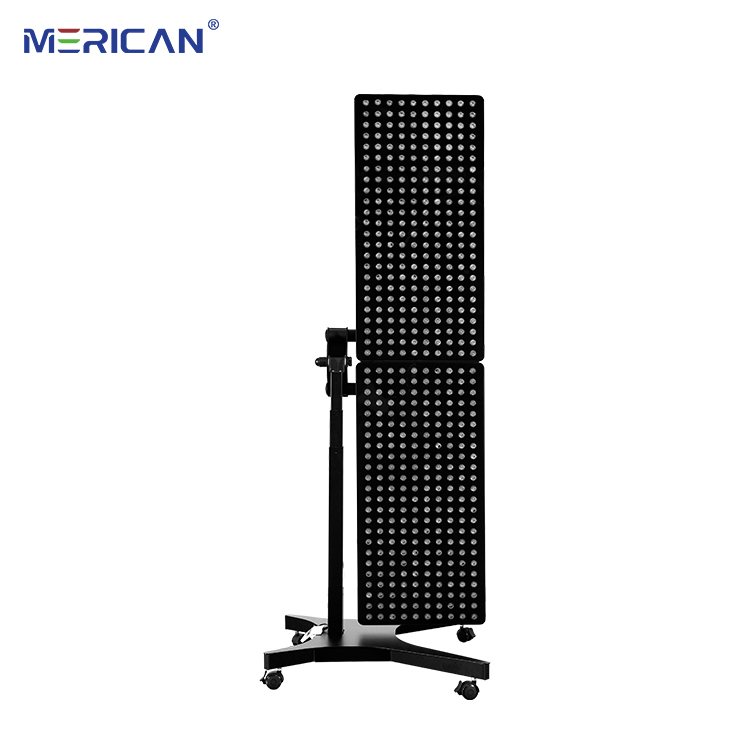
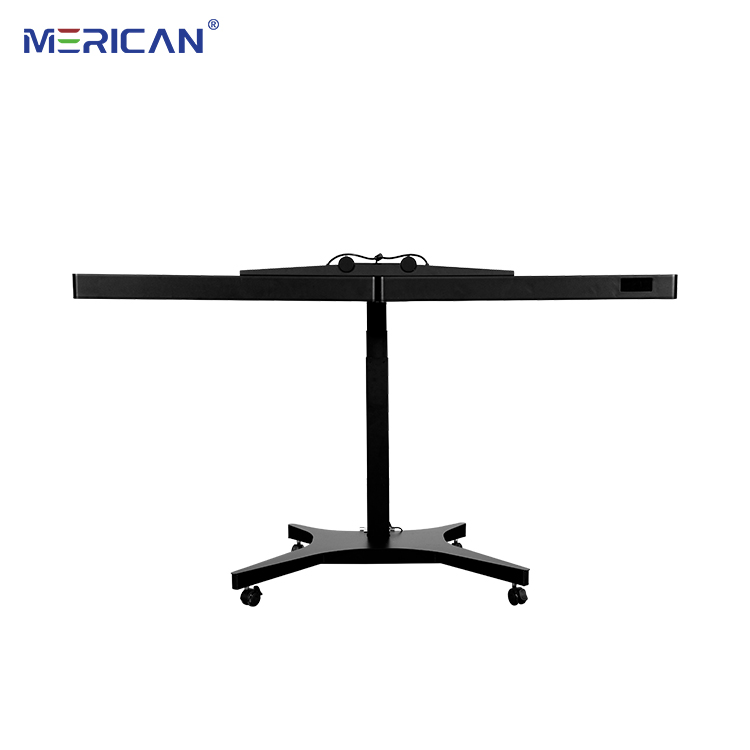
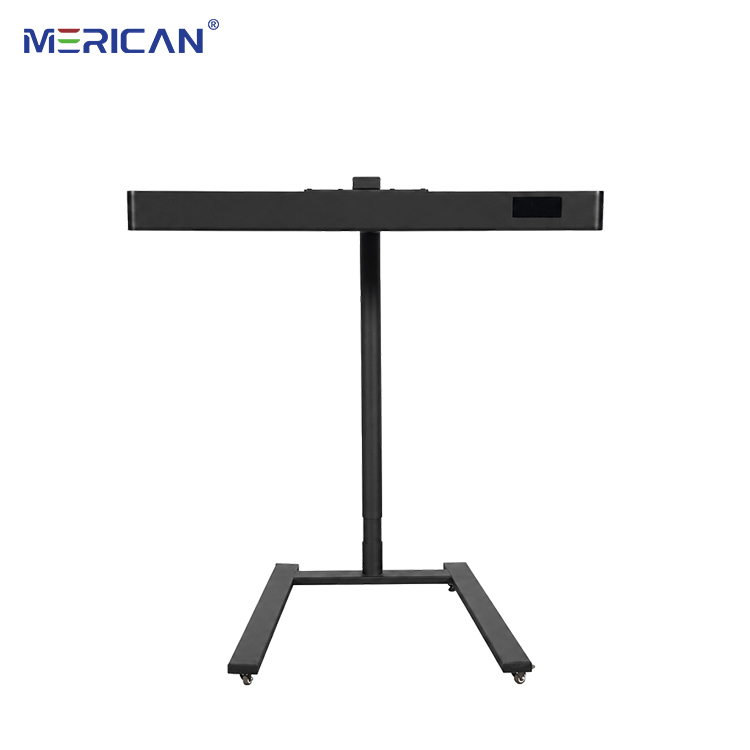
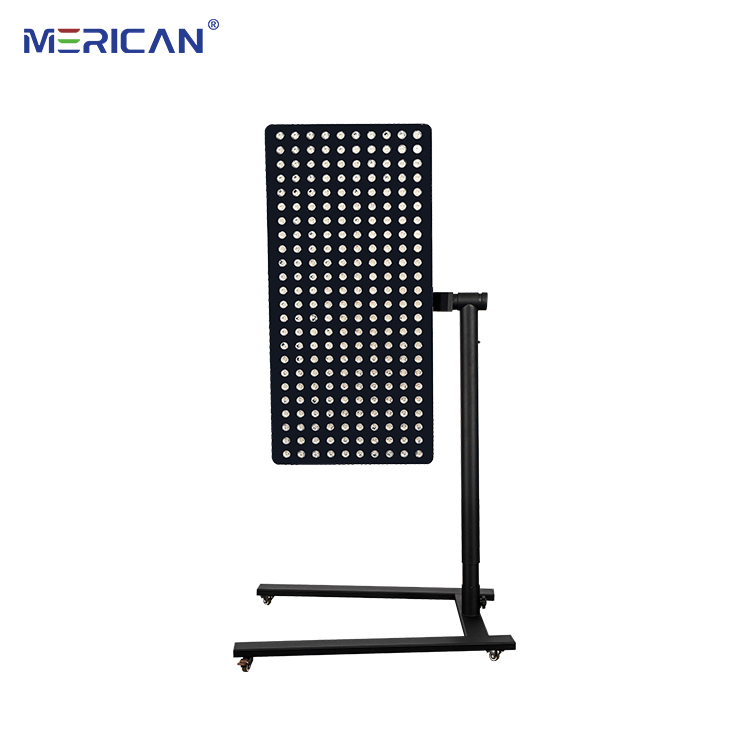
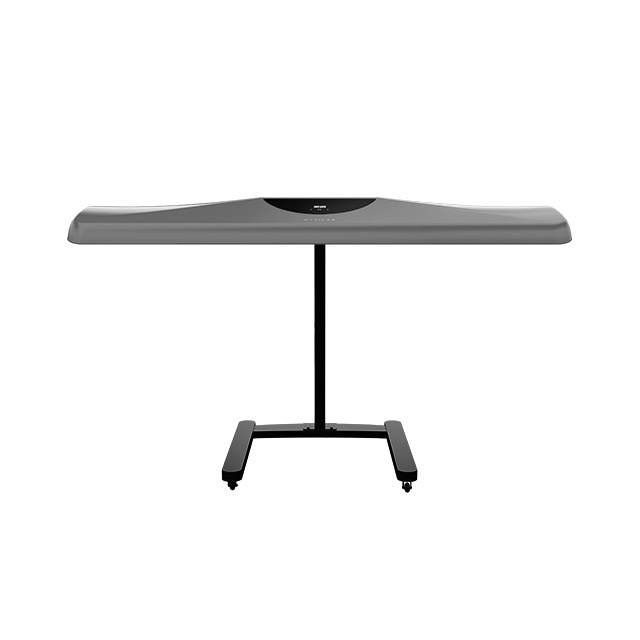
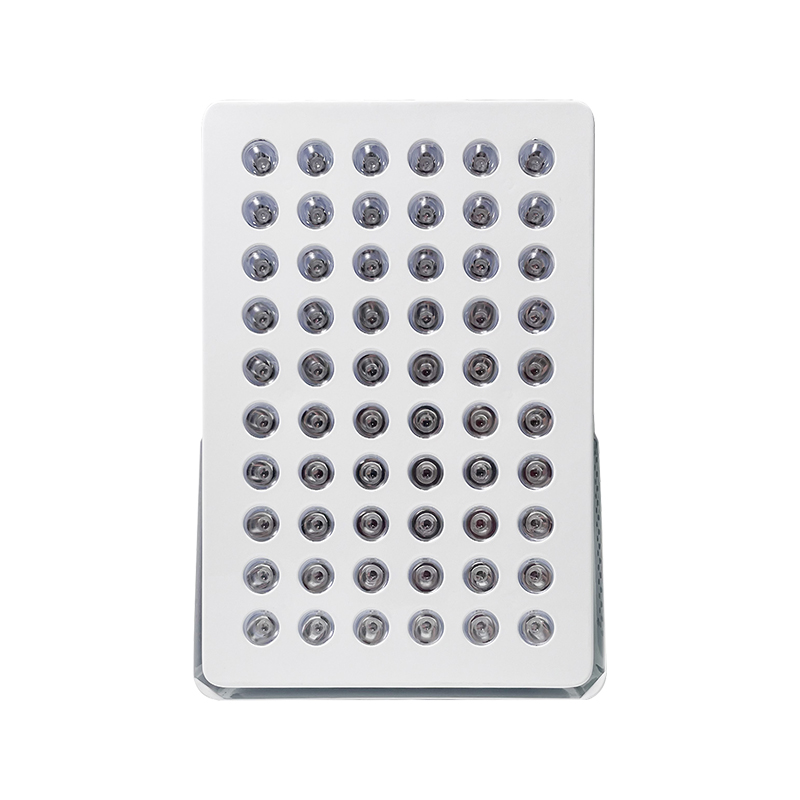
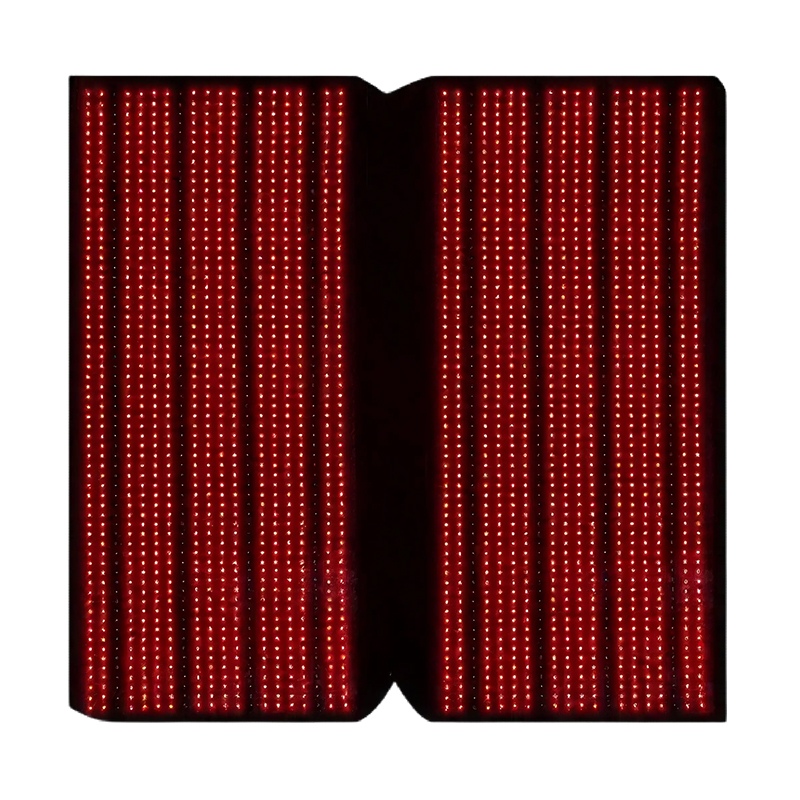
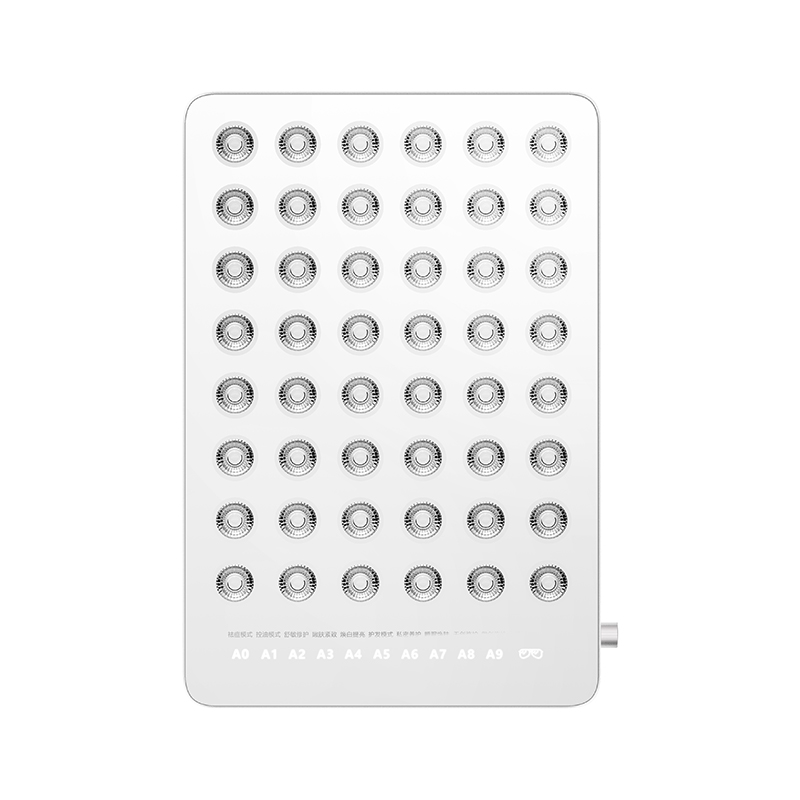
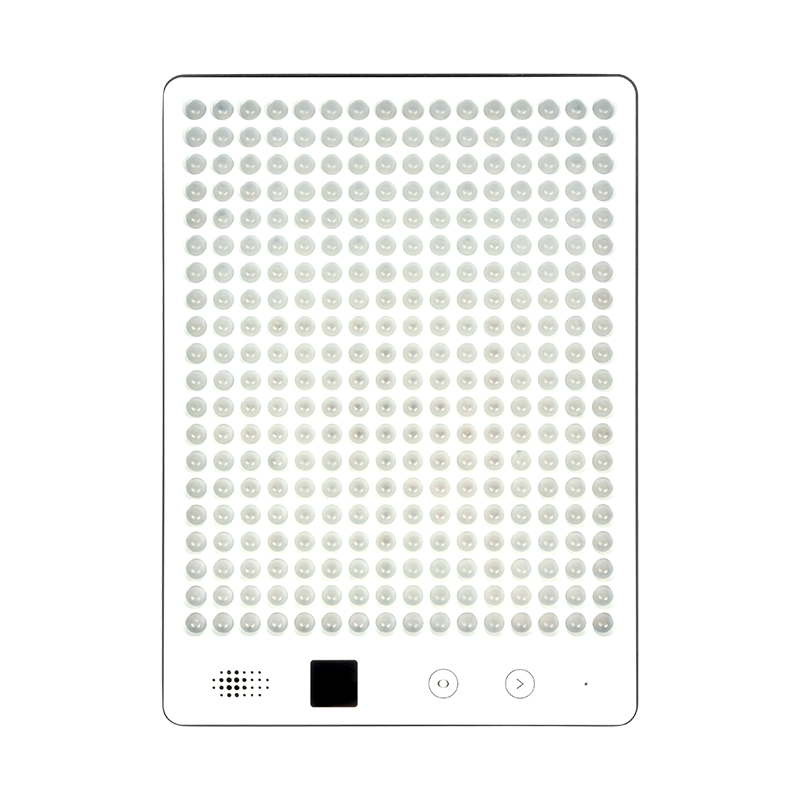
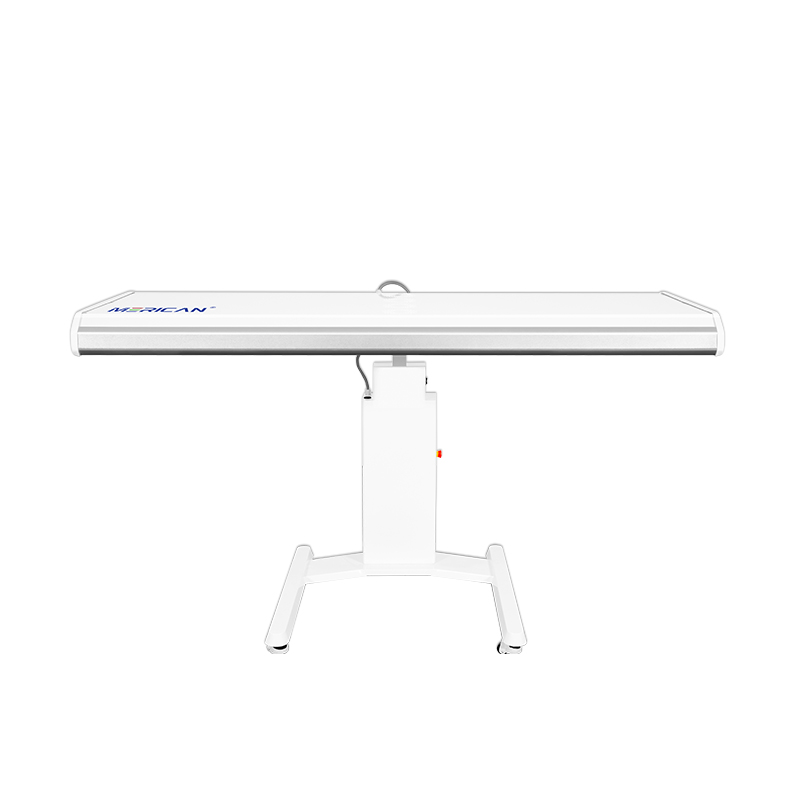
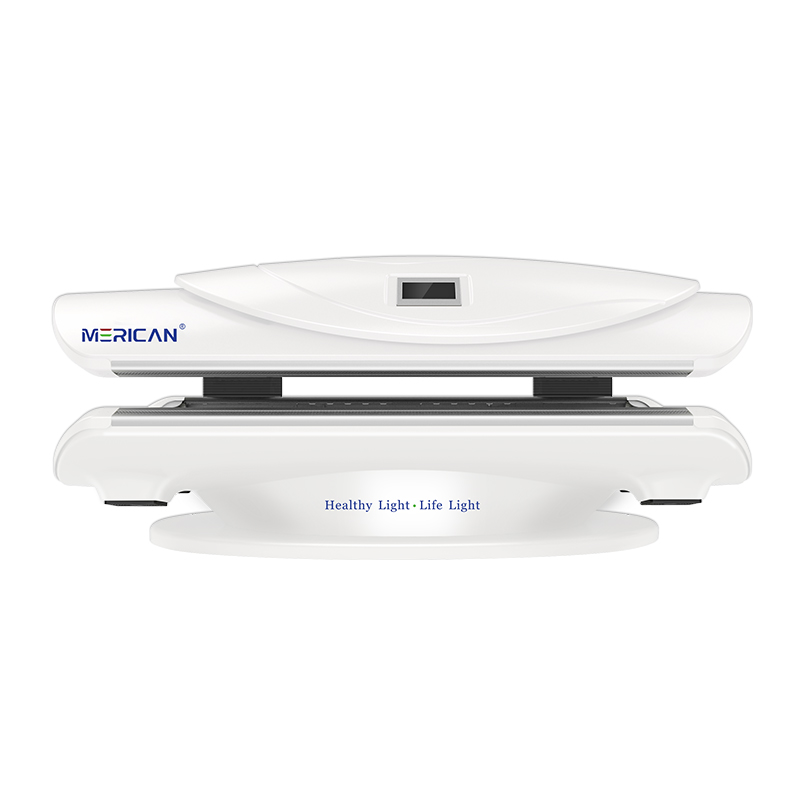
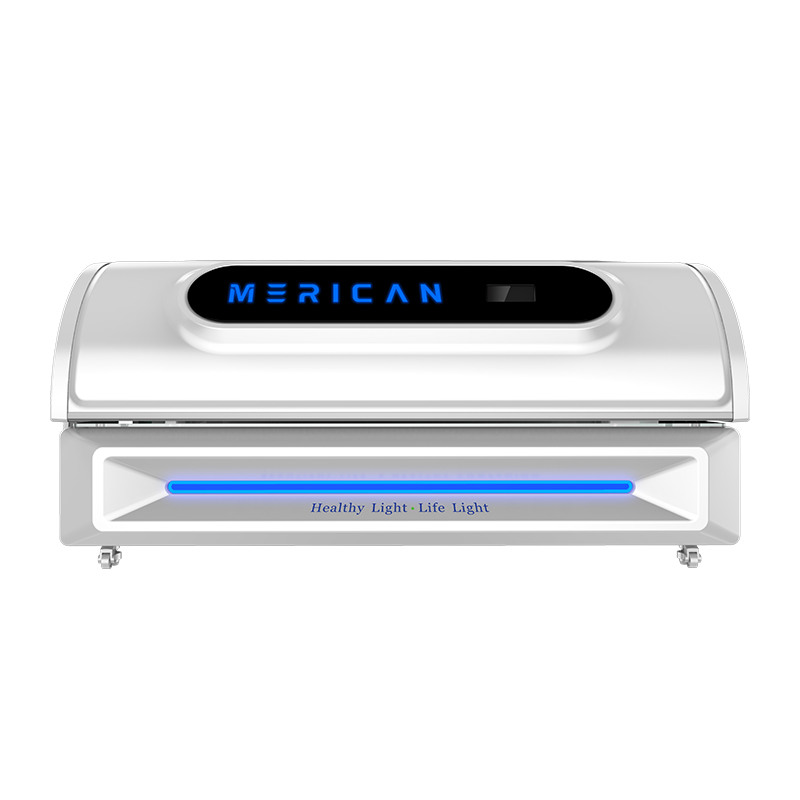
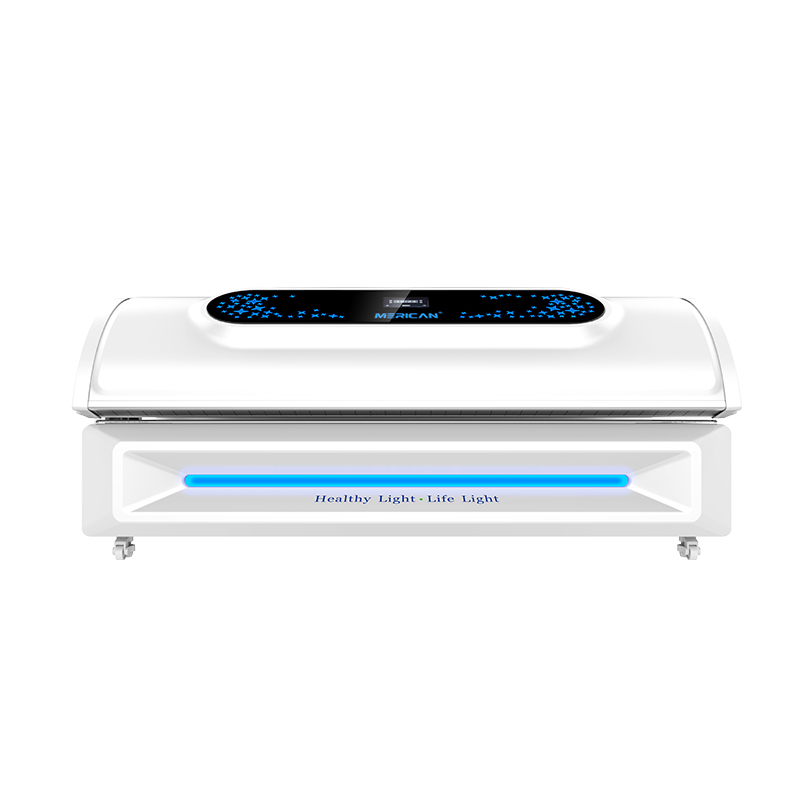
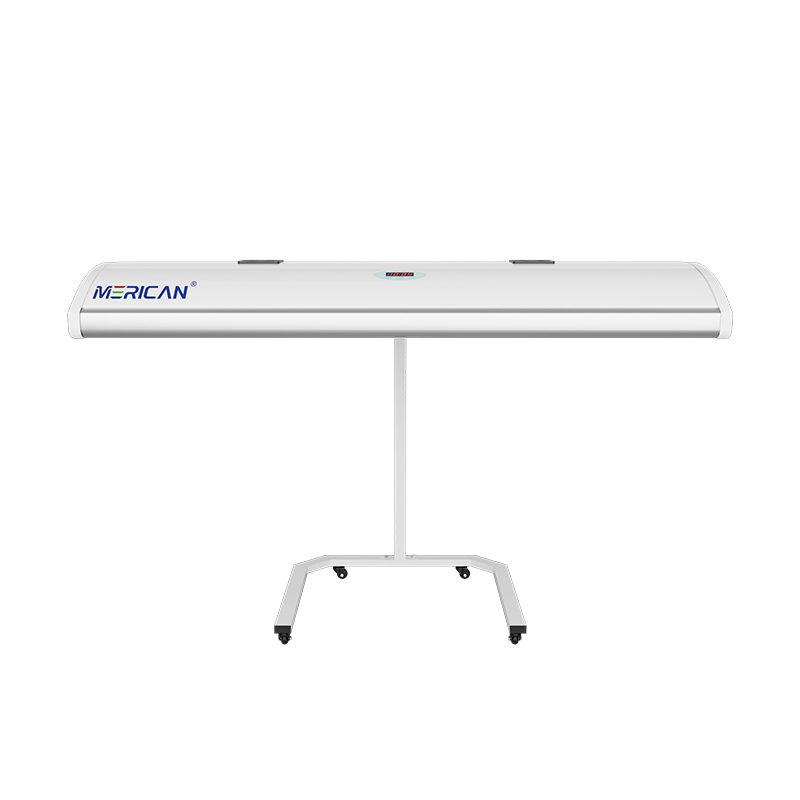
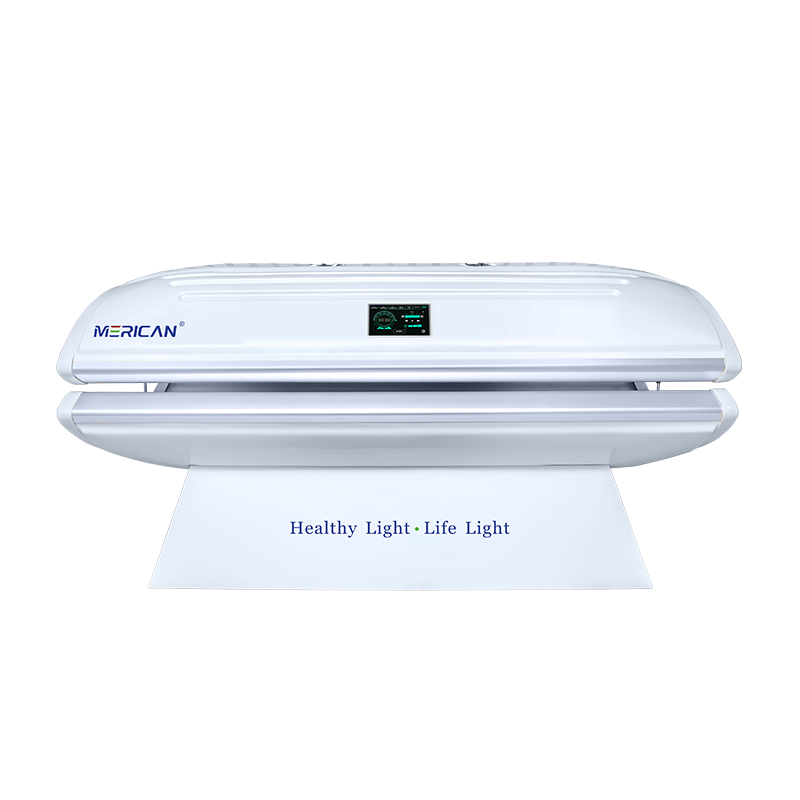
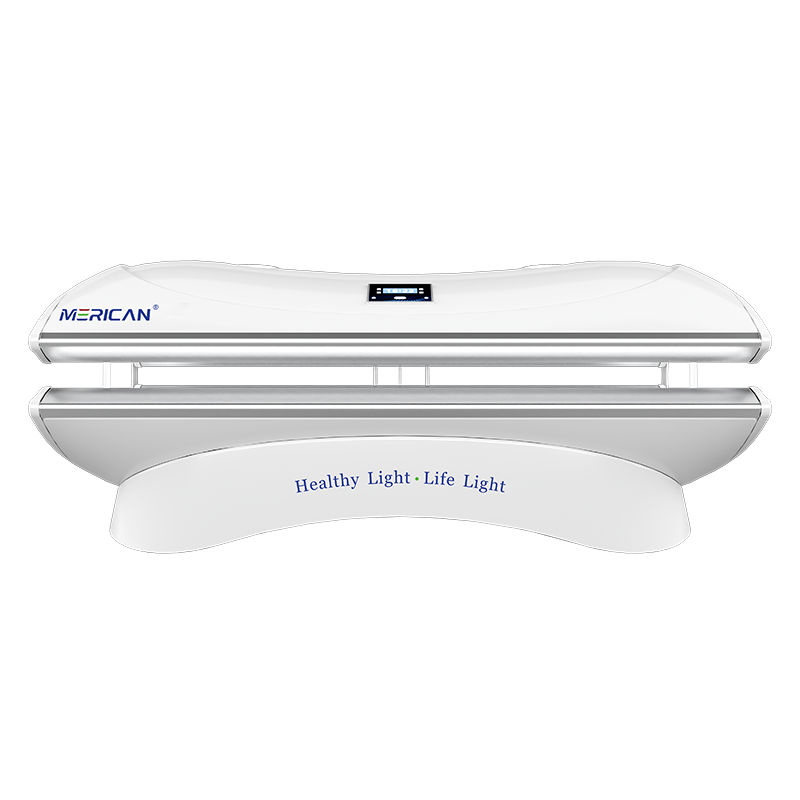
एक लाल बत्ती चिकित्सा बिस्तर तभी तैयार होता है जब उसकी स्थिति प्रदर्शित हो, भौतिक सेटअप, चयनित कार्यक्रम, और परिचालन निर्देश सहमत हैं. केवल एक चमकीला पैनल या हरा लैंप यह पुष्टि करने के लिए पर्याप्त नहीं है कि कोई सत्र शुरू हो सकता है. ऑपरेटर को सत्यापित करना चाहिए कि स्टार्टअप जांच पूरी हो गई है, इच्छित मोड और टाइमर दिखाए गए हैं, चल हिस्से आवश्यक स्थिति में हैं, और कोई चेतावनी या अनुपलब्ध-सहायक स्थिति नहीं रहती है. इसलिए तैयार स्थिति दृश्यमान जानकारी और एक संक्षिप्त पूर्व-उपयोग जांच का संयोजन है, नियंत्रण कक्ष पर केवल एक रंग नहीं.
रेड लाइट थेरेपी बिस्तर पर "तैयार" का क्या मतलब है??
शब्द "तैयार" आम तौर पर एक उपकरण स्थिति की पहचान करता है जिसमें सिस्टम ने अपनी प्रारंभिक जांच पूरी कर ली है और प्रोग्राम किए गए चक्र को स्वीकार करने या शुरू करने में सक्षम है. तथापि, निर्माता उस स्थिति को अलग ढंग से परिभाषित कर सकते हैं. एक मॉडल एक बंद कैनोपी और नियंत्रक कनेक्शन को सत्यापित कर सकता है, जबकि दूसरा बिजली उपलब्ध होते ही तैयार दिख सकता है. ऑपरेटर को यह अवश्य जानना चाहिए कि उस विशेष उपकरण ने वास्तव में क्या पुष्टि की है.
एक तैयार संदेश स्वचालित रूप से पुष्टि नहीं करता है कि सही उपयोगकर्ता है, कार्यक्रम, अवधि, शरीर की स्थिति, या नेत्र-सुरक्षा प्रक्रिया का चयन किया गया है. यह कमरे के तापमान के बारे में भी कुछ नहीं कह सकता, वेंटिलेशन क्लीयरेंस, सफाई की स्थिति, या क्या कोई आवश्यक सुरक्षात्मक वस्तु उपलब्ध है. These conditions remain part of the operator’s responsibility unless the manual clearly states that the bed monitors them.
इसी कारणवश, treat ready as a useful checkpoint rather than a complete authorization. The safest workflow combines the display with the written pre-use procedure. If the supplier uses a different term, icon, or code, record the definition in the facility’s operating guide so every person interprets it consistently.
Why should you avoid judging readiness by colour alone?
Colours are not standardized across red light therapy bed manufacturers. Green may represent standby, permission to start, or a general system state. Blue may indicate an active program on one model and a selected mode on another. सफ़ेद, अंबर, or red may have different meanings depending on the control software. Even a flashing version of the same colour may indicate a different condition from a steady light.
Symbols and labels can also be misunderstood when they are viewed without context. A power symbol confirms that electricity is present, but it does not prove that the programmed cycle is ready. A timer display may show a preset value before the system has accepted the setting. An illuminated panel may remain on during a fault or cooling state. These observations should be matched with the manual, not interpreted from appearance alone.
Ask the supplier to demonstrate the normal startup sequence using the exact model and software version. Record what the display shows before a program is selected, after a program is accepted, and immediately before light output begins. This sequence is more reliable than a colour-based rule and gives staff a reference for identifying an unexpected state.
Which physical checks should come before starting?
Inspect the visible condition of the bed before relying on the ready signal. Confirm that the canopy, पैनलों, access covers, and movable sections are positioned as described by the manual. Look for objects that could obstruct movement, कवर वेंट, या किसी सेंसर के साथ हस्तक्षेप करें. Do not force a component into position; resistance, असामान्य शोर, or an incomplete closure should be reported rather than overcome.
Check that the room provides the required clearance around the equipment. Confirm that vents are not blocked by walls, furniture, तौलिए, पैकेजिंग, or other items. If the manufacturer specifies room-temperature or humidity limits, उन निर्देशों का पालन करें. A displayed ready state may not measure every environmental factor, so a room check remains necessary.
Review the visible condition of cables, connectors, and the controller without opening the equipment. If there is damage, a loose connection, an unusual smell, or evidence of overheating, keep the bed out of use and follow the service procedure. A successful startup message does not make a visibly damaged unit suitable for operation.
How do program and timer settings affect readiness?
The selected program should match the intended session record before the user is exposed. A red light therapy bed may offer different modes, wavelength combinations, intensity levels, or programmed sequences. Verify the program name or code rather than assuming that the last-used setting is appropriate. If the interface does not make the active choice clear, ask for supplier training or written documentation.
Check the timer separately. Confirm whether the displayed duration represents the entire program, the active light period, or one phase within a longer sequence. Find out whether the timer begins immediately, after the canopy is closed, or after the operator presses a second confirmation control. These details affect when exposure starts and how the session should be recorded.
Do not begin a session while changing multiple settings at once. Select the intended mode, confirm the display, and then complete the remaining setup. If the timer unexpectedly changes, resets, or shows a value that is not documented, stop and resolve the interface issue. A bed should not be treated as ready when the operator cannot state which program and duration will run.
What should the operator confirm about user position?
A ready indicator may confirm a mechanical position without confirming that the user is positioned as the protocol requires. Review the recommended body placement, distance from the light sources, and any restrictions on movement. Full-body beds can have areas where a change in position affects coverage, आराम, या ठंडा करना. Tell the user what to do before starting and how to request assistance during the session.
Check that the user can exit or communicate with the operator. If a canopy or enclosed design changes visibility, confirm how the person inside can use the stop control or call system. Explain whether the user should remain still, whether the program can be paused, and what sensations should be reported immediately. These steps are part of readiness even when the display shows no warning.
If the intended user has a condition, दवाई, आँख की चिंता, or sensitivity that requires individualized guidance, obtain that guidance before operation. A ready display cannot determine whether a particular protocol is appropriate for every person. The equipment state and the user’s suitability are related but separate checks.
How do accessories and protective items affect readiness?
Some red light therapy bed procedures require eye protection, पोजीशनिंग समर्थन करता है, disposable coverings, cleaning materials, or other specified items. Confirm which accessories belong to the exact model and program. Do not substitute an item merely because it looks similar. If eye protection is required, ensure it is available, intact, साफ, and used according to the manufacturer’s instructions.
A machine may not detect a missing accessory. The absence of a warning therefore does not prove that the session setup is complete. Staff should use a written checklist when the equipment relies on manual preparation. Include accessory availability in the same record as the program and timer so the process is repeatable between users and shifts.
Ask the supplier which items are consumables, which are optional, and which are necessary for safe operation. Clarify how accessories should be cleaned, stored, जगह ले ली, and tracked. A bed can display ready while its supporting supplies are unavailable; in that case, the procedure is not ready to begin.
What warnings mean the bed is not ready?
Any warning that the manual identifies as unresolved should prevent routine operation until the required response is completed. Examples can include a panel-position alert, प्रतिबंधित वायुप्रवाह, ऊंचा तापमान, सेंसर दोष, नियंत्रक संचार समस्या, सेवा संदेश, या कोई अज्ञात प्रतीक. सटीक प्रतिक्रिया मॉडल के अनुसार भिन्न होती है, इसलिए सार्वभौमिक पुनरारंभ नियम न बनाएं.
पूरा संदेश या कोड पढ़ें और उसके प्रकट होने पर रिकॉर्ड करें. निर्धारित करें कि क्या मैनुअल दृश्य जांच की अनुमति देता है, एक रीसेट, एक शांत-डाउन अवधि, या तत्काल सेवा से संपर्क करें. यदि पुनरारंभ के बाद चेतावनी गायब हो जाती है लेकिन कारण अज्ञात है, घटना का दस्तावेजीकरण करें और पूछें कि क्या बिस्तर को उपयोग के लिए वापस किया जा सकता है. गायब होने वाला संदेश इस बात का प्रमाण नहीं है कि अंतर्निहित समस्या को ठीक कर दिया गया है.
यदि कोई उपयोगकर्ता चेतावनी प्रकट होने पर पहले से ही बिस्तर पर है, पहले उपयोगकर्ता की सुरक्षा करें. स्वीकृत विराम या रोक नियंत्रण का उपयोग करें, जाँचें कि व्यक्ति कैसा महसूस करता है, और आवश्यकता पड़ने पर आपातकालीन या घटना प्रक्रिया का पालन करें. सिर्फ इसलिए एक्सपोज़र जारी न रखें क्योंकि बिस्तर अभी भी रोशनी पैदा कर रहा है या क्योंकि टाइमर शून्य तक नहीं पहुंचा है.
कोई सुविधा एक विश्वसनीय तत्परता दिनचर्या कैसे बना सकती है??
एक सुविधा तत्परता को एक संक्षिप्त अनुक्रम में बदल सकती है जिसका पालन प्रत्येक प्रशिक्षित ऑपरेटर उसी क्रम में करता है. कमरे और दृश्यमान उपकरण की स्थिति से प्रारंभ करें, फिर नियंत्रक और प्रोग्राम की पुष्टि करें, उपयोगकर्ता की स्थिति और संचार विधि की जाँच करें, आवश्यक सहायक उपकरण सत्यापित करें, और शुरू करने से तुरंत पहले डिस्प्ले की समीक्षा करें. अनुक्रम इतना छोटा होना चाहिए कि उसे लगातार उपयोग किया जा सके और उस मॉडल के सामान्य विफलता बिंदुओं को पकड़ने के लिए पर्याप्त विस्तृत होना चाहिए.
"चेक मशीन" जैसे अस्पष्ट निर्देश के बजाय स्पष्ट हां-या-नहीं वाली चेकलिस्ट का उपयोग करें। उपकरण पहचानकर्ता शामिल करें, तारीख, ऑपरेटर, चयनित कार्यक्रम, घड़ी, और कोई अपवाद. यदि बिस्तर तैयार नहीं है, इसे अनुपलब्ध के रूप में चिह्नित करें, कारण नोट करें, और अगली शिफ्ट बताएं. बाद वाले ऑपरेटर को यह अनुमान लगाने की अनुमति न दें कि पहले वाला मुद्दा हल हो गया था क्योंकि डिस्प्ले सामान्य दिखता है.
सॉफ़्टवेयर अद्यतन के बाद दिनचर्या की समीक्षा करें, उपकरण परिवर्तन, बार-बार चेतावनी, सेवा यात्रा, या उपयोगकर्ता घटना. एक संशोधित मैनुअल एक प्रतीक बदल सकता है, स्टार्टअप कदम, या तैयार की परिभाषा. मौजूदा प्रक्रिया को उपकरण के पास रखें और कमरे से पुरानी प्रतियां हटा दें.
आपको आपूर्तिकर्ता से तैयार स्थिति के बारे में क्या पूछना चाहिए??
आपूर्तिकर्ता से प्रत्येक स्टार्टअप संदेश और प्रतीक को खरीदे या संचालित किए जा रहे सटीक मॉडल पर परिभाषित करने के लिए कहें. पुष्टि करें कि कौन सी जाँचें स्वचालित हैं और कौन सी मैन्युअल हैं. स्वीकृत स्टार्टअप अनुक्रम का अनुरोध करें, प्रत्येक टाइमर स्थिति का अर्थ, और एक डिस्प्ले के लिए प्रतिक्रिया जो तैयार कहती है जबकि भौतिक स्थिति गलत दिखाई देती है.
पूछें कि क्या बिस्तर स्टार्टअप दोषों को रिकॉर्ड करता है, अंतिम प्रोग्राम को संग्रहीत करता है, या बिजली बाधित होने के बाद डिस्प्ले साफ़ करता है. पता लगाएं कि उपयोगकर्ता द्वारा अनुरोधित ठहराव उपकरण विराम से कैसे भिन्न है और क्या फिर से शुरू किए गए चक्र को एक ही सत्र माना जाता है. ये विवरण स्टाफ प्रशिक्षण और एक्सपोज़र रिकॉर्ड दोनों को प्रभावित करते हैं.
समर्थन और दस्तावेज़ीकरण को भी स्पष्ट करें. वर्तमान मैनुअल का अनुरोध करें, परिचालन चेकलिस्ट, रखरखाव के निर्देश, और नोटिस अपडेट करें. पूछें कि सेवा संदेश को कौन रीसेट कर सकता है, जब ऑन-साइट तकनीशियन की आवश्यकता हो, और दूरस्थ समस्या निवारण के लिए आपूर्तिकर्ता को कौन से साक्ष्य की आवश्यकता है. एक आपूर्तिकर्ता जो तत्परता की सटीक व्याख्या करता है, वह बिस्तर को लगातार संचालित करना और समस्याओं की शीघ्र पहचान करना आसान बनाता है.
रेड लाइट थेरेपी बिस्तर तैयारी चेकलिस्ट
| तत्परता क्षेत्र | क्या पुष्टि करें? | यदि चेक फेल हो जाता है |
|---|---|---|
| प्रदर्शन स्थिति | मैनुअल-परिभाषित तैयार संदेश या प्रतीक दिखाई देता है | रंग पर भरोसा मत करो; वास्तविक स्थिति की पहचान करें |
| कार्यक्रम | चयनित मोड इच्छित सत्र से मेल खाता है | प्रारंभ करने से पहले प्रोग्राम को ठीक करें |
| घड़ी | अवधि और प्रारंभ व्यवहार को समझा जाता है | यदि मूल्य अस्पष्ट या अप्रलेखित है तो रुकें |
| पैनल और चंदवा | बिना बल प्रयोग के आवश्यक स्थिति तक पहुँच जाता है | बिस्तर को उपयोग से दूर रखें और यदि आवश्यक हो तो सहायता का अनुरोध करें |
| वायु प्रवाह | वेंट और आसपास की निकासी निर्देशों के अनुरूप है | अधिकृत होने पर ही रुकावटें हटाएँ; समाधान न होने पर आगे बढ़ें |
| नियंत्रक | बटन, स्क्रीन, और संचार पथ सामान्य रूप से प्रतिक्रिया करता है | गलती को रिकॉर्ड करें और सेवा प्रक्रिया का पालन करें |
| सामान | आवश्यक नेत्र सुरक्षा एवं अन्य सामान उपलब्ध हैं | सेटअप पूरा होने तक आरंभ न करें |
| उपयोगकर्ता की स्थिति | उपयोगकर्ता प्लेसमेंट को समझता है, संचार, और कदम रोको | पुनः समझाएँ या व्यक्तिगत मार्गदर्शन प्राप्त करें |
| चेतावनियाँ | कोई अनसुलझी चेतावनी या सेवा स्थिति नहीं बची है | मैनुअल के अनुसार बिस्तर को रोकें या अलग करें |
इस चेकलिस्ट का उपयोग स्थानीय प्रशिक्षण सहायता के रूप में करें, उत्पाद मैनुअल के प्रतिस्थापन के रूप में नहीं. सटीक तत्परता मानदंड मॉडलों के बीच भिन्न हो सकते हैं. जब भी आपूर्तिकर्ता परिचालन प्रक्रिया या नियंत्रण सॉफ़्टवेयर बदलता है तो चेकलिस्ट को अपडेट करें.
अंतिम टेकअवे
आप मॉडल-विशिष्ट तैयार संदेश को भौतिक के साथ जोड़कर बता सकते हैं कि रेड लाइट थेरेपी बिस्तर कब तैयार है, कार्यक्रम, उपयोगकर्ता, गौण, और सुरक्षा जांच. डिस्प्ले को इच्छित स्थिति दिखानी चाहिए, चयनित प्रोग्राम और टाइमर स्पष्ट होना चाहिए, चल भागों को सही ढंग से स्थित किया जाना चाहिए, आवश्यक आपूर्ति उपलब्ध होनी चाहिए, और कोई भी अनसुलझी चेतावनी नहीं रहनी चाहिए. यदि सेटअप का कोई भी भाग डिस्प्ले के साथ विरोध करता है, जब तक विसंगति स्पष्ट न हो जाए तब तक बिस्तर को तैयार न समझें.
शीर्षक प्रश्न का सीधा उत्तर "हरी बत्ती की तलाश" नहीं है। यह सत्यापित करना है कि निर्माता क्या तैयार के रूप में परिभाषित करता है, दृश्य सेटअप की पुष्टि करें, उपयोगकर्ता और चयनित सत्र विवरण की जाँच करें, और किसी भी अपवाद का दस्तावेजीकरण करें. यह दृष्टिकोण कर्मचारियों को लगातार सत्र शुरू करने में मदद करता है, कुछ गलत होने पर आपूर्तिकर्ताओं को उपयोगी जानकारी देता है, और एक परिचित संकेतक को इस बात का प्रमाण समझने से रोकता है कि उपकरण सुरक्षित है और सही ढंग से कॉन्फ़िगर किया गया है.