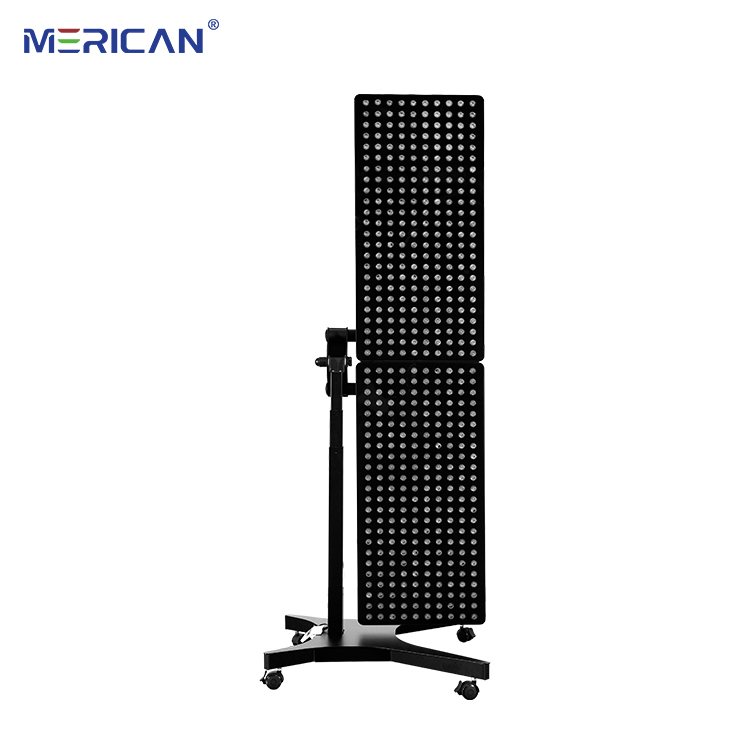
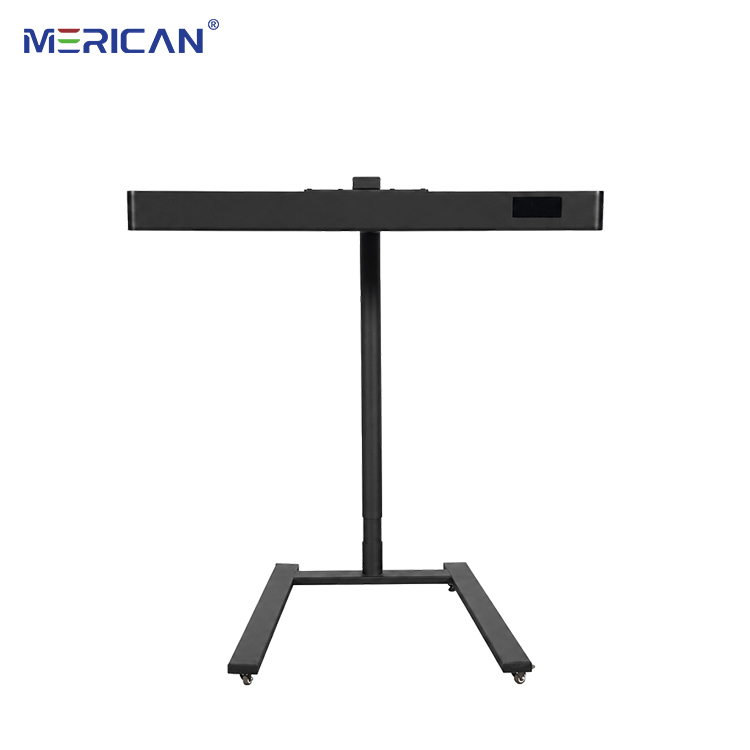
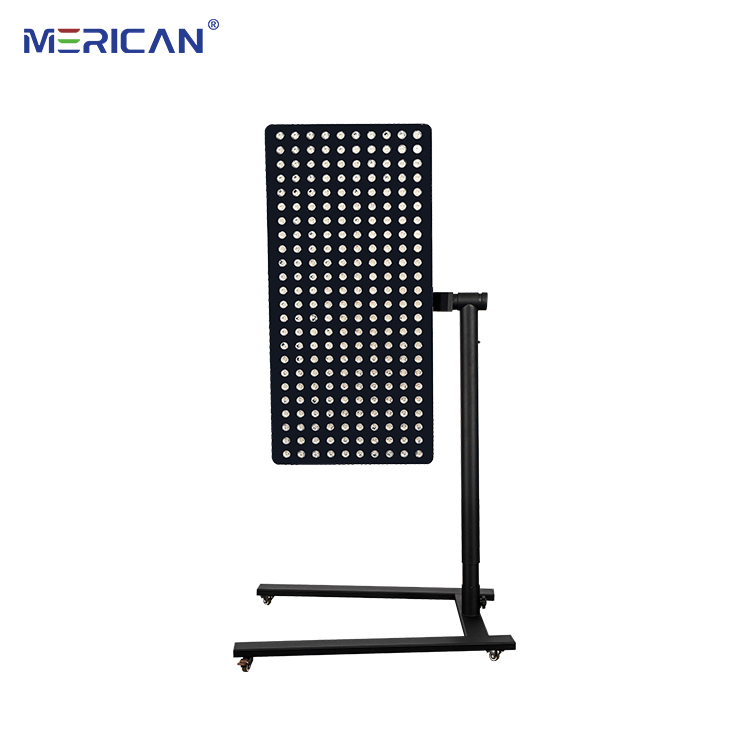
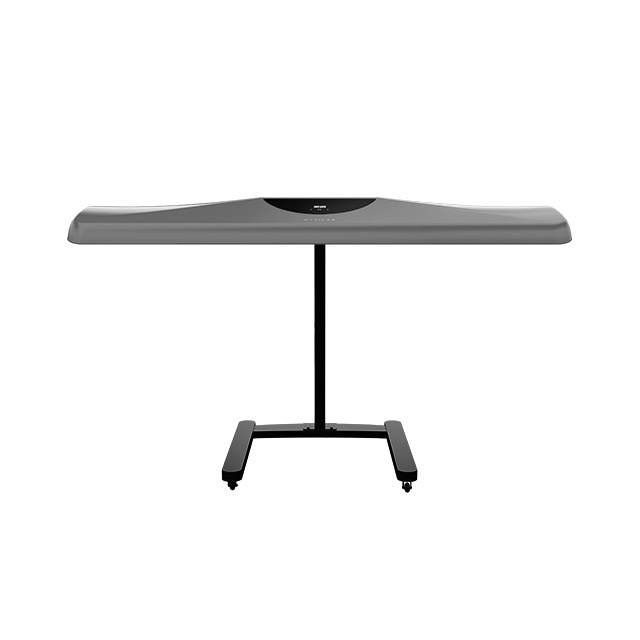
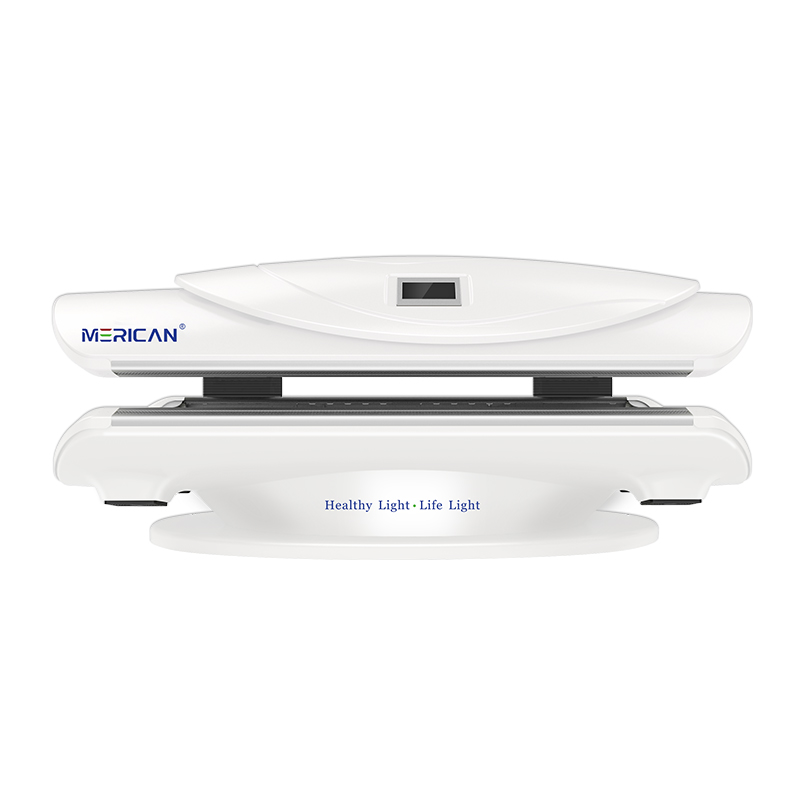
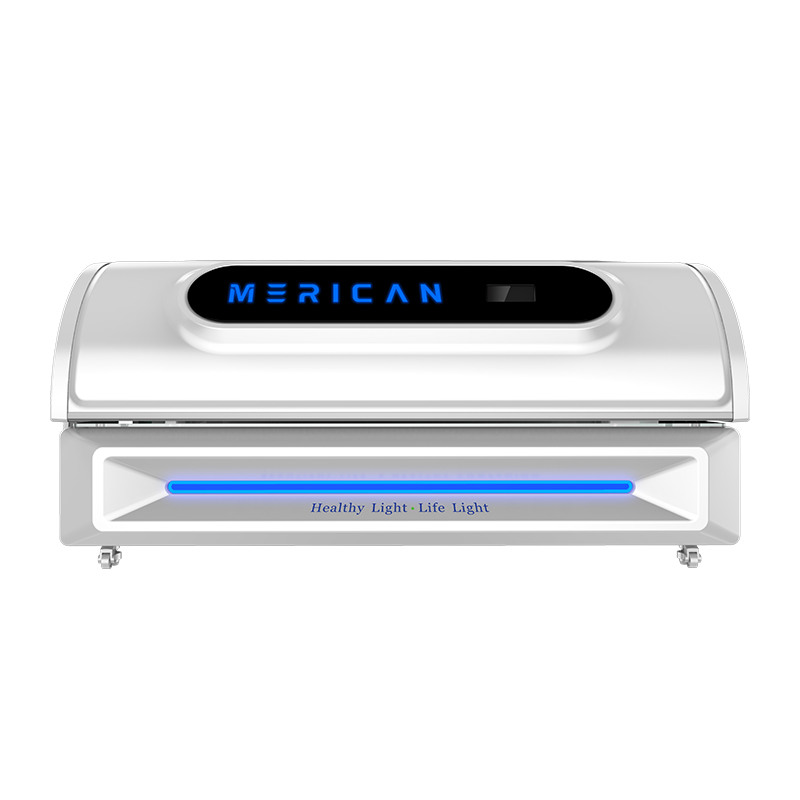
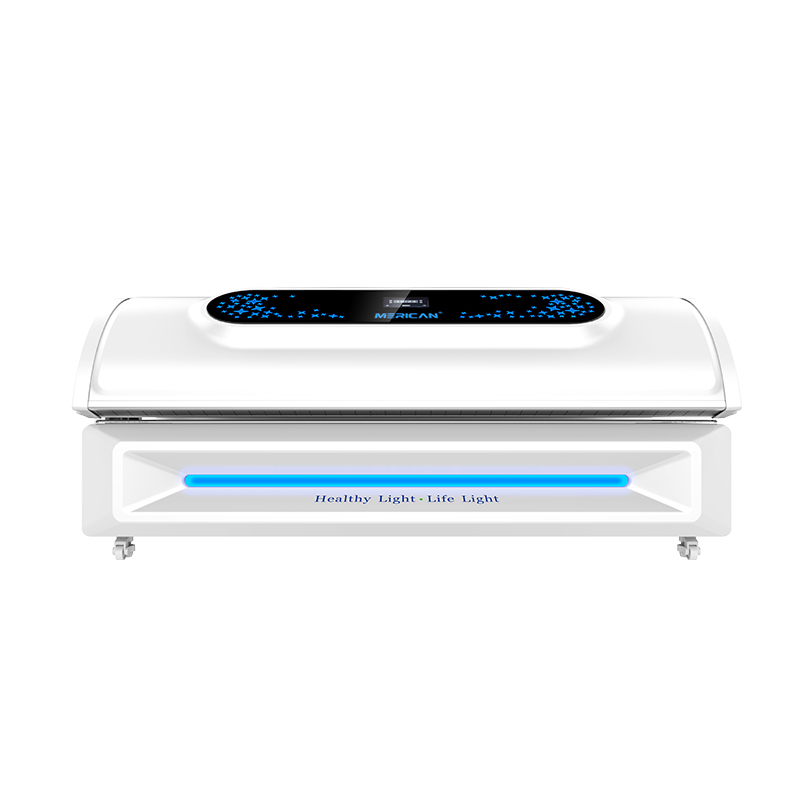
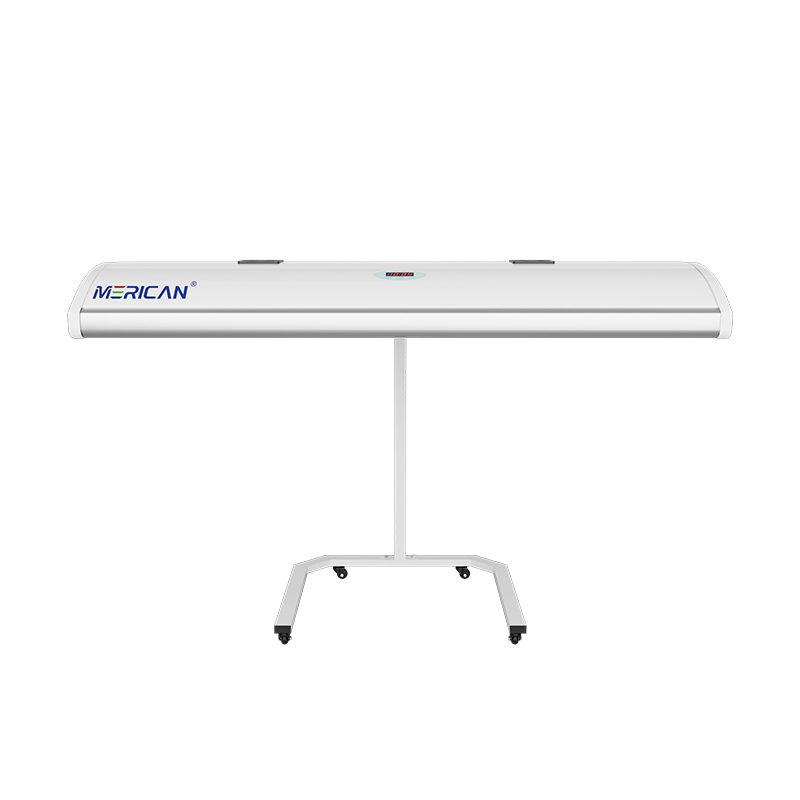
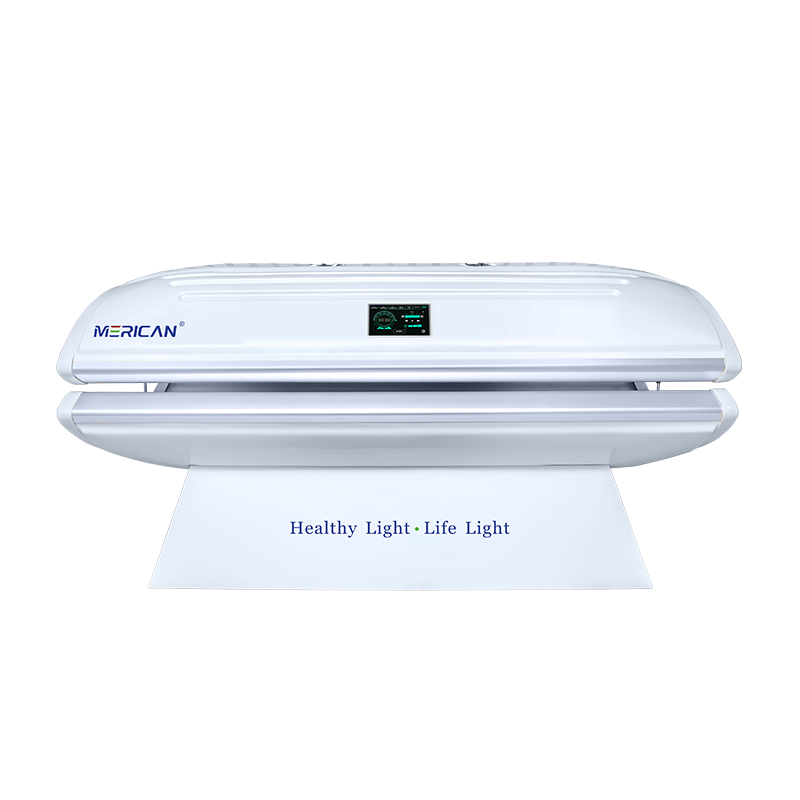
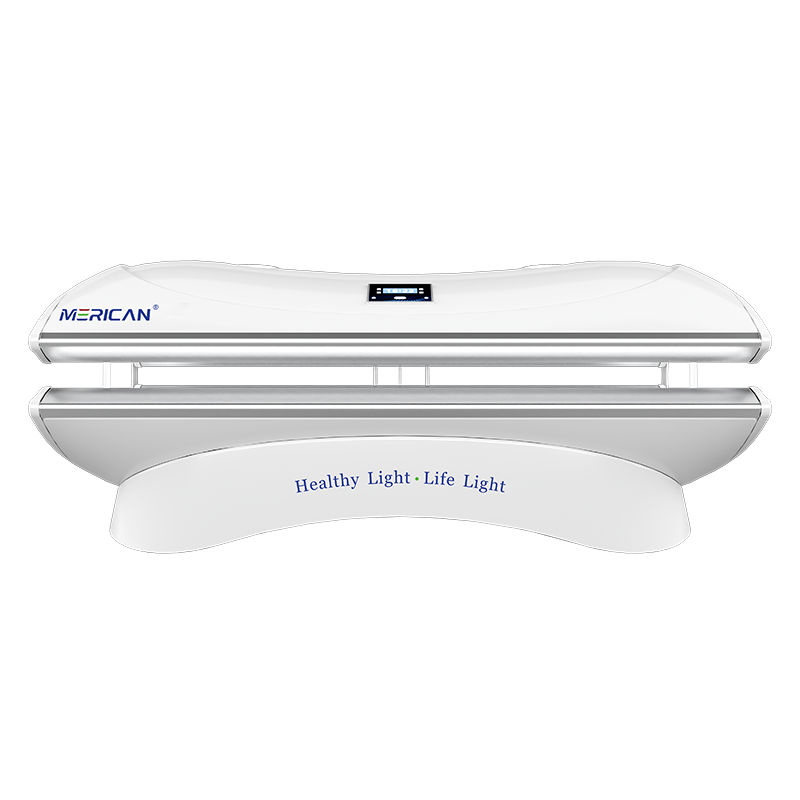
A red light therapy bed is ready only when its displayed state, physical setup, selected program, and operating instructions agree. A bright panel or a green lamp alone is not enough to confirm that a session can begin. The operator should verify that startup checks have completed, the intended mode and timer are shown, movable parts are in the required position, and no warning or missing-accessory condition remains. Ready status is therefore a combination of visible information and a short pre-use check, not simply a colour on the control panel.
What does “ready” mean on a red light therapy bed?
The word “ready” usually identifies an equipment state in which the system has completed its initial checks and is able to accept or start a programmed cycle. However, manufacturers may define that state differently. One model may verify a closed canopy and controller connection, while another may show ready as soon as power is available. The operator must learn what the particular device has actually confirmed.
A ready message does not automatically confirm that the correct user, program, duration, body position, or eye-safety procedure has been selected. It may also say nothing about room temperature, ventilation clearance, cleaning status, or whether a required protective item is available. These conditions remain part of the operator’s responsibility unless the manual clearly states that the bed monitors them.
For that reason, treat ready as a useful checkpoint rather than a complete authorization. The safest workflow combines the display with the written pre-use procedure. If the supplier uses a different term, icon, or code, record the definition in the facility’s operating guide so every person interprets it consistently.
Why should you avoid judging readiness by colour alone?
Colours are not standardized across red light therapy bed manufacturers. Green may represent standby, permission to start, or a general system state. Blue may indicate an active program on one model and a selected mode on another. White, amber, or red may have different meanings depending on the control software. Even a flashing version of the same colour may indicate a different condition from a steady light.
Symbols and labels can also be misunderstood when they are viewed without context. A power symbol confirms that electricity is present, but it does not prove that the programmed cycle is ready. A timer display may show a preset value before the system has accepted the setting. An illuminated panel may remain on during a fault or cooling state. These observations should be matched with the manual, not interpreted from appearance alone.
Ask the supplier to demonstrate the normal startup sequence using the exact model and software version. Record what the display shows before a program is selected, after a program is accepted, and immediately before light output begins. This sequence is more reliable than a colour-based rule and gives staff a reference for identifying an unexpected state.
Which physical checks should come before starting?
Inspect the visible condition of the bed before relying on the ready signal. Confirm that the canopy, panels, access covers, and movable sections are positioned as described by the manual. Look for objects that could obstruct movement, cover vents, or interfere with a sensor. Do not force a component into position; resistance, unusual noise, or an incomplete closure should be reported rather than overcome.
Check that the room provides the required clearance around the equipment. Confirm that vents are not blocked by walls, furniture, towels, packaging, or other items. If the manufacturer specifies room-temperature or humidity limits, follow those instructions. A displayed ready state may not measure every environmental factor, so a room check remains necessary.
Review the visible condition of cables, connectors, and the controller without opening the equipment. If there is damage, a loose connection, an unusual smell, or evidence of overheating, keep the bed out of use and follow the service procedure. A successful startup message does not make a visibly damaged unit suitable for operation.
How do program and timer settings affect readiness?
The selected program should match the intended session record before the user is exposed. A red light therapy bed may offer different modes, wavelength combinations, intensity levels, or programmed sequences. Verify the program name or code rather than assuming that the last-used setting is appropriate. If the interface does not make the active choice clear, ask for supplier training or written documentation.
Check the timer separately. Confirm whether the displayed duration represents the entire program, the active light period, or one phase within a longer sequence. Find out whether the timer begins immediately, after the canopy is closed, or after the operator presses a second confirmation control. These details affect when exposure starts and how the session should be recorded.
Do not begin a session while changing multiple settings at once. Select the intended mode, confirm the display, and then complete the remaining setup. If the timer unexpectedly changes, resets, or shows a value that is not documented, stop and resolve the interface issue. A bed should not be treated as ready when the operator cannot state which program and duration will run.
What should the operator confirm about user position?
A ready indicator may confirm a mechanical position without confirming that the user is positioned as the protocol requires. Review the recommended body placement, distance from the light sources, and any restrictions on movement. Full-body beds can have areas where a change in position affects coverage, comfort, or cooling. Tell the user what to do before starting and how to request assistance during the session.
Check that the user can exit or communicate with the operator. If a canopy or enclosed design changes visibility, confirm how the person inside can use the stop control or call system. Explain whether the user should remain still, whether the program can be paused, and what sensations should be reported immediately. These steps are part of readiness even when the display shows no warning.
If the intended user has a condition, medication, eye concern, or sensitivity that requires individualized guidance, obtain that guidance before operation. A ready display cannot determine whether a particular protocol is appropriate for every person. The equipment state and the user’s suitability are related but separate checks.
How do accessories and protective items affect readiness?
Some red light therapy bed procedures require eye protection, positioning supports, disposable coverings, cleaning materials, or other specified items. Confirm which accessories belong to the exact model and program. Do not substitute an item merely because it looks similar. If eye protection is required, ensure it is available, intact, clean, and used according to the manufacturer’s instructions.
A machine may not detect a missing accessory. The absence of a warning therefore does not prove that the session setup is complete. Staff should use a written checklist when the equipment relies on manual preparation. Include accessory availability in the same record as the program and timer so the process is repeatable between users and shifts.
Ask the supplier which items are consumables, which are optional, and which are necessary for safe operation. Clarify how accessories should be cleaned, stored, replaced, and tracked. A bed can display ready while its supporting supplies are unavailable; in that case, the procedure is not ready to begin.
What warnings mean the bed is not ready?
Any warning that the manual identifies as unresolved should prevent routine operation until the required response is completed. Examples can include a panel-position alert, restricted airflow, elevated temperature, sensor fault, controller communication problem, service message, or an unknown symbol. The exact response varies by model, so do not create a universal restart rule.
Read the full message or code and record when it appeared. Determine whether the manual permits a visible check, a reset, a cool-down period, or immediate service contact. If the warning disappears after a restart but the cause is unknown, document the event and ask whether the bed can be returned to use. A disappearing message is not proof that the underlying problem has been corrected.
If a user is already in the bed when a warning appears, protect the user first. Use the approved pause or stop control, check how the person feels, and follow the emergency or incident procedure when required. Do not continue exposure simply because the bed still produces light or because the timer has not reached zero.
How can a facility create a reliable readiness routine?
A facility can turn readiness into a short sequence that every trained operator follows in the same order. Start with the room and visible equipment condition, then confirm the controller and program, check the user position and communication method, verify required accessories, and review the display immediately before starting. The sequence should be short enough to use consistently and detailed enough to catch the common failure points for that model.
Use a checklist with clear yes-or-no items rather than a vague instruction such as “check machine.” Include the equipment identifier, date, operator, selected program, timer, and any exception. If the bed is not ready, mark it unavailable, note the reason, and tell the next shift. Do not allow a later operator to infer that an earlier issue was resolved because the display looks normal.
Review the routine after a software update, equipment change, repeated warning, service visit, or user incident. A revised manual may change a symbol, startup step, or definition of ready. Keep the current procedure near the equipment and remove outdated copies from the room.
What should you ask the supplier about ready status?
Ask the supplier to define every startup message and symbol on the exact model being purchased or operated. Confirm which checks are automatic and which remain manual. Request the approved startup sequence, the meaning of each timer state, and the response for a display that says ready while a physical condition appears incorrect.
Ask whether the bed records startup faults, stores the last program, or clears the display after power is interrupted. Find out how a user-requested pause differs from an equipment pause and whether a resumed cycle is considered the same session. These details affect both staff training and exposure records.
Also clarify support and documentation. Request the current manual, operating checklist, maintenance instructions, and update notices. Ask who may reset a service message, when an on-site technician is required, and what evidence the supplier needs for remote troubleshooting. A supplier that explains readiness precisely makes it easier to operate the bed consistently and identify problems early.
Red light therapy bed readiness checklist
| Readiness area | What to confirm | If the check fails |
|---|---|---|
| Display state | The manual-defined ready message or symbol is visible | Do not rely on colour; identify the actual state |
| Program | The selected mode matches the intended session | Correct the program before starting |
| Timer | Duration and start behaviour are understood | Stop if the value is unclear or undocumented |
| Panels and canopy | Required position is reached without force | Keep the bed out of use and request support if needed |
| Airflow | Vents and surrounding clearance meet instructions | Remove obstructions only when authorized; escalate if unresolved |
| Controller | Buttons, screen, and communication path respond normally | Record the fault and follow the service process |
| Accessories | Required eye protection and other items are available | Do not begin until the setup is complete |
| User position | The user understands placement, communication, and stop steps | Re-explain or obtain individualized guidance |
| Warnings | No unresolved warning or service state remains | Pause or isolate the bed according to the manual |
Use this checklist as a local training aid, not as a replacement for the product manual. The exact readiness criteria may differ between models. Update the checklist whenever the supplier changes the operating procedure or control software.
Final takeaway
You can tell when a red light therapy bed is ready by combining the model-specific ready message with physical, program, user, accessory, and safety checks. The display should show the intended state, the selected program and timer should be clear, movable parts should be correctly positioned, required supplies should be available, and no unresolved warning should remain. If any part of the setup conflicts with the display, treat the bed as not ready until the discrepancy is explained.
The direct answer to the title question is not “look for a green light.” It is to verify what the manufacturer defines as ready, confirm the visible setup, check the user and selected session details, and document any exception. This approach helps staff start consistent sessions, gives suppliers useful information when something goes wrong, and prevents a familiar indicator from being mistaken for proof that the equipment is safe and correctly configured.