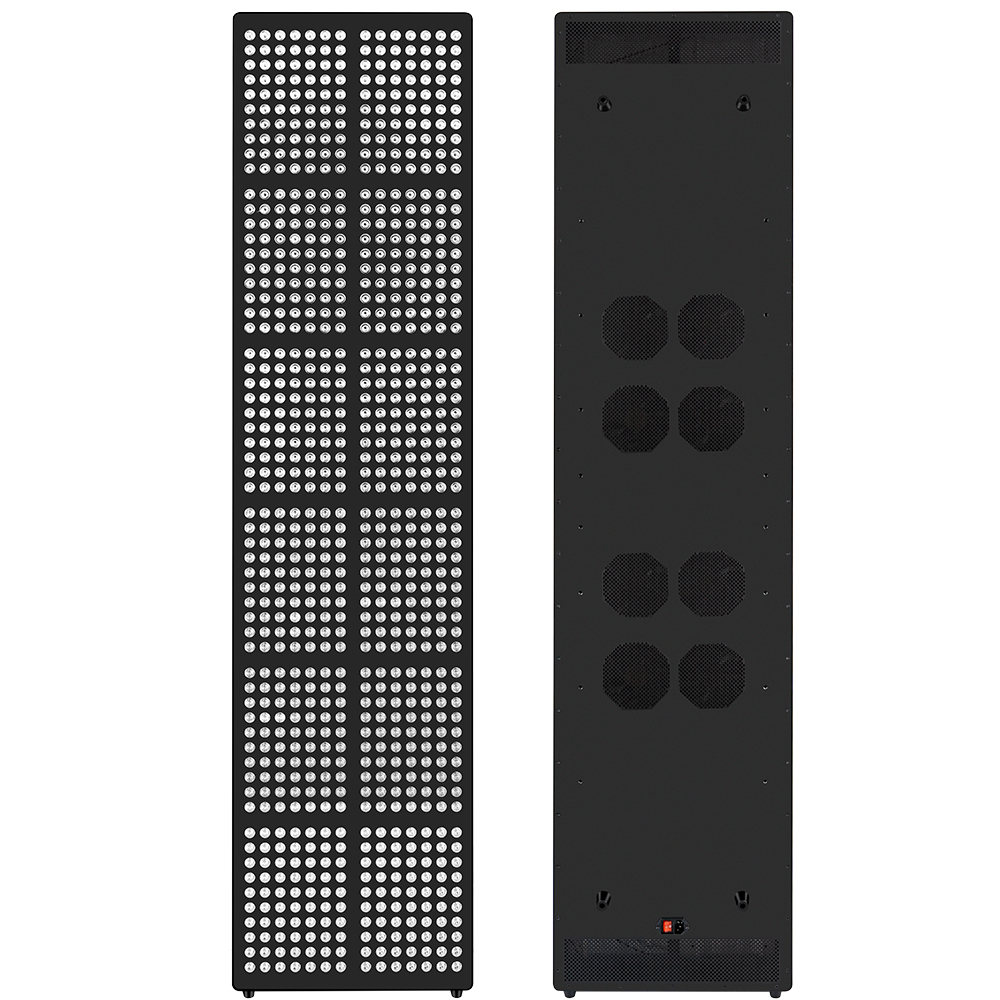
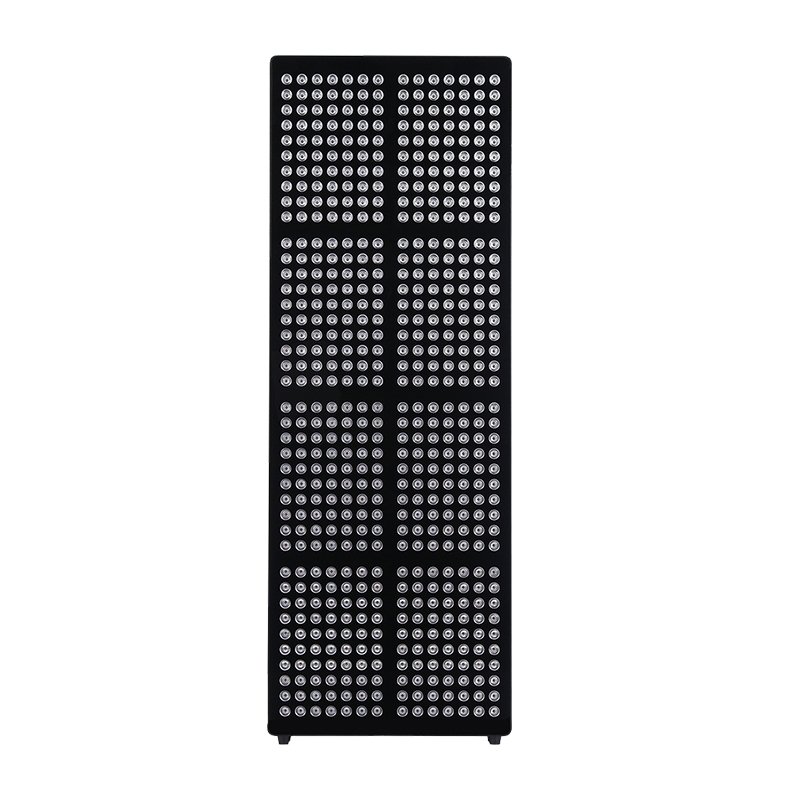
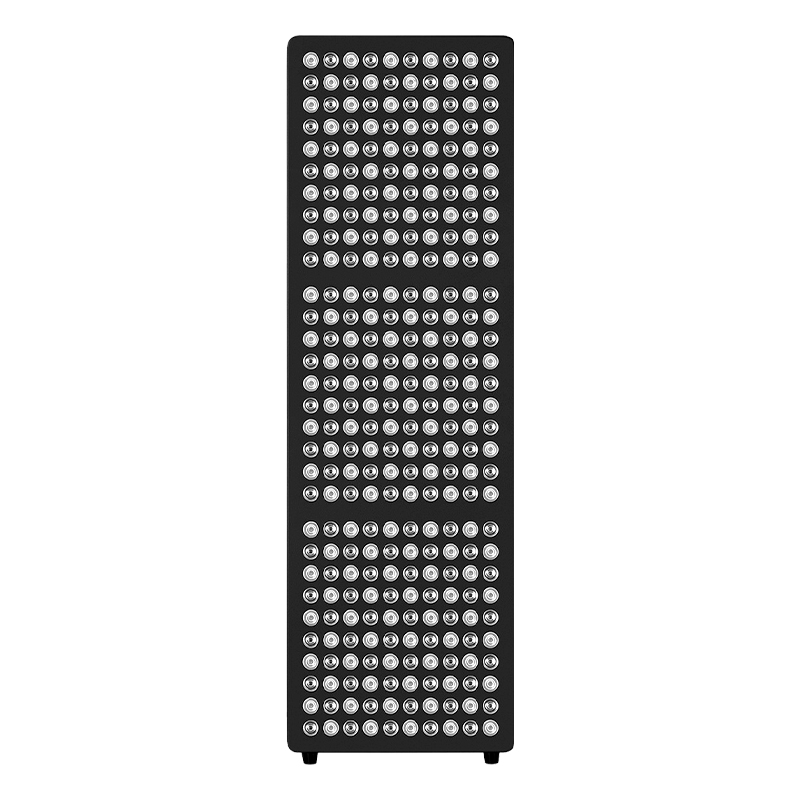
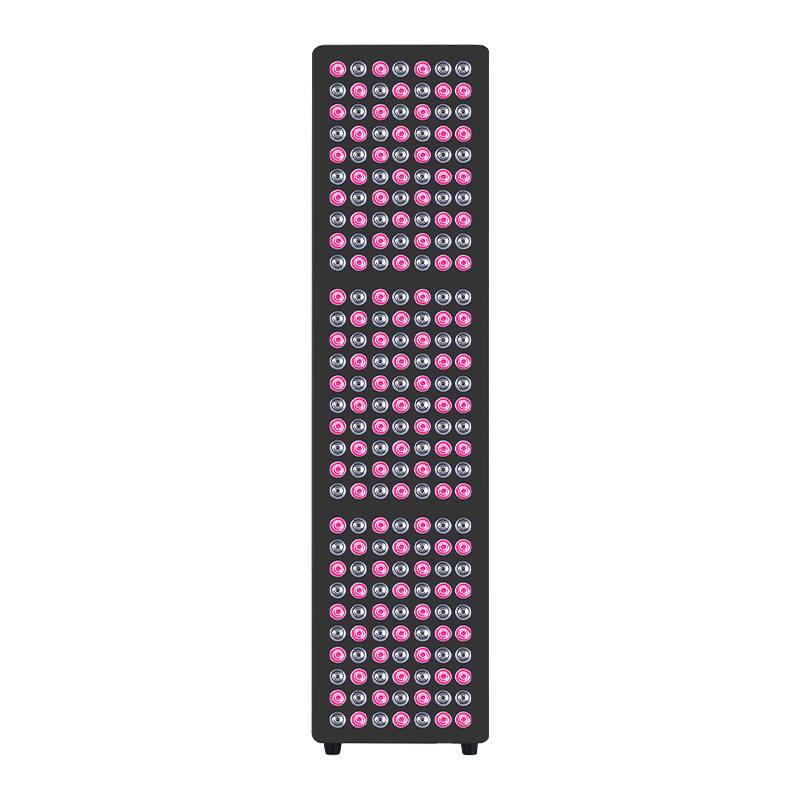
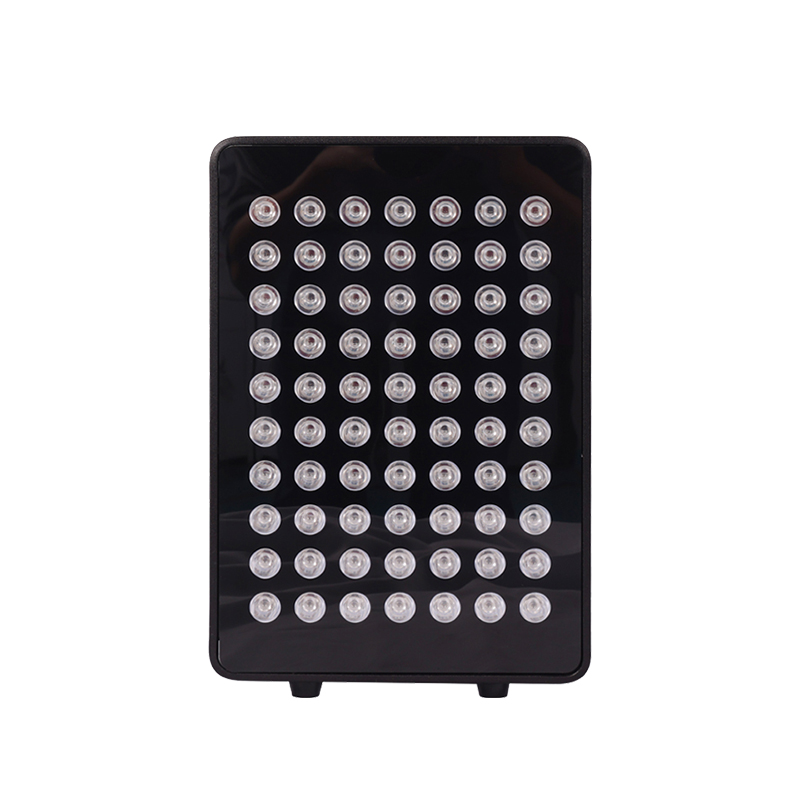
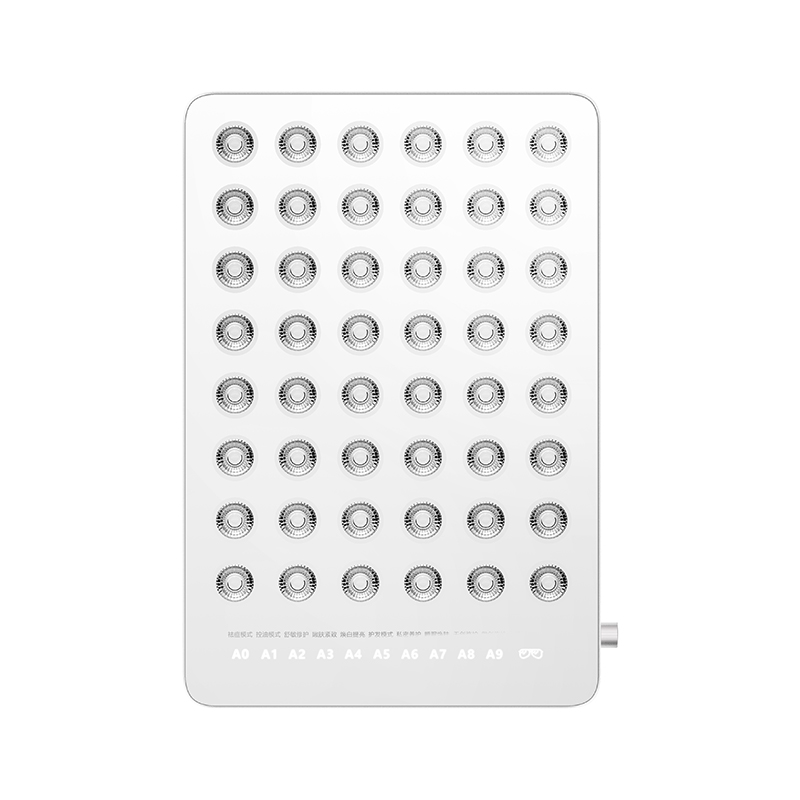
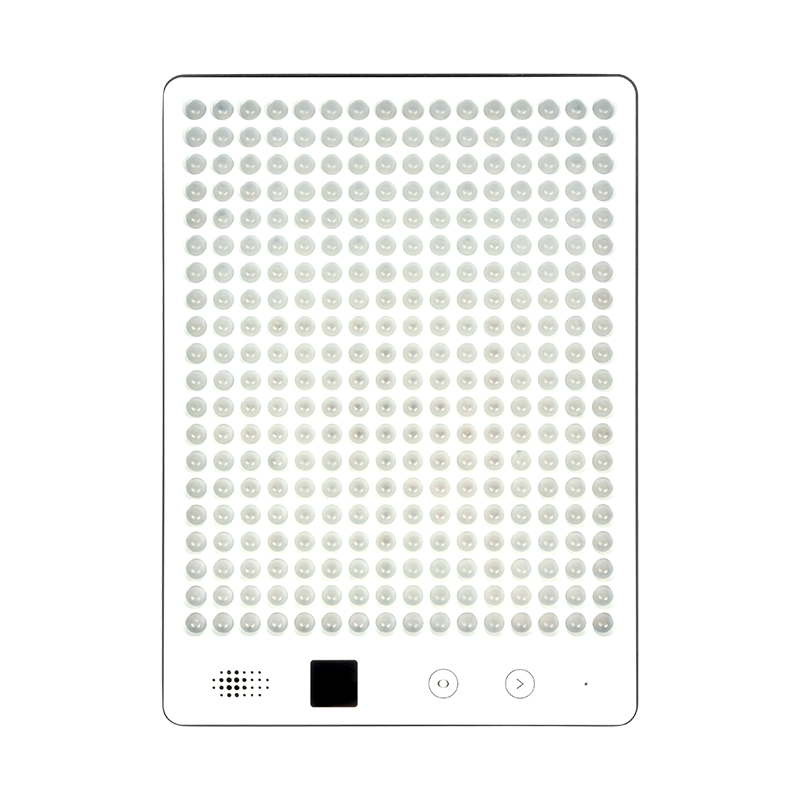
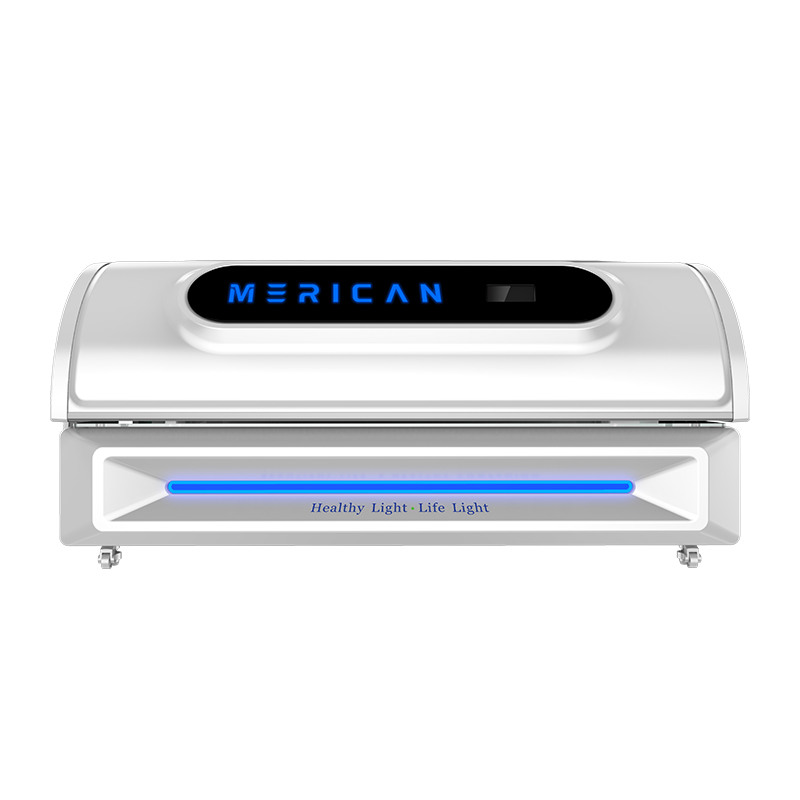
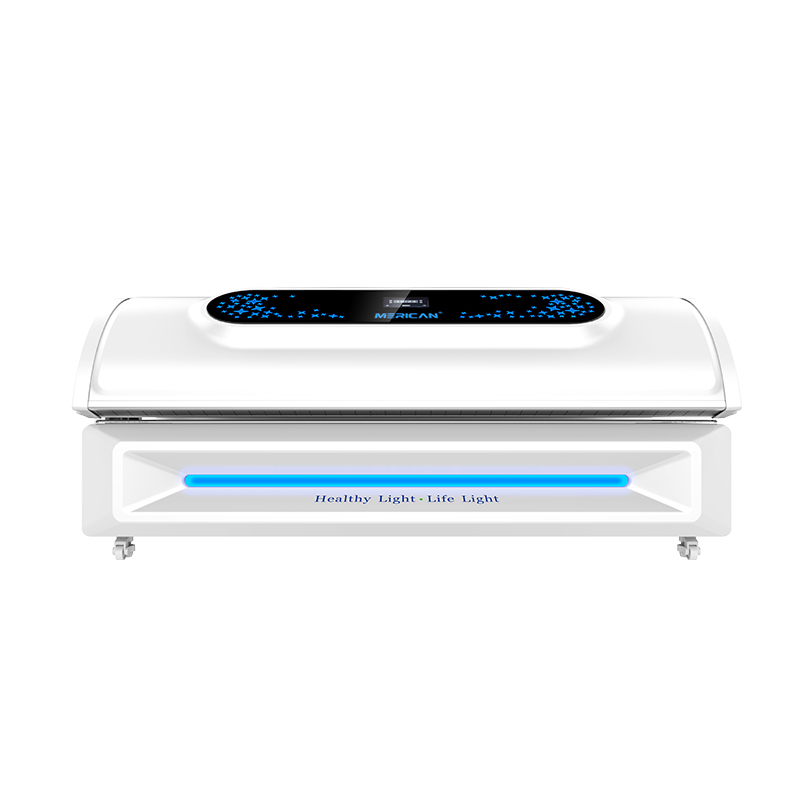
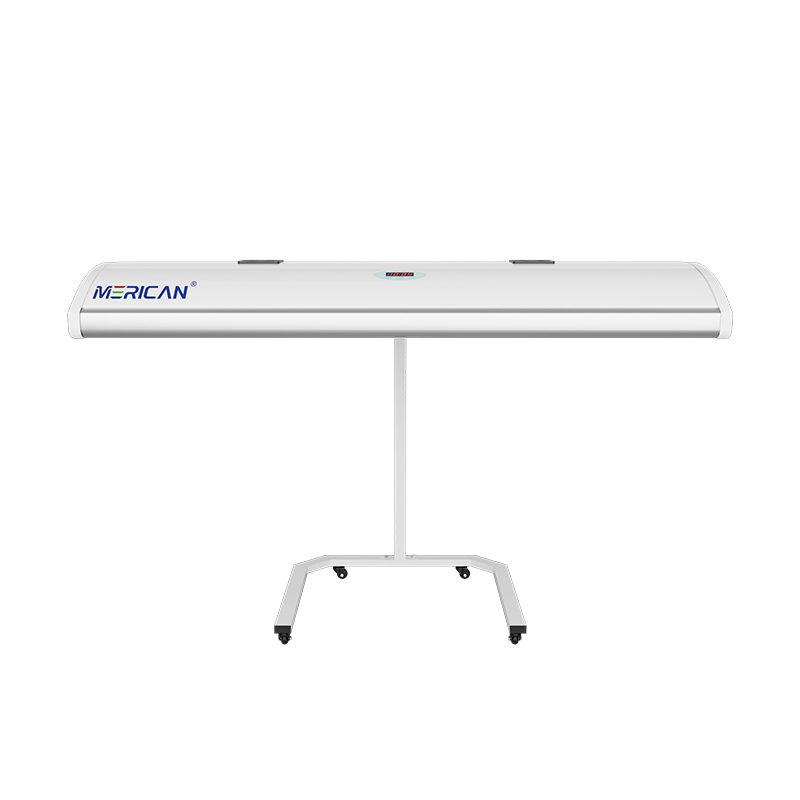
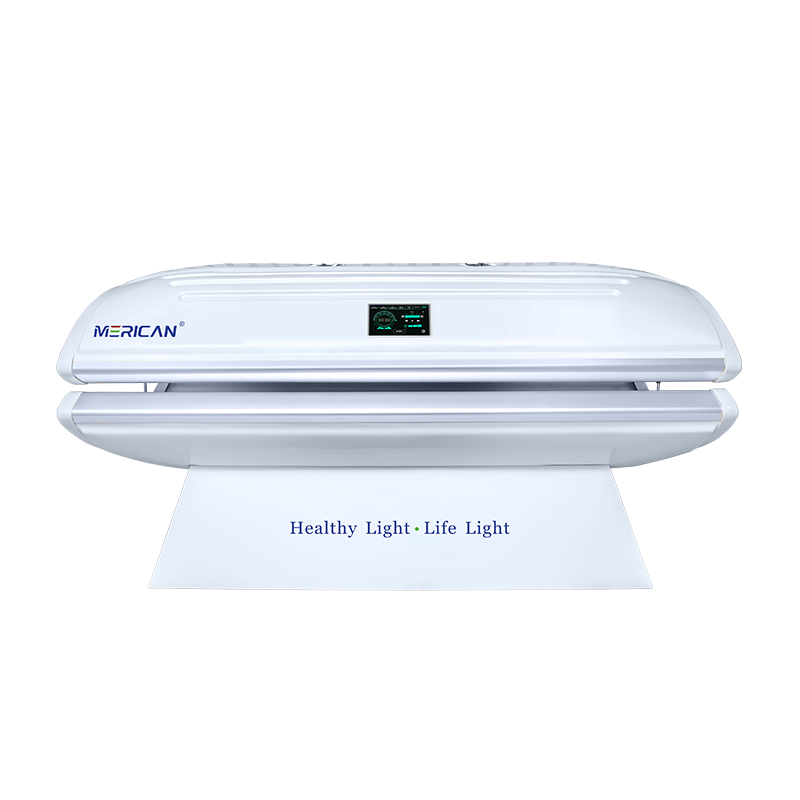
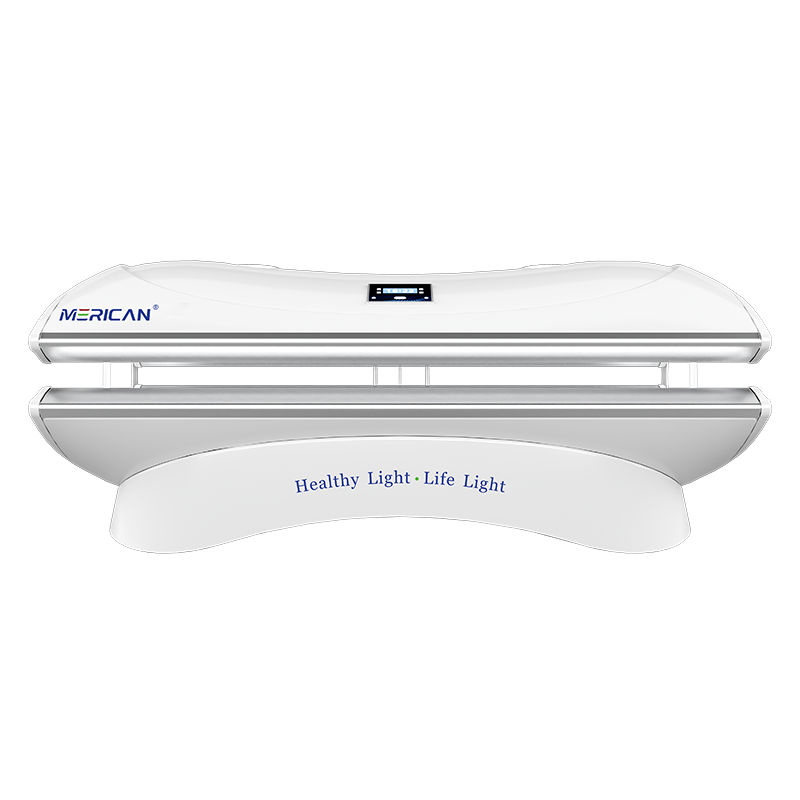
Red light therapy bed status lights show the equipment’s current operating state, but their colours and symbols do not have one universal meaning. A ready indicator may show that the bed can accept a program, while a running indicator may confirm that a cycle is active. Other signals can identify a selected mode, remaining time, completed cycle, open panel, restricted airflow, high temperature, or a service condition. To interpret them correctly, compare the display with the exact model’s manual, confirm the message from the operator’s position, and follow the response assigned to that signal. Never assume that a familiar colour means the same thing on every red light therapy bed.
Why do status lights matter on a red light therapy bed?
Status lights are part of the operating interface. They help the person supervising a session understand what the equipment believes it is doing at a particular moment. Without that information, an operator may start a program without confirming the intended mode, assume that visible light means an active treatment, or overlook the difference between a completed cycle and a temporary pause. Clear status information reduces these avoidable misunderstandings.
The signal is also important for handover between staff. If one operator leaves a bed in standby and another sees a light but does not know the previous action, the session record can become unreliable. A display that identifies the selected program, elapsed or remaining time, and current state gives the next operator a factual starting point. It can also help explain an event to the supplier if the equipment behaves unexpectedly.
Visibility matters as much as the signal itself. A status light hidden behind an open canopy or positioned away from the normal operator view may not communicate effectively. Test the indicator under the room’s usual lighting and from the locations where staff actually work. If the bed uses sound as well as light, confirm that the alert can be heard over fans, conversation, and ordinary room activity.
Which indicators usually show that the bed is ready?
A ready signal normally means that the red light therapy bed has completed its startup checks and can accept or begin the selected operating procedure. It does not necessarily mean that a user is positioned correctly, that the correct program has been chosen, or that every safety condition has been independently confirmed. Read the manual to learn what the specific ready state includes and what the operator must still check.
Look for information about the selected mode, timer, panel position, and any required accessories. Some systems show a separate program name; others use a code or icon. If the display says ready while a panel is open or a required component is absent, stop and ask the supplier whether the equipment has a different ready definition. Do not use a single green, blu, or white light as proof that all conditions are suitable.
Before the session begins, compare the display with the booking or treatment record. Confirm the intended user, programma, durata, and position according to the facility’s procedure. A ready indicator should support this check, not replace it. If the operator cannot tell which program is active, ask for clearer documentation or training before the bed becomes part of a regular routine.
What does a program or mode indicator tell you?
A program indicator identifies the operating selection made through the controller or interface. A red light therapy bed may offer different wavelength combinations, output levels, timed sequences, or user presets. The indicator should make it possible to distinguish the selected option from the other available choices. If several modes look similar, the supplier should explain how the display confirms the active setting.
Do not infer the treatment mode from brightness, colour, or the sound of the cooling system. These observations may change for reasons unrelated to the selected light setting. Ask whether the program changes output during the cycle and whether the display shows the current stage or only the name of the overall program. This distinction matters when staff are documenting what occurred.
A useful record should include the program label or code, timer selection, and any manual adjustment permitted by the manufacturer. If the display resets after a session, record the information before starting another user. When an update changes the names or arrangement of programs, replace old training cards and operating notes. The indicator is most useful when the language on the screen, the manual, and the staff record all match.
How can you tell when a session is running?
A running indicator should show that the bed has moved from setup into an active cycle. It may be a changing timer, a progress message, a symbol, or a combination of light and sound. Confirm what the signal represents: some equipment displays the full program duration, while other systems show only the current phase. A fan or illuminated panel alone is not enough to establish that the expected treatment sequence is active.
Check whether the display identifies remaining time and whether it changes during pauses. If a user requests a break, the operator should know whether the timer stops, continues, or cancels the program. This information prevents a second session from being started accidentally or a planned exposure from being recorded incorrectly. The manual should explain how to resume, restart, or end a paused cycle.
During a running cycle, the operator should still be able to see the essential status information or receive it through the user communication system. If the canopy or room layout blocks the display, establish another approved method of supervision. Never open panels, change position, or alter settings simply to investigate a running indicator unless the operating instructions permit it.
What does a completed-cycle indicator mean?
A completed-cycle indicator tells the operator that the programmed sequence has reached its end, but the next step depends on the design. The bed may enter standby, continue a cooling period, request a reset, or require a manual acknowledgement. Read the exact procedure rather than assuming that the first light going off means every part of the equipment has stopped.
Ask the supplier whether fans, displays, or other components remain active after light output ends. The display should make that distinction understandable so that staff do not describe a cooling period as continued treatment or start cleaning while a component is still operating. A clear end-of-cycle message also helps prevent the next appointment from beginning before the bed is ready.
Record the completed program and any unusual delay. If the bed repeatedly fails to display completion, remains in a running state, or resets without a clear end signal, remove the ambiguity from the workflow. Have the supplier or an authorized technician review the behaviour. Repeatedly pressing controls until the display changes may erase useful information and does not establish that the cycle ended correctly.
How should you interpret pause and interruption signals?
A pause signal means that the planned sequence is temporarily different from normal operation. It may be triggered by a user request, a control action, an interlock, a temperature condition, or another equipment event. The operator needs to know whether the user remains exposed, whether the timer is frozen, and whether the bed can be resumed. These details vary by model and should be taken from the manual.
When an interruption occurs, check the user’s condition first and use the approved stop or communication method. Note the display message, the time, the selected mode, and what caused the interruption if known. Do not assume that a warning disappearing after a button press means the underlying condition has been corrected. If the cause is not clear, keep the session stopped and seek direction.
A good operating procedure defines who may resume a paused cycle and when a new session is required. It should also explain how to prevent duplicate exposure after a timer has been interrupted. For commercial facilities, staff should practise this scenario during training. Per uso domestico, keep the manual available rather than relying on memory or online advice that may describe another red light therapy bed.
Which signals require an equipment or environment check?
Some indicators point to a condition that should be checked before normal operation continues. Examples may include restricted airflow, elevated temperature, panel misalignment, an open access cover, or a sensor that does not confirm the expected position. The display may identify the category without identifying the exact cause. Operators should perform only the visible checks authorized by the manual.
Begin with the room and equipment conditions. Confirm that vents are not covered, required clearances are available, the room meets the stated operating conditions, and movable panels are positioned without force. Do not bypass an interlock, add an improvised cooling arrangement, or open an enclosure to investigate a status signal. If the basic check does not resolve the message, stop the bed and contact the responsible support channel.
Record whether the signal appears at startup, during a session, or after repeated use. Timing and repetition can help a technician distinguish an environmental issue from a developing equipment fault. A bed that appears to run after a reset may still require review. The correct response is not to extend the timer or continue using the machine until the signal becomes more convenient.
What should you do when a service indicator appears?
A service indicator means that the bed requires attention under its maintenance or fault procedure. It may be scheduled, triggered by a component, or associated with a stored event. Find out whether the current cycle may finish or whether the equipment must stop immediately. Only the product manual or an authorized supplier should define that decision; staff should not create a universal rule for all models.
Write down the exact code or wording, equipment identifier, recent program, data, and any unusual heat, sound, delay, or control behaviour. Take a photograph of the display if the supplier requests one and if doing so is safe. Do not clear the message merely to keep the bed available. A reset can remove visible evidence while leaving the cause unresolved.
In a commercial setting, mark the equipment as unavailable when required, inform the next shift, and record the return-to-service decision. Ask how the supplier will confirm that a repair or inspection is complete. A service light should connect the display to a controlled maintenance process, not to repeated restarts that make fault history harder to understand.
How should operators learn the meaning of status lights?
Training should use the actual red light therapy bed, its current manual, and its current software or control-panel version. Staff should be able to identify ready, selected program, active cycle, pause, completion, user call, equipment warning, and service states. They should also know where the stop control is and what information to preserve when an unfamiliar message appears.
Use short practical scenarios. Ask the operator to explain what they would do if the display showed ready but the panel was not positioned correctly, if the timer stopped unexpectedly, if a completed-cycle message did not appear, or if a service symbol showed at startup. The correct answer should refer to the model-specific procedure, not to colour recognition alone.
Refresh the training after a software update, equipment replacement, revised manual, repeated fault, or incident. Keep a record of the training date and the equipment covered. If two beds use different symbols for similar states, label them separately. Consistent vocabulary helps staff hand over sessions, report events, and avoid treating a warning on one model as though it had the same meaning on another.
Red light therapy bed status-light checklist
| Display state | What to confirm | Appropriate response |
|---|---|---|
| Ready | Program, position, timer, and required setup | Continue only after the manual’s pre-use checks are complete |
| Program selected | Mode or code matches the intended record | Confirm the selection before starting the cycle |
| Session running | Active phase, remaining time, and pause behaviour | Supervise according to the operating procedure |
| Paused or interrupted | User condition, cause, and timer behaviour | Stop or resume only as the manual permits |
| Cycle complete | Light output, cooling period, and reset requirement | Follow the end-of-session and cleaning process |
| Panel or position alert | Visible alignment and approved clearance | Correct only as instructed; escalate if the signal remains |
| Airflow or temperature alert | Vents, room conditions, and heat status | Pause or stop and contact support if unresolved |
| Service indicator | Exact code, recent events, and maintenance status | Isolate when required and obtain authorized guidance |
| Unknown signal | User safety and preserved display information | Do not guess or repeatedly reset the equipment |
Use the checklist as a training aid alongside the product manual. The colours, symbols, and required actions may differ between manufacturers. If the supplier cannot explain a status message, record the gap and resolve it before the bed is returned to routine use.
Final takeaway
Red light therapy bed status lights mean whatever the specific equipment manual defines, not whatever a colour suggests from another device. In practice, the operator should identify whether the bed is ready, programmed, corsa, paused, complete, checking a condition, or requesting service. The signal should be visible from the correct position, match the written procedure, and lead to a documented action. When a message is unfamiliar or inconsistent, protect the user, preserve the display information, stop or pause as instructed, and seek authorized guidance.
The direct answer to the title question is to read the label or symbol together with the operating state and the manufacturer’s response procedure. A clear status light supports reliable sessions; it does not replace pre-use checks, supervision, manutenzione, or training. Treat unclear indicators as an information gap and resolve that gap before regular operation. This approach also helps staff document sessions consistently, gives service teams better evidence, and prevents a familiar colour from being mistaken for proof that the equipment is safe or correctly configured.